




This extension is available at the following extension marketplaces:
Run one of the following commands depending on the editor you are using:
- For
vscode:code --install-extension SarahRidge.vscode-monokai-minimal - For
cursor:cursor --install-extension SarahRidge.vscode-monokai-minimal
In your editor, set the theme:
- Press command K T
- Select Monokai Minimal
.rb |
.js |
|---|---|
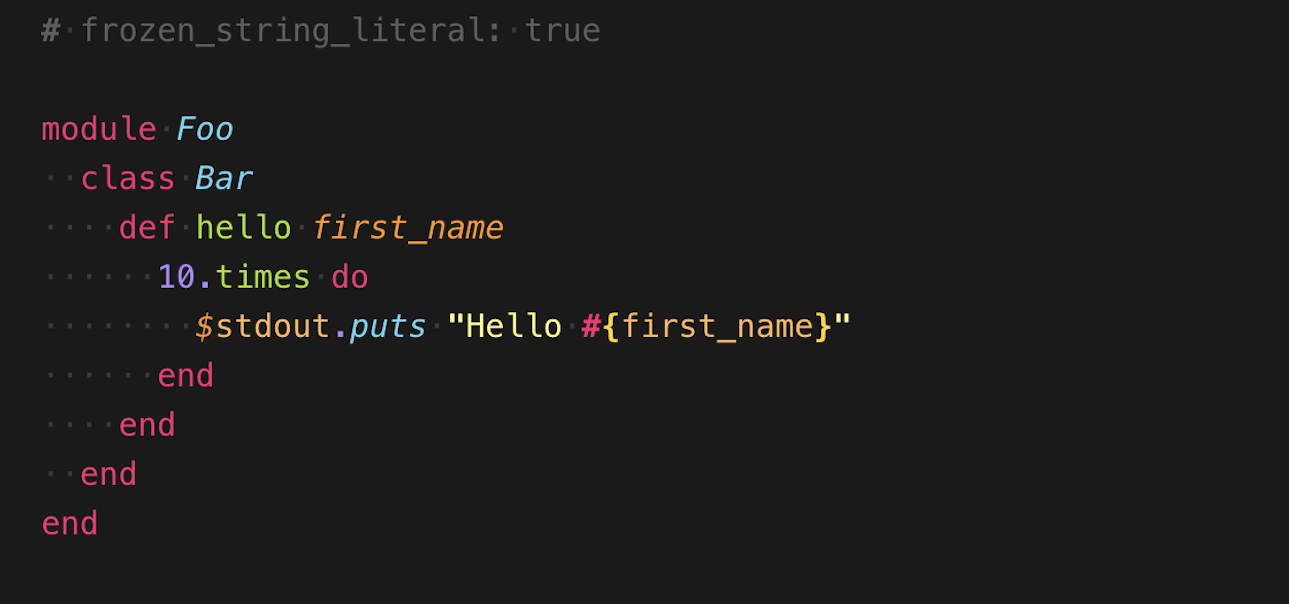 |
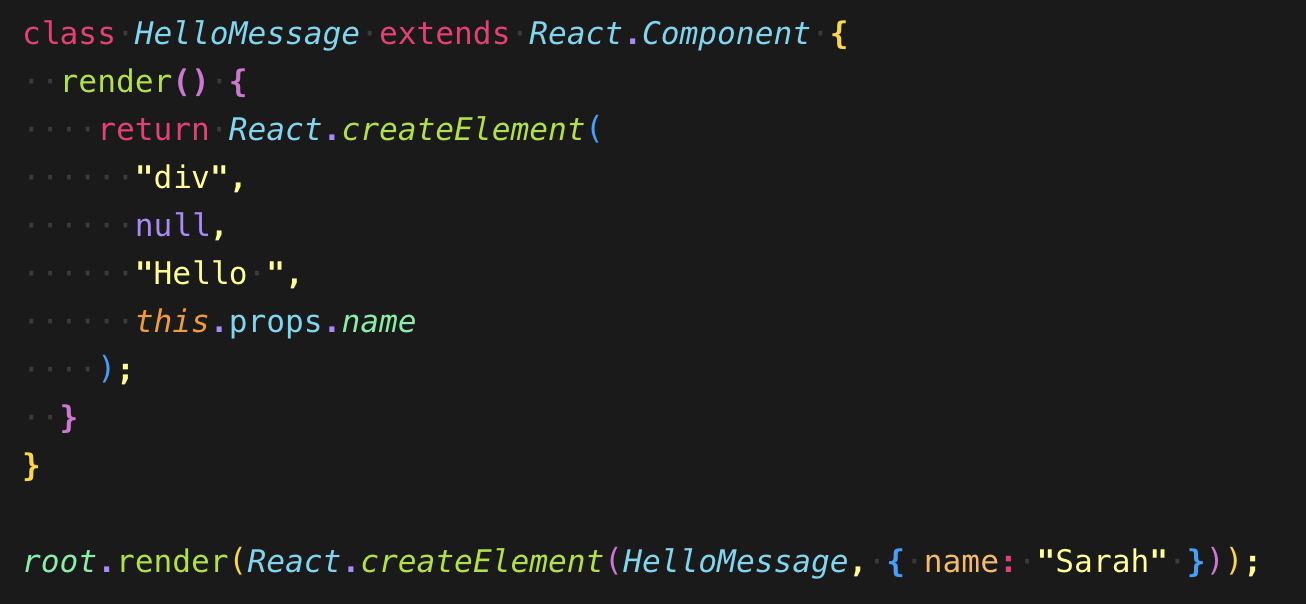 |
| Name | Code | Sample |
|---|---|---|
| Black Dark | #121212 |
 |
| Black Medium | #1a1a1a |
 |
| Blue | #62d8f1 |
 |
| Cyan | #62f1a2 |
 |
| Green | #a4e400 |
 |
| Gray | #959da5 |
 |
| Gray Blue | #424d66 |
 |
| Magenta | #f92672 |
 |
| Orange Dark | #ff9700 |
 |
| Orange Medium | #ffb140 |
 |
| Orange Light | #ffb957 |
 |
| Purple | #af87ff |
 |
| White | #ebebe4 |
 |
| White Light | #b3b3b3 |
 |
| Yellow | #ffff87 |
 |
| Yellow Dark | #ffe100 |
 |
git clone git@github.com:smridge/vscode-monokai-minimal.git- Run
yarn install - Make changes to the
/src/theme.jsfile.- UI: For changes to the "outer UI", like (status bar, file navigation etc.), see Theme Color.
- Syntax: For changes to the "code highlighting", examine syntax scopes by invoking Scope Inspector command from the Command Palette
- command shift P
- Type and select:
Developer: Inspect Editor Tokens and Scopes
- Press F5 to open a new window with extension loaded.
- This will run build script and auto generate new
/theme/dark.jsonfile.
- This will run build script and auto generate new
Note: Publishing a new version of this theme is only meant for maintainers.
yarn run vs-package- Publish to VSCode Marketplace:
yarn run vs-publish - Publish to Open VSX Registry:
npx ovsx publish <.vsix file> -p <OpenVSX PAT>