- Usage
- Relationship To Firmware Releases
- Prerequisites
- Starting the Development Environment
- Running the UI from This Repository
- Building
- Packaging Offline Desktop Builds
- Cleaning
- License
opendeck-ui is the web configurator for the OpenDeck MIDI
platform.
It provides the user-facing configuration interface for OpenDeck devices, including:
- device identification
- configurable component settings
- preset and system settings
- firmware update checks
- WebUSB bootloader firmware updates
- backup and restore
The firmware, hardware targets, and main documentation live in the main OpenDeck repository.
Click the image below for a demo video of the OpenDeck configurator
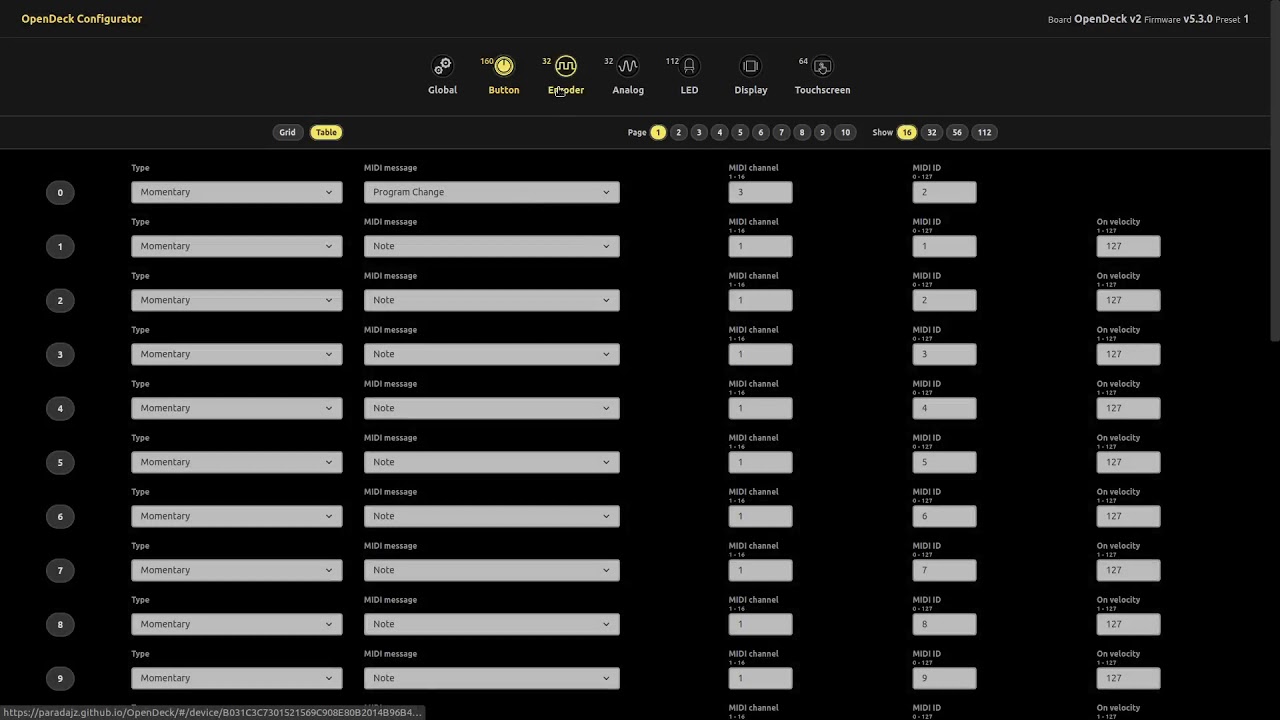
The configurator is available in two forms:
- online at config.shanteacontrols.com
- as offline desktop packages attached to releases
Offline release packages are published per platform:
darwin-arm64darwin-x64linux-x64win32-x64
The configurator identifies supported boards by their OpenDeck target UID. For supported targets, it also knows the expected firmware release asset name used for update checks and download links.
Current firmware-update assets are expected to use the flattened release names produced by the main project release helper, for example:
pico.dfu.binpico2.dfu.binblackpill411.dfu.bin
This project uses Yarn, Vite, Vue 3, and Electron. All the used tools are packaged in a Docker container.
The officially supported host environments are Ubuntu 22.04 and 24.04 with:
docker-ce- Visual Studio Code
- the Remote Development extension pack
Also ensure that your user account is in the docker group so that Docker commands can run without sudo.
From the opendeck-ui/ repository root, run:
code .VSCode will offer to reopen the repository in the devcontainer. Choose Reopen in Container.
The devcontainer is the supported development environment and contains Node.js, Yarn, Electron Packager, Wine, and the extra tools used by this repository.
From the repository root inside the devcontainer, run:
makeThis installs dependencies if needed and starts the local development server.
If you prefer the direct command, the equivalent is:
yarn
yarn devTo build the web application bundle to be published on a web server:
make prodThis runs the Vite production build and writes the output to dist/.
To package the Electron-based offline configurator:
make pkg PLATFORM=linux
make pkg PLATFORM=win32
make pkg PLATFORM=darwin ARCH=x64
make pkg PLATFORM=darwin ARCH=arm64
The packaged zip archive is written to build/.
These macOS release archives are packaged on Linux and are not signed or
notarized. Apple Silicon support is therefore published as a separate
darwin-arm64 zip, and end users may still need to explicitly allow the app
through macOS Gatekeeper.
To remove generated build output:
make cleanThis project is licensed under the Apache License 2.0. See LICENSE.