


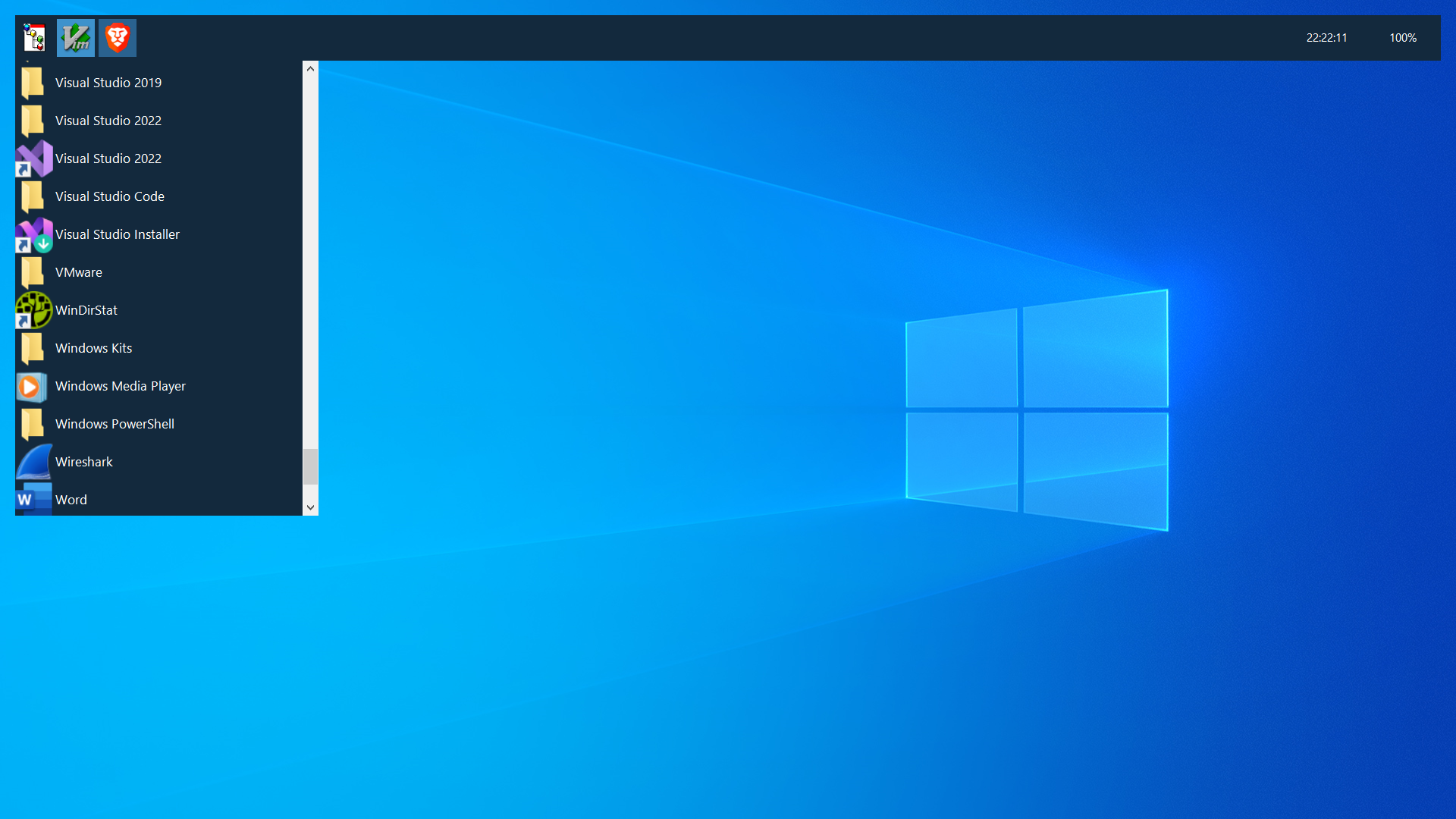
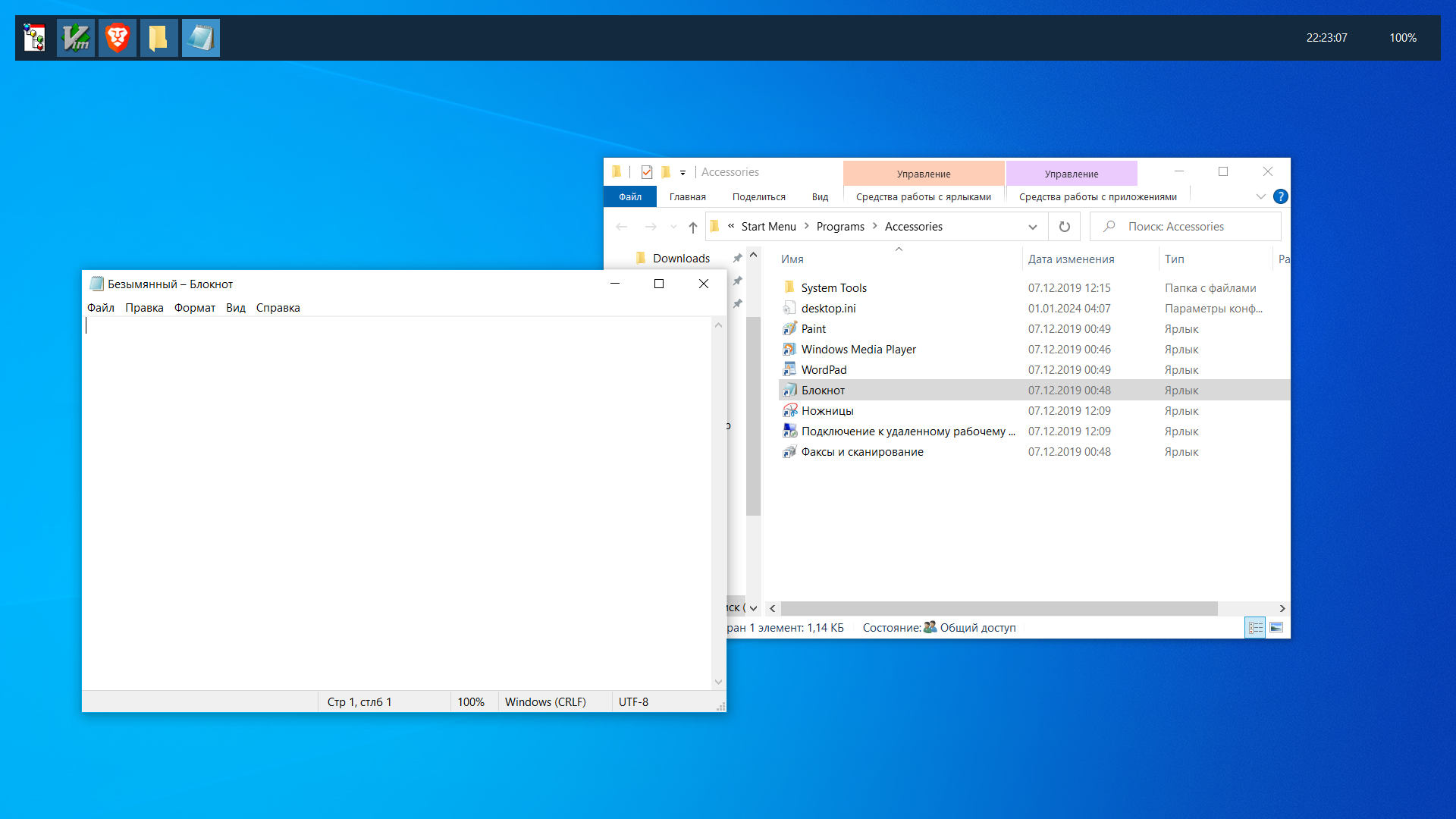
RedEye is a free, open-source, very flexible, fully customizable and extendable Windows shell. Say goodbye to laggy Explorer with fixed taskbar size!
Take your desktop look under YOUR control!
- Explorer is laggy piece of vibecode with CPU-consuming start menu components on React Native;
- Modern Windows lacks customizability. RedEye takes it back - it allows you to customize everything you want;
- RedEye won't (probably) break after a Windows update. Almost all the code is using only documented Windows APIs;
- You don't need to know any programming language to customize RedEye - just take some plugins and create your perfect UI layout with simple XML-based markup.
- Extensible modular core
- XML-based markup
- Plugin system and APIs for every part of the shell
- Some basic widgets (such as window list, start menu, wallpaper, clock and so on)
- Fully customizable hotkeys
- WiFi network manager widget
- Volume control (only hotkeys are present yet)
- Tray icon support
- Window manager :>
- C# (.NET Framework 4.8)...
- and a lot of WinAPI magic :3
Expand
You'll need .NET SDK.
git clone https://github.com/ryzhpolsos/redeye
cd redeye
dotnet build -c Release
- Go to "Releases" section and download the last release
- Extract the archive in any folder you like
- Run the script named
install.batas administrator - Log off and log on back to see your new shell.
Run the script named uninstall.bat as administrator in the RedEye folder.
The project is developed and distributed under GNU GPLv3 License.