This is sample application which demonstrates how envoy can be used as a rate limiting service in service fabric managed cluester.

- Clone the repo.
- Open PowerShell.
- Change the directory to cloned rate-limiter-servicefabric directory.
- Login into container registry.
docker login {azurecontainerhost}.azurecr.io -u {azurecontainerhost} -p {authkey}
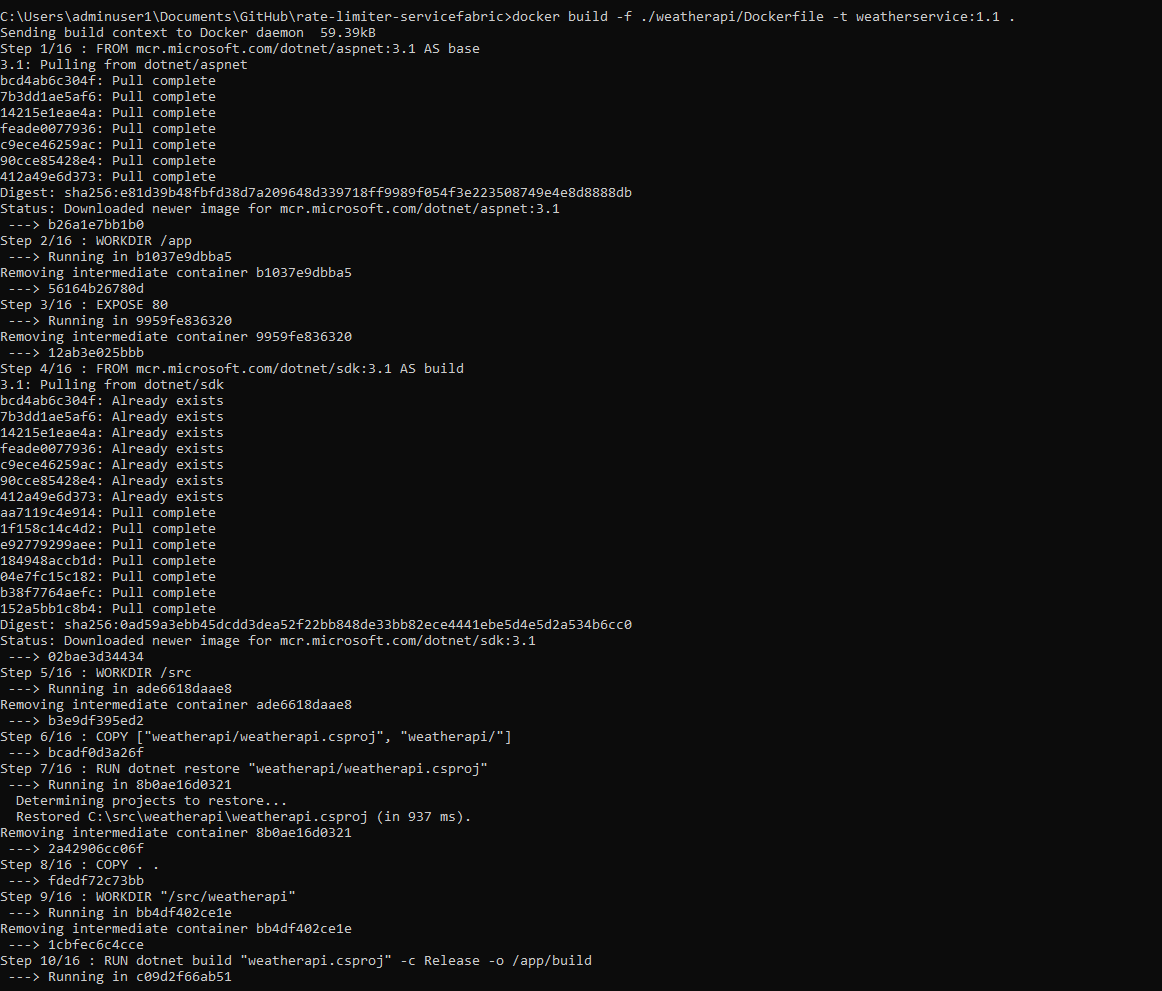
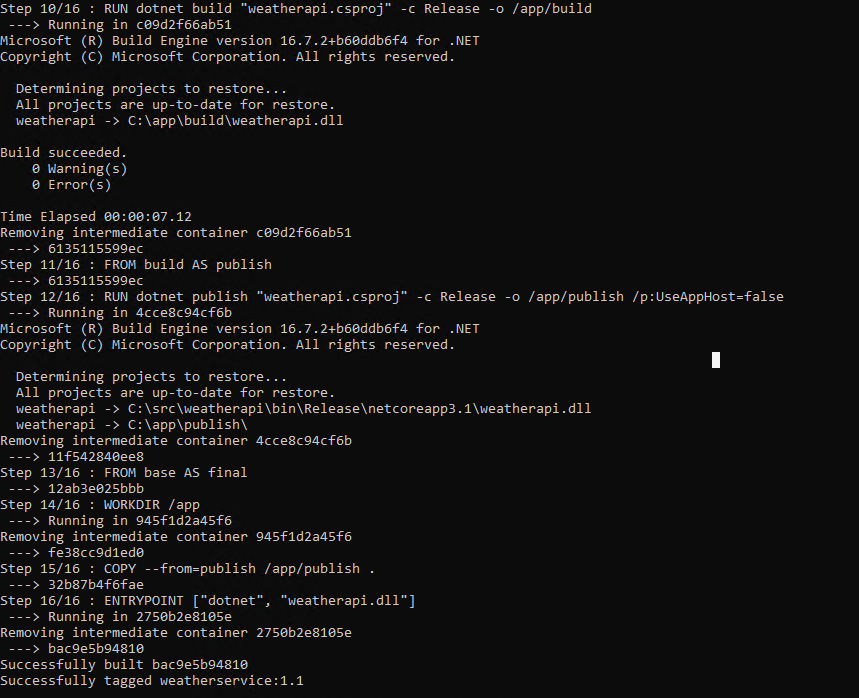
- Docker build the weather api project
docker build -f ./weatherapi/Dockerfile -t weatherservice:1.1 .
- Docker tag and push
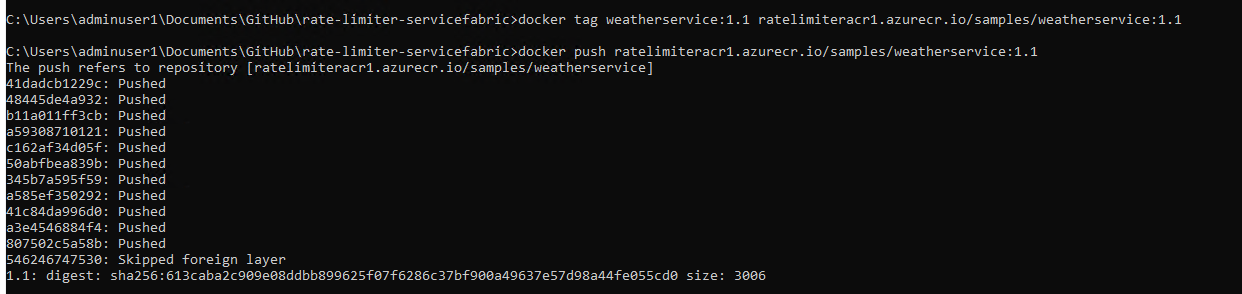
docker tag weatherservice:1.1 {azurecontainerhost}.azurecr.io/samples/weatherservice:1.1
docker push {azurecontainerhost}.azurecr.io/samples/weatherservice:1.1
- Envoy config which should be used is copied to base container image which is specified in envoy/DockerFile.

Any Envoy Filters can be used depending upon the requirement.
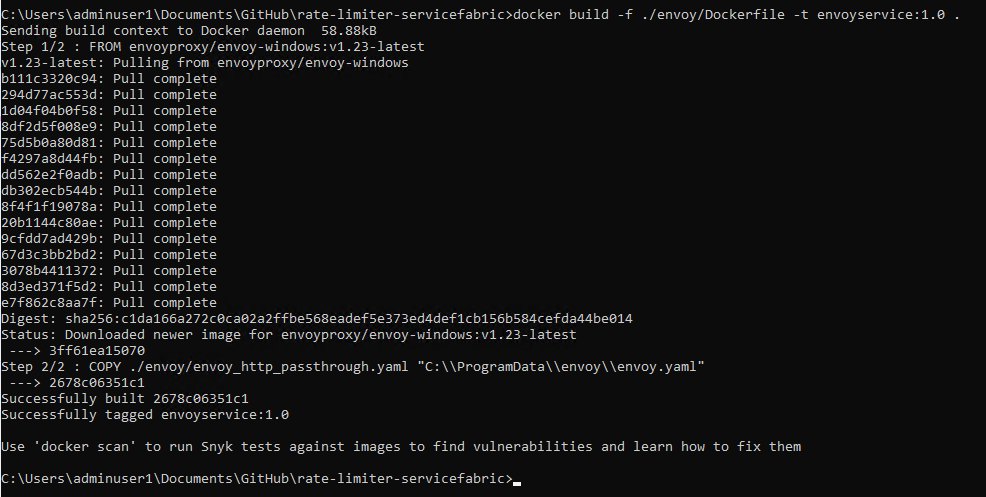
- Docker build.
docker build -f ./envoy/Dockerfile -t envoyservice:1.0 .
- Docker tag and push.
docker tag envoyservice:1.0 {azurecontainerhost}.azurecr.io/samples/envoyservice:1.0
docker push {azurecontainerhost}.azurecr.io/samples/envoyservice:1.0
- Open ratelimiterservicefarib.sln file in Visual Studio

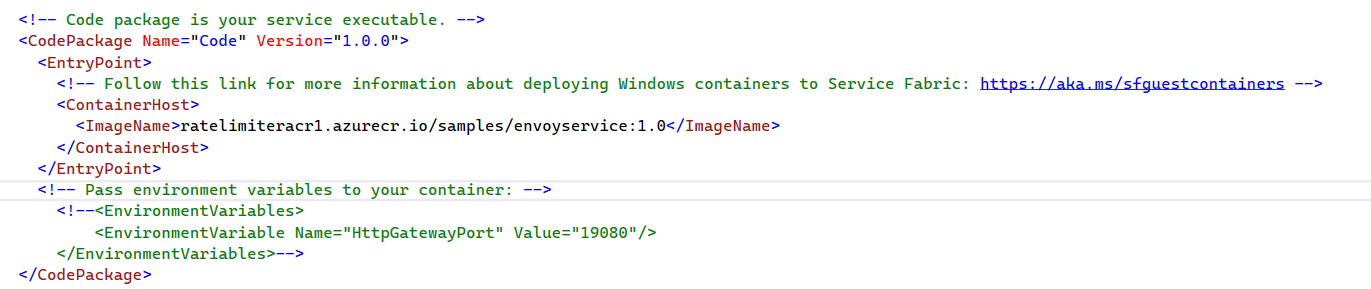
- Update weatherservicePkg > ServiceManifest > ImageName with image path in ACR

- Update envoyservicePkg > ServiceManifest > ImageName with image path in ACR
- Update ACR account name and password in Application Manifest > Repository Credentials for both the services.

- Build the ratelimitersf project.
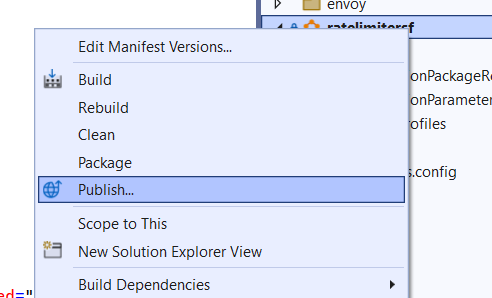
- Publish the ratelimitersf project to the service fabric managed cluster.