
rlText is a library that contains an alternate font rendering system for raylib, that supports some new features not found in the core system
- Better support for HighDPI displays and automatic display scaling
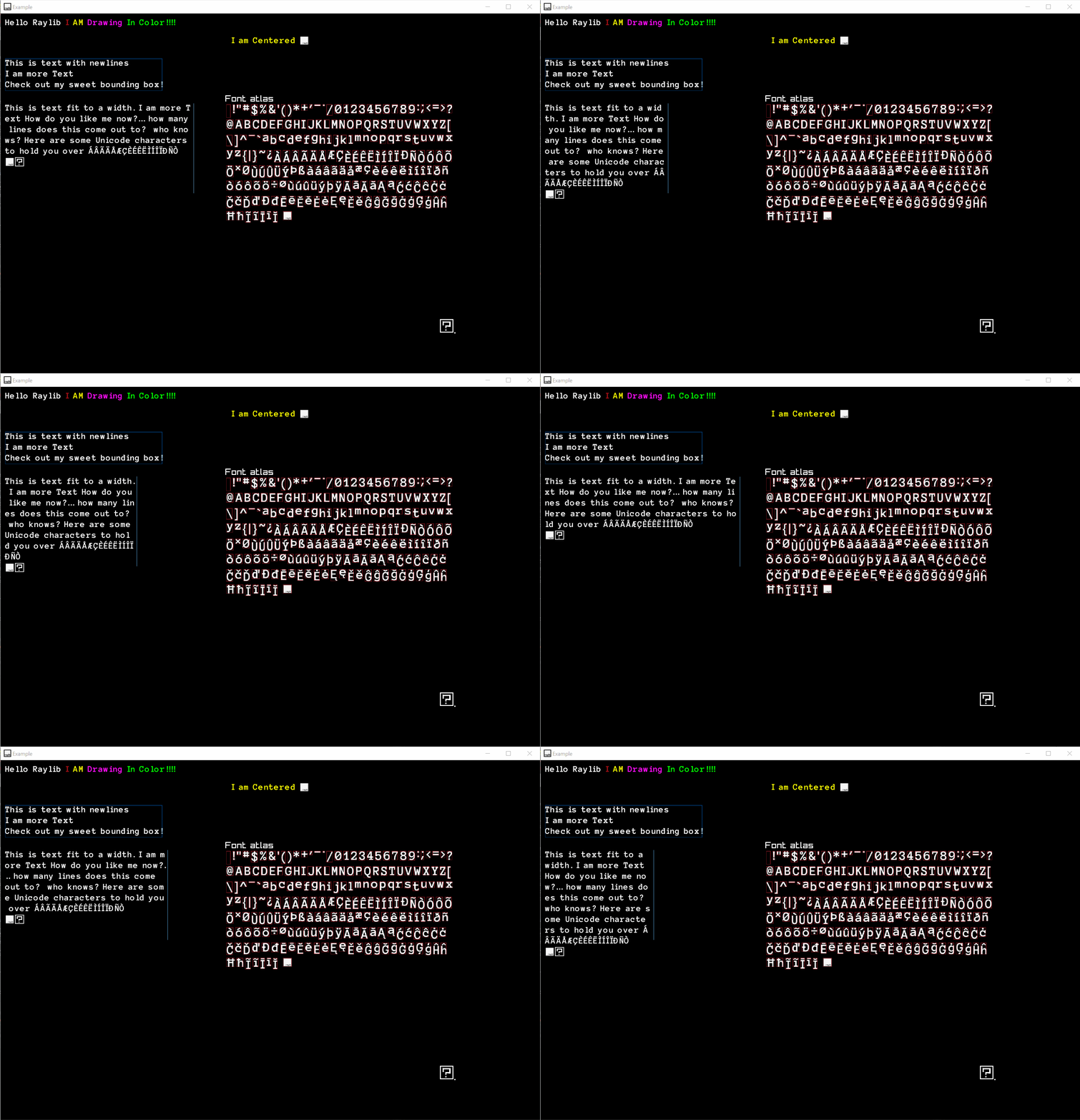
- Alignment (left, right, center)
- Text Wrapping
- Better handling of glpyh ranges
- Custom glyphs
- Inline color changes
- Kerning
- Flip Y for use with render textures
- Merge glyphs from other fonts
- Add glyph ranges as needed
- Atlas resizing
This library currently has some limitations
- TTF only, bitmap fonts are not supported
- Grayscale glyph rendering only
rlText is a **single header library for C++ **, it has no additional .cpp files to build. just add rlText.h to your project and add #define RL_TEXT_IMPLEMENTATION before you include it in your cpp file:
#define RL_TEXT_IMPLEMENTATION
#include "rlText.h"
The header does have some dependencies on files that ship with raylib, such as
- raylib.h // for drawing
- raymath.h // for maths
- external/glad.h // to get the maxium texture size for atlas bounds
- external/stb_truetype.h // to read the truetype data
The code assumes that the raylib src dir will be in your include paths, and will use paths relative to that include dir.
rlText has a Pure C compatible API in rlTextC.h to your project and build the rlTextLibrary as a shared library and link it to your game. The dependencies on raylib headers are the same
The APIs are documented in the header files for each API.
The examples use Game-Premake from https://github.com/raylib-extras/game-premake/
You can run the batch files on Windows or premake5 gmake2 on other OSs to generate makefiles or Visual Studio proejcts for the examples, but it is not required to use the lib. The library and it's examples are also setup for use in VSCode, simply open the folder in VSCode and run the build task.
The example folder contains simple use cases of the library.
The library does use C++ but does not use any complex classes or templates. Only basic C++ features such as references and containers are used. A C compatible header and library are available if needed (see C building instructions above)
The font drawing system uses \a as an escape code for color, simply provide \a then a HTML color code "Text \a#FF0000FFTHIS TEXT IS RED" This will swap to the red color after "\a#FF0000FF". The color state will stay untill you change it back to a specific color. Text will default to the tint color. You must specify all 4 components of the HTML color, including the alpha
- Cache multiple sizes of glyph in the same atlas so it can be used at multiple sizes?