
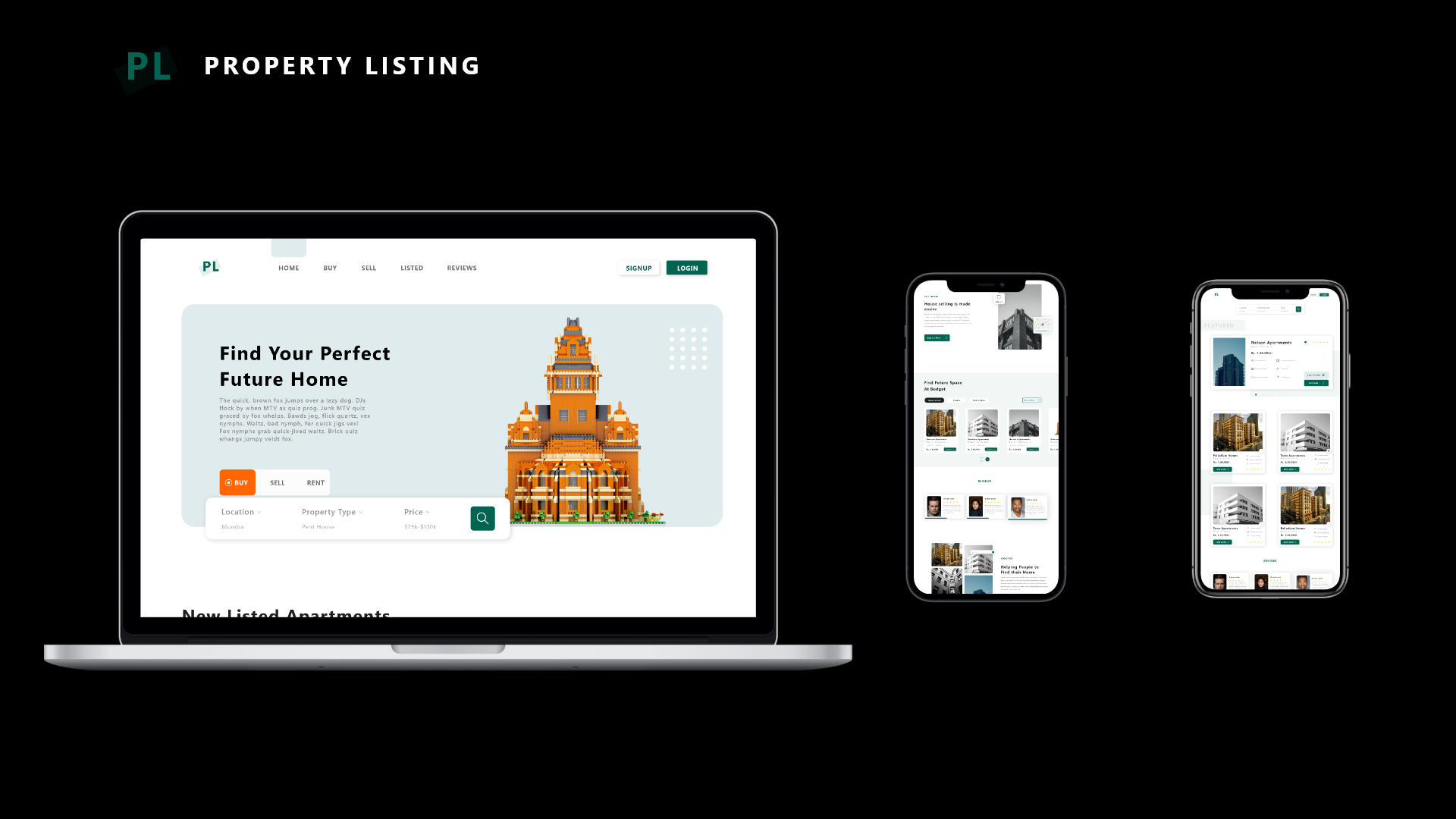
PL (Property-Listing) is an online web application that serves as a single platform for property buyers and sellers in India to discover properties of interest.
For the service that runs the backend of the application check out Property-Listing-Backend.
- Clone the repo:
git clone https://github.com/parithoshpoojary/property-listing.git - Change your dir to:
cd property-listing/
This will get a copy of the project installed locally. To install all of its dependencies and start the application, follow the instructions below.
Make sure you have the Angular CLI installed globally. I used npm package manager to manage all the dependencies. To install npm click here.
Change your dir to: cd property-listing/master/frontend
After installing the npm, run npm install on the commnad prompt to resolve all dependencies (might take a minute or so).
Run ng serve for a dev server. Navigate to http://localhost:4200/. The app will automatically reload if you change any of the source files.
Run ng build to build the project. The build artifacts will be stored in the dist/ directory. Use the --prod flag for a production build.
For more information on building and running the application, visit Angular - Serve, Angular - Build.
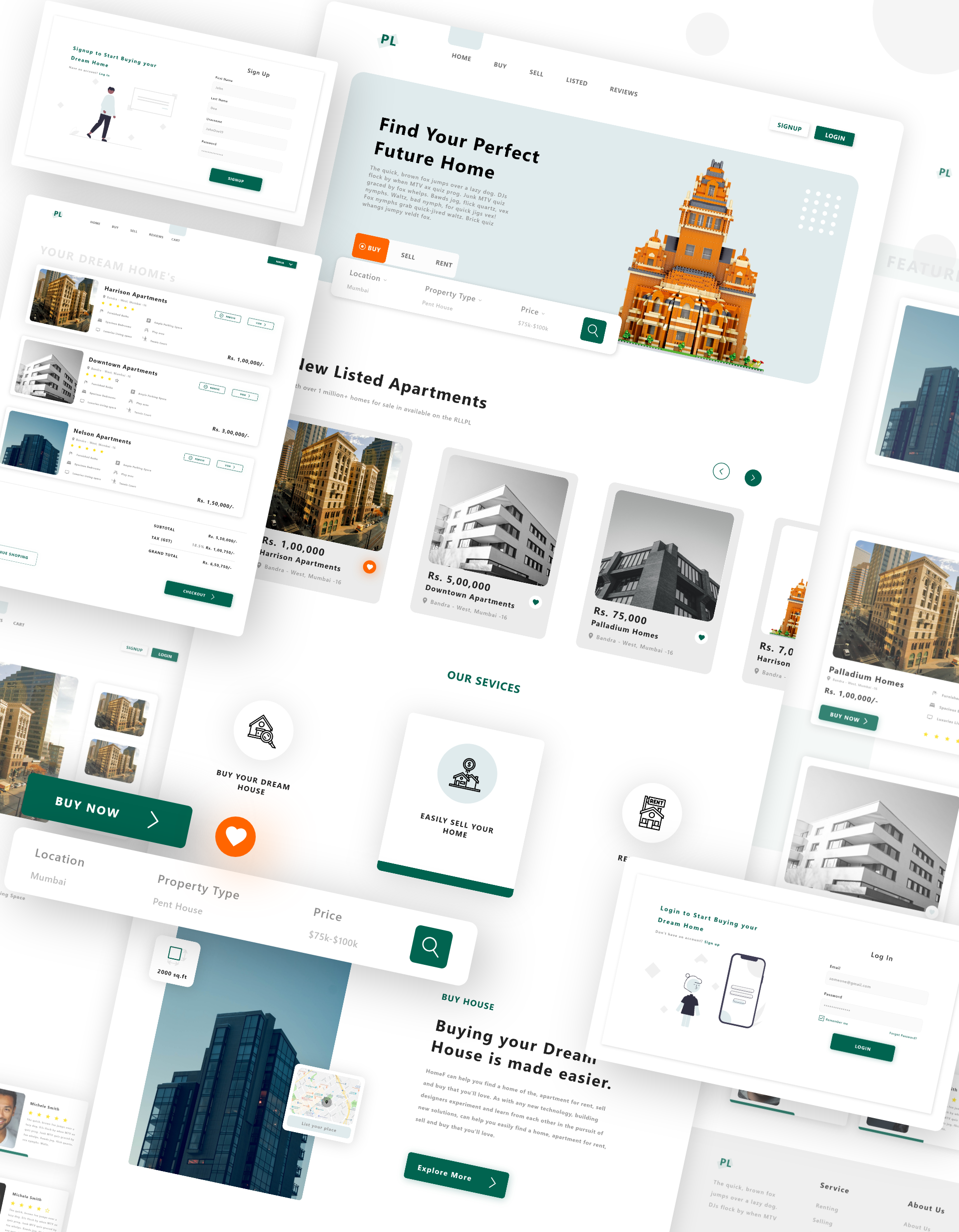
The following are the functionalities made available to the end user:
- Signup and Login into the website.
- Window shopping of properties listed for different cities.
- Search bar for listing certain properties.
- Listing properties in accordance with the chosen location.
- A list of properties that have been highlighted.
- Searching a property by name.
- Adding a new property to the Wishlist or to the Cart
- Removing and viewing properties in the wishlist and cart.
- Placing the order.
- The
masterbranch contains the front-end code.- Database - This consists of the database design and the database(sql) code for creating the table in the database.
- This contains the code for the frontend of the web application - to get a better understanding of the project directory and its folders functionality click here
- The
User Interface - Designcontains all the UI images that is used in the making the web application. - The
Resources-Maincontains all the icons, images, buttons used in the web application.
For more information about the license of the property-listing application usage click here.
To contribute to the repository, follow the below given steps:
- Fork it
- Create your feature branch
(git checkout -b my-new-feature). - Commit your changes
(git commit -m 'Add some feature'). - Push your branch
(git push origin my-new-feature). - Create a new Pull Request.
For more information about Angular, check their documentation.