



Panel Live Server is a local Panel web server and MCP server that executes Python code snippets and renders the resulting visualizations as live, interactive web pages — enabling humans and AI assistants to display and inspect Python outputs in real time.
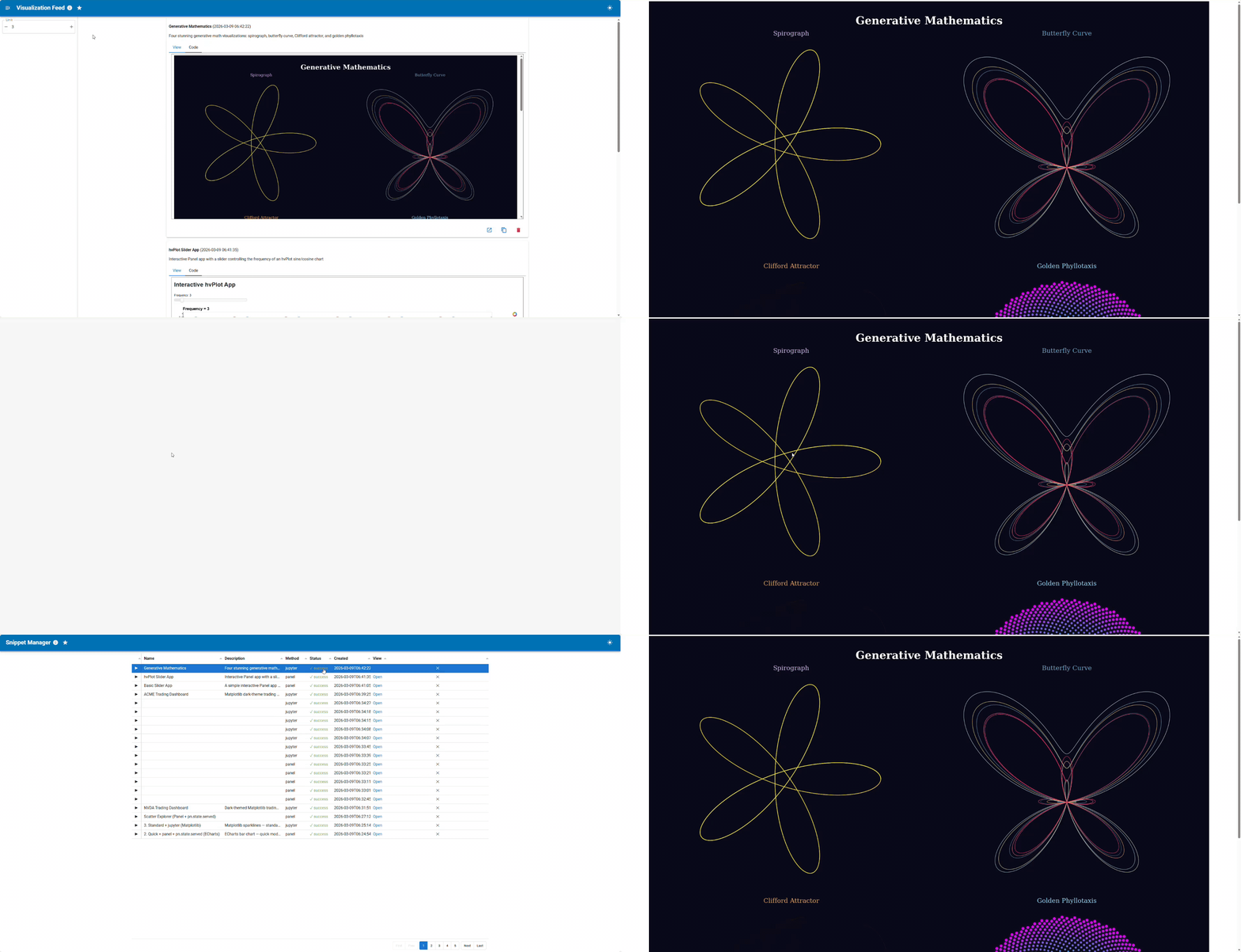
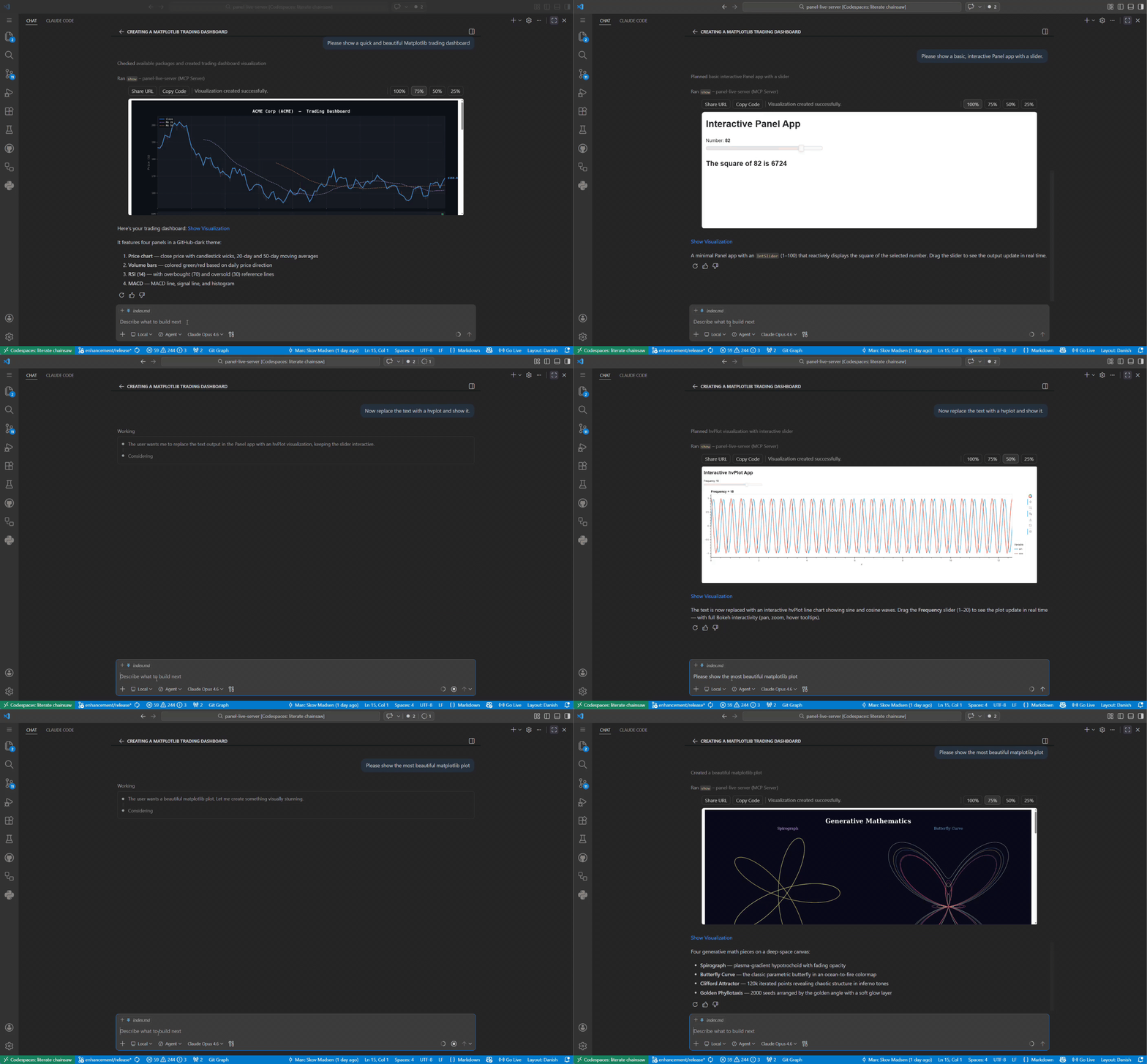
- Two interfaces —
pls serve(standalone browser UI) andpls mcp(MCP server for AI assistants) - Any visualization library — hvplot · plotly · altair · matplotlib · seaborn · holoviews · bokeh · and more
- Validate before render — syntax, security, package, and extension checks before any rendering happens
- Persistent storage — SQLite database with full-text search; every snippet gets its own permanent URL
- Auto-restart — Panel subprocess is health-monitored and automatically restarted on failure
- Works everywhere — local, JupyterHub, GitHub Codespaces; URLs externalized automatically
Install via uv, pip, or pixi — see the Installation guide for full instructions including how to find your pls path.
uv tool install "panel-live-server[pydata]"Pin your version — this project is in its early stages. Pin to a specific version to avoid unexpected changes:
uv tool install "panel-live-server[pydata]==0.1.0a1"
Use the absolute path printed by which pls above — not just pls.
Full setup instructions for each client: docs → Connect to your MCP client
| Client | Config location |
|---|---|
| VS Code | .vscode/mcp.json |
| Cursor | ~/.cursor/mcp.json |
| Claude Desktop | claude_desktop_config.json |
| Claude Code | claude mcp add panel-live-server -- /path/to/pls mcp |
| claude.ai | HTTP transport + tunnel — see docs |
$ pls

 Usage: pls [OPTIONS] COMMAND [ARGS]...

 Panel Live Server - Execute and visualize Python code snippets.

╭─ Options ────────────────────────────────────────────────────────────────────────────────────────────╮
│ --version  -V        Show version and exit.                                                          │
│ --help               Show this message and exit.                                                     │
╰──────────────────────────────────────────────────────────────────────────────────────────────────────╯
╭─ Commands ───────────────────────────────────────────────────────────────────────────────────────────╮
│ serve   Start the Panel Live Server directly.                                                        │
│ mcp     Start as an MCP server for AI assistants.                                                    │
│ status  Check whether the Panel server is running.                                                   │
│ list    List resources (packages, etc.).                                                             │
╰──────────────────────────────────────────────────────────────────────────────────────────────────────╯
You can also use panel-live-server but pls is shorter and easier to remember.
See the Contributing guide for the full setup (fork, install, connect to MCP client, run tests).
Contributions are welcome! Please follow these steps:
- Fork the repository.
- Create a new branch:
git checkout -b feature/YourFeature. - Make your changes and commit them:
git commit -m 'Add some feature'. - Push to the branch:
git push origin feature/YourFeature. - Open a pull request.
Please ensure your code passes all tests and linting before submitting.