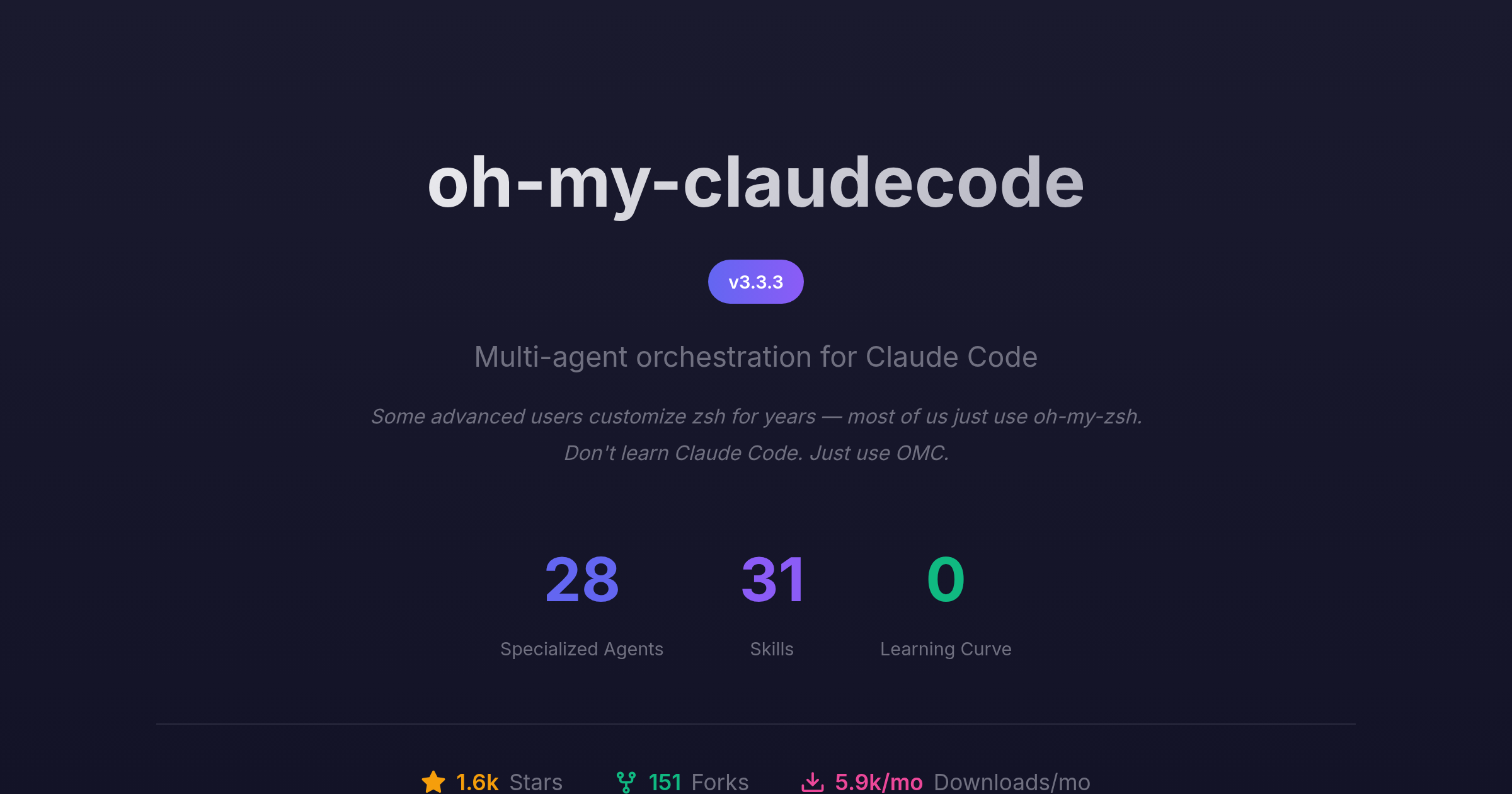




Multi-agent orchestration for Claude Code. Zero learning curve.
Some advanced users customize zsh for years — most of us just use oh-my-zsh. Don't learn Claude Code. Just use OMC.
Step 1: Install the plugin
/plugin marketplace add https://github.com/Yeachan-Heo/oh-my-claudecode
/plugin install oh-my-claudecode
Step 2: Run setup
/oh-my-claudecode:omc-setup
That's it. Everything else is automatic.
| When You... | I Automatically... |
|---|---|
| Give me a complex task | Parallelize with specialist agents |
| Say "plan this" | Start a planning interview |
| Say "don't stop until done" | Persist until verified complete |
| Work on UI/frontend | Activate design sensibility |
| Need research or exploration | Delegate to specialized agents |
| Say "build me..." or use autopilot | Execute full autonomous workflow |
You don't need to memorize commands. I detect intent from natural language and activate the right behaviors automatically.
These are optional shortcuts for power users who want explicit control. Natural language works just fine - these keywords simply provide precision when you want it.
Include these words anywhere in your message:
| Keyword | Effect |
|---|---|
ralph |
Persistence mode - won't stop until done |
ralplan |
Iterative planning with consensus |
ulw |
Maximum parallel execution |
plan |
Start a planning interview |
autopilot / ap |
Full autonomous execution |
Combine them: ralph ulw: migrate the database
Three tiers of scientist agents for quantitative analysis and data science:
| Agent | Model | Use For |
|---|---|---|
scientist-low |
Haiku | Quick data inspection, simple statistics, file enumeration |
scientist |
Sonnet | Standard analysis, pattern detection, visualization |
scientist-high |
Opus | Complex reasoning, hypothesis validation, ML workflows |
Features:
- Persistent Python REPL - Variables persist across calls (no pickle/reload overhead)
- Structured markers -
[FINDING],[STAT:*],[DATA],[LIMITATION]for parsed output - Quality gates - Every finding requires statistical evidence (CI, effect size, p-value)
- Auto-visualization - Charts saved to
.omc/scientist/figures/ - Report generation - Markdown reports with embedded figures
# Variables persist across calls!
python_repl(action="execute", researchSessionID="analysis",
            code="import pandas as pd; df = pd.read_csv('data.csv')")

# df still exists - no need to reload
python_repl(action="execute", researchSessionID="analysis",
code="print(df.describe())")Orchestrate parallel scientist agents for comprehensive research workflows:
/oh-my-claudecode:research <goal>                    # Standard research with checkpoints
/oh-my-claudecode:research AUTO: <goal>              # Fully autonomous until complete
/oh-my-claudecode:research status                    # Check current session
/oh-my-claudecode:research resume                    # Resume interrupted session
/oh-my-claudecode:research list                      # List all sessions
/oh-my-claudecode:research report <session-id>       # Generate report for session
Research Protocol:
- Decomposition - Breaks goal into 3-7 independent stages
- Parallel Execution - Fires scientist agents concurrently (max 5)
- Cross-Validation - Verifies consistency across findings
- Synthesis - Generates comprehensive markdown report
Smart Model Routing:
- Data gathering tasks →
scientist-low(Haiku) - Standard analysis →
scientist(Sonnet) - Complex reasoning →
scientist-high(Opus)
Session Management: Research state persists at .omc/research/{session-id}/ enabling resume after interruption.
Just say:
- "stop"
- "cancel"
- "abort"
I'll intelligently determine what to stop based on context.
Extend Claude Code with additional tools via Model Context Protocol (MCP) servers.
/oh-my-claudecode:mcp-setup
| Server | Description | API Key Required |
|---|---|---|
| Context7 | Documentation and code context from popular libraries | No |
| Exa | Enhanced web search (replaces built-in websearch) | Yes |
| Filesystem | Extended file system access | No |
| GitHub | GitHub API for issues, PRs, repos | Yes (PAT) |
Run the setup command and follow the prompts:
/oh-my-claudecode:mcp-setup
Or configure manually in ~/.claude/settings.json:
{
  "mcpServers": {
    "context7": {
      "command": "npx",
      "args": ["-y", "@context7/mcp"]
    },
    "exa": {
      "command": "npx",
      "args": ["-y", "@anthropic/exa-mcp-server"],
      "env": {
        "EXA_API_KEY": "your-key-here"
      }
    }
  }
}
After configuration, restart Claude Code for changes to take effect.
- 28 Specialized Agents - architect, researcher, explore, designer, writer, vision, critic, analyst, executor, planner, qa-tester, scientist (with tier variants)
- 31 Skills - orchestrate, ultrawork, ralph, planner, deepsearch, deepinit, git-master, frontend-ui-ux, learner, research, mcp-setup, and more
- MCP Server Support - Easy configuration of Context7, Exa, GitHub, and custom MCP servers
- Persistent Python REPL - True variable persistence for data analysis
- Research Workflow - Parallel scientist orchestration with
/oh-my-claudecode:researchcommand (new in 3.3.x) - HUD Statusline - Real-time visualization of orchestration state
- Learned Skills - Extract reusable insights from sessions with
/oh-my-claudecode:learner - Memory System - Persistent context that survives compaction
The HUD displays real-time orchestration status in Claude Code's status bar:
[OMC] | 5h:0% wk:100%(1d6h) | ctx:45% | agents:Ae
todos:3/5 (working: Implementing feature)
Line 1: Core metrics
- Rate limits with reset times (e.g.,
wk:100%(1d6h)= resets in 1 day 6 hours) - Context window usage
- Active agents (coded by type and model tier)
Line 2: Todo progress
- Completion ratio (
3/5) - Current task in progress
Run /oh-my-claudecode:hud setup to configure display options.
Good news: Your old commands still work!
/oh-my-claudecode:ralph "task"      →  Still works (or just say "ralph: task")
/oh-my-claudecode:ultrawork "task"  →  Still works (or just use "ulw" keyword)
/oh-my-claudecode:planner "task"    →  Still works (or just say "plan this")
The difference? You don't need them anymore. Everything auto-activates.
See the Migration Guide for details.
- Full Reference - Complete documentation (800+ lines)
- Migration Guide - 2.x to 3.0 transition
- Architecture - Technical deep-dive
- Website - Online docs
- Claude Code CLI
- One of:
- Claude Max/Pro subscription (recommended for individuals)
- Anthropic API key (for API-based usage)
MIT - see LICENSE
Inspired by:
oh-my-opencode • claude-hud • Superpowers • everything-claude-code
Zero learning curve. Maximum power.