API Gateway for Mission Engadi microservices architecture
[



Part of the Mission Engadi microservices architecture.
- Overview
- Features
- Architecture
- Getting Started
- Development
- API Documentation
- Deployment
- Monitoring
- Contributing
- License
The Gateway Service is the central entry point for all Mission Engadi microservices. It provides intelligent request routing, rate limiting, authentication, health monitoring, and API aggregation. Built with FastAPI, it offers high performance with async/await support and comprehensive observability features.
Key Responsibilities:
- Unified API Entry: Single point of access for all microservices
- Request Routing: Intelligent routing based on path patterns
- Rate Limiting: Configurable rate limiting per endpoint
- Health Monitoring: Service health checks and circuit breaker patterns
- Security: Authentication, authorization, and request validation
- Logging: Comprehensive request/response logging and audit trails
- Dynamic Routing: Path-based routing with wildcard support
- Service Discovery: Dynamic service registration and health monitoring
- Rate Limiting: Configurable rate limits per endpoint/client
- Circuit Breaker: Automatic failure detection and recovery
- Request Proxying: Efficient HTTP request forwarding
- Authentication: JWT-based authentication with role-based access control
- RESTful API: Clean, versioned API with automatic OpenAPI documentation
- Async/Await: Fully asynchronous for high performance
- Database: PostgreSQL with SQLAlchemy ORM and async support
- Validation: Request/response validation using Pydantic
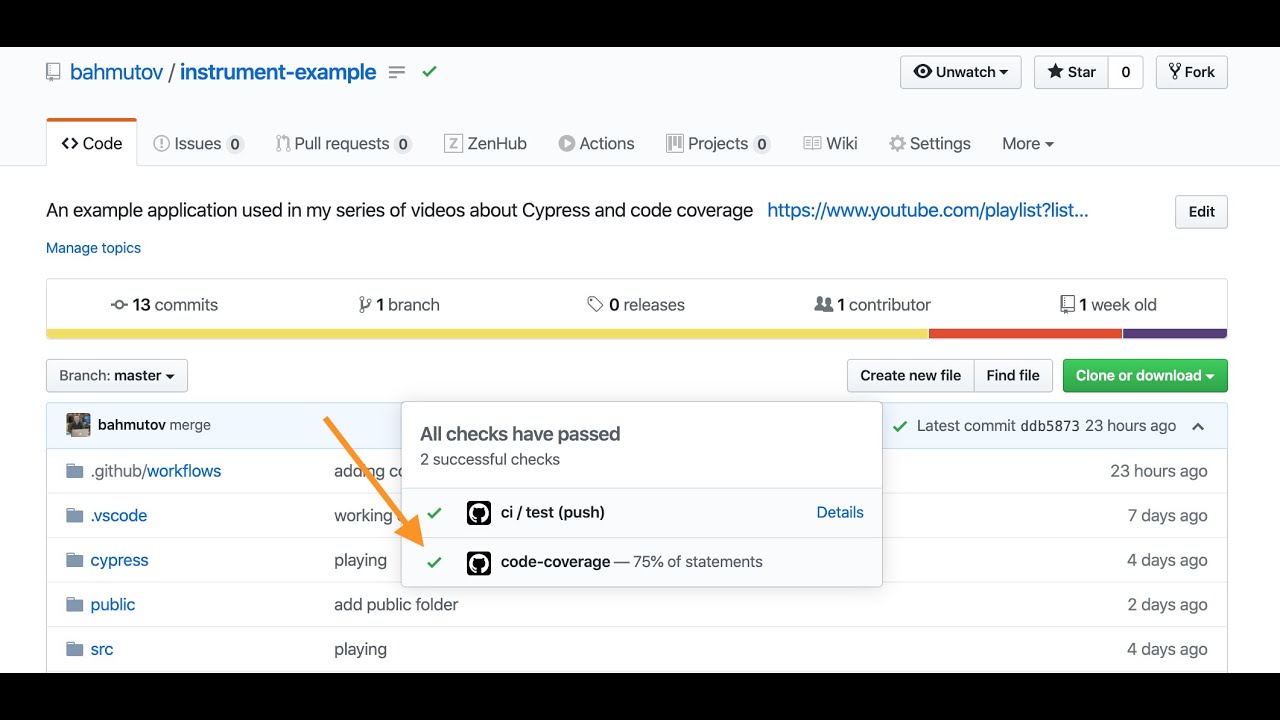
- Testing: Comprehensive test suite with 70%+ coverage
- Docker: Containerized application with docker-compose
- CI/CD: Automated testing and deployment with GitHub Actions
- Monitoring: Health checks, readiness probes, and detailed logging
- Logging: Structured logging with request/response tracking
This service follows a clean architecture pattern:
gateway_service/
├── app/
│   ├── api/               # API layer
│   │   └── v1/            # API version 1
│   │       ├── endpoints/ # Route handlers
│   │       └── api.py     # API router aggregation
│   ├── core/              # Core utilities
│   │   ├── config.py      # Configuration management
│   │   ├── security.py    # Auth utilities
│   │   └── logging.py     # Logging configuration
│   ├── db/                # Database layer
│   │   ├── base.py        # Base classes
│   │   └── session.py     # Database session management
│   ├── models/            # SQLAlchemy models
│   ├── schemas/           # Pydantic schemas
│   ├── services/          # Business logic
│   └── dependencies/      # Dependency injection
├── tests/                 # Test suite
│   ├── unit/              # Unit tests
│   ├── integration/       # Integration tests
│   └── conftest.py        # Test fixtures
├── migrations/            # Alembic migrations
└── docs/                  # Additional documentation
- Python 3.11+
- PostgreSQL 15+
- Redis 7+ (optional, for caching)
- Docker & Docker Compose (optional, for containerized development)
- Clone the repository
git clone https://github.com/mission-engadi/gateway_service.git
cd gateway_service- Create virtual environment
python -m venv venv
source venv/bin/activate # On Windows: venv\Scripts\activate- Install dependencies
pip install -r requirements.txt
pip install -r requirements-dev.txt # For development- Copy environment template
cp .env.example .env- Edit
.envfile with your configuration
# Application
PROJECT_NAME="Gateway Service"
PORT=8000
ENVIRONMENT="development"
DEBUG="true"

# Security
SECRET_KEY="your-secret-key-here"  # Generate with: openssl rand -hex 32

# Database
DATABASE_URL="postgresql+asyncpg://postgres:postgres@localhost:5432/gateway_service_db"

# Redis
REDIS_URL="redis://localhost:6379/0"# Start all services (app, database, redis)
docker-compose up -d
# View logs
docker-compose logs -f app
# Stop services
docker-compose downThe API will be available at http://localhost:8000
- Start PostgreSQL and Redis
# Using Docker
docker run -d -p 5432:5432 -e POSTGRES_PASSWORD=postgres postgres:15-alpine
docker run -d -p 6379:6379 redis:7-alpine- Run database migrations
alembic upgrade head- Start the application
uvicorn app.main:app --reload --port 8000The API will be available at http://localhost:8000
- Endpoints: Define HTTP routes and handle requests/responses
- Validation: Automatic request validation using Pydantic schemas
- Documentation: Auto-generated OpenAPI/Swagger docs
- Services: Contain business logic and orchestrate operations
- Separation: Keep business logic separate from API layer
- Reusability: Services can be used across multiple endpoints
- Models: SQLAlchemy ORM models (database structure)
- Schemas: Pydantic schemas (API contracts)
- Separation: Clear distinction between database and API representations
- Configuration: Centralized settings management
- Security: Authentication and authorization utilities
- Logging: Structured logging setup
This project uses Alembic for database migrations.
# Auto-generate migration from model changes
alembic revision --autogenerate -m "Description of changes"

# Create empty migration (for data migrations)
alembic revision -m "Description of changes"# Upgrade to latest version
alembic upgrade head
# Upgrade to specific version
alembic upgrade <revision>
# Downgrade one version
alembic downgrade -1
# Show current version
alembic current
# Show migration history
alembic historypytestpytest --cov=app --cov-report=html# Unit tests only
pytest tests/unit/ -m unit
# Integration tests only
pytest tests/integration/ -m integration
# Run specific test file
pytest tests/unit/test_security.py
# Run specific test
pytest tests/unit/test_security.py::TestPasswordHashing::test_password_hash_and_verifyTest individual functions or classes in isolation:
def test_password_hashing():
    password = "secure_password"
    hashed = get_password_hash(password)
assert verify_password(password, hashed)Test API endpoints with database:
def test_create_example(client, auth_headers):
    response = client.post(
        "/api/v1/examples/",
        json={"title": "Test", "status": "active"},
        headers=auth_headers,
    )
assert response.status_code == 201# Format with black
black app tests
# Sort imports
isort app tests# Check with flake8
flake8 app tests
# Type checking with mypy
mypy app
# Security checks
bandit -r app# Run all checks before committing
make checkOnce the service is running, visit:
- Swagger UI:
http://localhost:8000/api/v1/docs - ReDoc:
http://localhost:8000/api/v1/redoc - OpenAPI Schema:
http://localhost:8000/api/v1/openapi.json
GET /api/v1/healthReturns service status without checking dependencies.
Response:
{
  "status": "healthy",
  "service": "Gateway Service",
  "version": "0.1.0",
  "environment": "development",
  "timestamp": "2024-01-01T12:00:00.000Z"
}GET /api/v1/readyReturns service readiness including dependency checks.
Response:
{
  "status": "ready",
  "service": "Gateway Service",
  "version": "0.1.0",
  "environment": "development",
  "timestamp": "2024-01-01T12:00:00.000Z",
  "checks": {
    "database": "connected",
    "redis": "connected"
  }
}Most endpoints require authentication. Include JWT token in the Authorization header:
curl -H "Authorization: Bearer <token>" http://localhost:8000/api/v1/examples/See the interactive documentation for complete API reference.
- Install Fly.io CLI
curl -L https://fly.io/install.sh | sh- Login to Fly.io
fly auth login- Create and configure app
fly launch --name gateway_service- Set secrets
fly secrets set SECRET_KEY=<your-secret-key>
fly secrets set DATABASE_URL=<your-database-url>- Deploy
fly deployRequired:
SECRET_KEY: Strong random secret keyDATABASE_URL: PostgreSQL connection stringENVIRONMENT: Set to "production"DEBUG: Set to "false"
Optional:
REDIS_URL: Redis connection stringKAFKA_BOOTSTRAP_SERVERS: Kafka serversDATADOG_API_KEY: DataDog monitoring keyCORS_ORIGINS: Allowed CORS origins
For production, use a managed PostgreSQL service:
- Fly.io Postgres
fly postgres create --name gateway_service-db
fly postgres attach gateway_service-db- Run migrations
fly ssh console
alembic upgrade headConfigure your load balancer or monitoring system to check:
- Liveness:
GET /api/v1/health(should always return 200) - Readiness:
GET /api/v1/ready(checks dependencies)
The service uses structured JSON logging in production. Logs include:
- Request/response details
- User context
- Error stack traces
- Performance metrics
View logs:
# Docker Compose
docker-compose logs -f app

# Fly.io
fly logsEnable metrics collection by setting:
ENABLE_METRICS=true
DATADOG_API_KEY=<your-key>We welcome contributions! Please see CONTRIBUTING.md for guidelines.
- Fork the repository
- Create a feature branch:
git checkout -b feature/my-feature - Make your changes and write tests
- Run tests and linting:
make check - Commit with conventional commits:
git commit -m "feat: add new feature" - Push and create a pull request
# Create feature branch
git checkout -b feature/my-feature

# Make changes
# ... edit files ...

# Run tests
pytest

# Format and lint
make format
make lint

# Commit changes
git add .
git commit -m "feat: description of feature"

# Push to GitHub
git push origin feature/my-featureThis project is licensed under the MIT License - see the LICENSE file for details.
- Built with FastAPI
- Database ORM by SQLAlchemy
- Testing with pytest
- Part of Mission Engadi
- Documentation: docs.engadi.org
- Issues: GitHub Issues
- Email: support@engadi.org
Made with ❤️ by the Mission Engadi team