
👉 Visit the DatoCMS homepage or see What is DatoCMS?
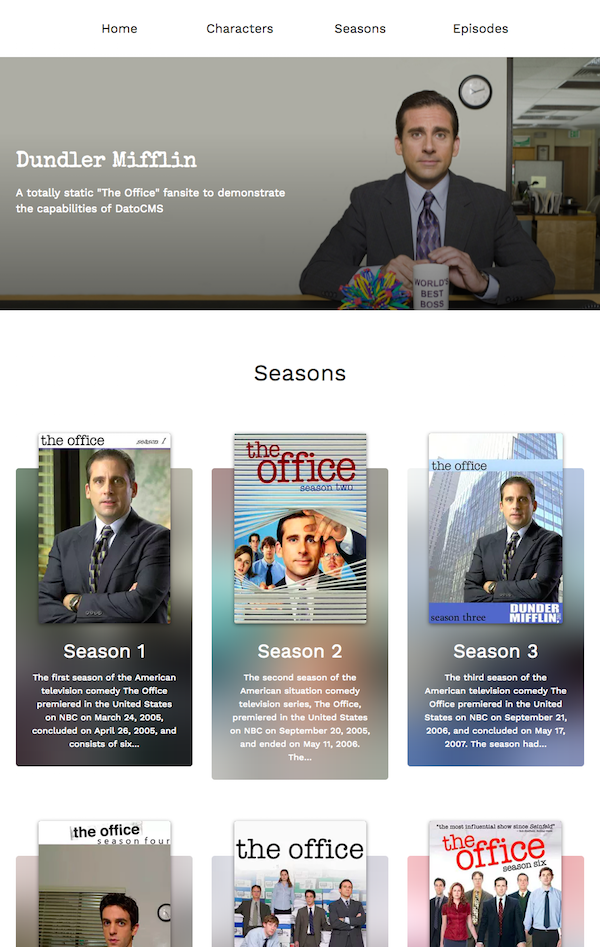
This repository contains a Hugo website integrated with a DatoCMS site. The site is deployed on Netlify, and can be seen at this URL: https://datocms-hugo-example.netlify.com/
Content stored in a DatoCMS site gets translated into local Hugo files using a NodeJs module called datocms-client you need to add to your Hugo project. The translation rules are defined in file placed in your project root folder called dato.config.js.
To read more about the datocms-client package, please refer to its documentation.
First, setup the DatoCMS project and schema with this button:

Then install the dependencies of this project:
npm install
Add an .env file containing the read-only API token of your DatoCMS site:
echo 'DATO_API_TOKEN=abc123' >> .env
Then, to run this website in development mode (with live-reload):
npm start
To build the final, production ready static website:
npm run build
The final result will be saved in the public directory.
DatoCMS is Headless CMS for the modern web. Trusted by 25,000+ businesses, agencies, and individuals, it gives your team one place to manage content and ship it to any website, app, or device via API.
New here? Start with Create free account and the Documentation. Stuck? Ask the Community. Curious what's new? Product Updates.
Building with AI: Agent Skills turn coding assistants (Claude Code, Cursor) into expert DatoCMS developers, with full read/write via the auto-installed CLI. No local terminal? Use the MCP Server instead.
Talking to DatoCMS from code:
- Content Delivery API (CDA) — the fast, read-only GraphQL API your website/app uses to fetch published content.
- Content Management API (CMA) — the REST API for creating and updating content, models, and project settings (think scripts, migrations, integrations).
- CLI — terminal tool for schema migrations and importing from Contentful/WordPress.
Framework guides: end-to-end recipes for fetching content, rendering Structured Text, optimizing images/video, handling SEO, and setting up live preview with visual editing in Next.js, Nuxt, Svelte, and Astro.
Want a head start? Browse our starter projects — ready-to-deploy example sites for popular frameworks.