Emacs plugin for Livedown.
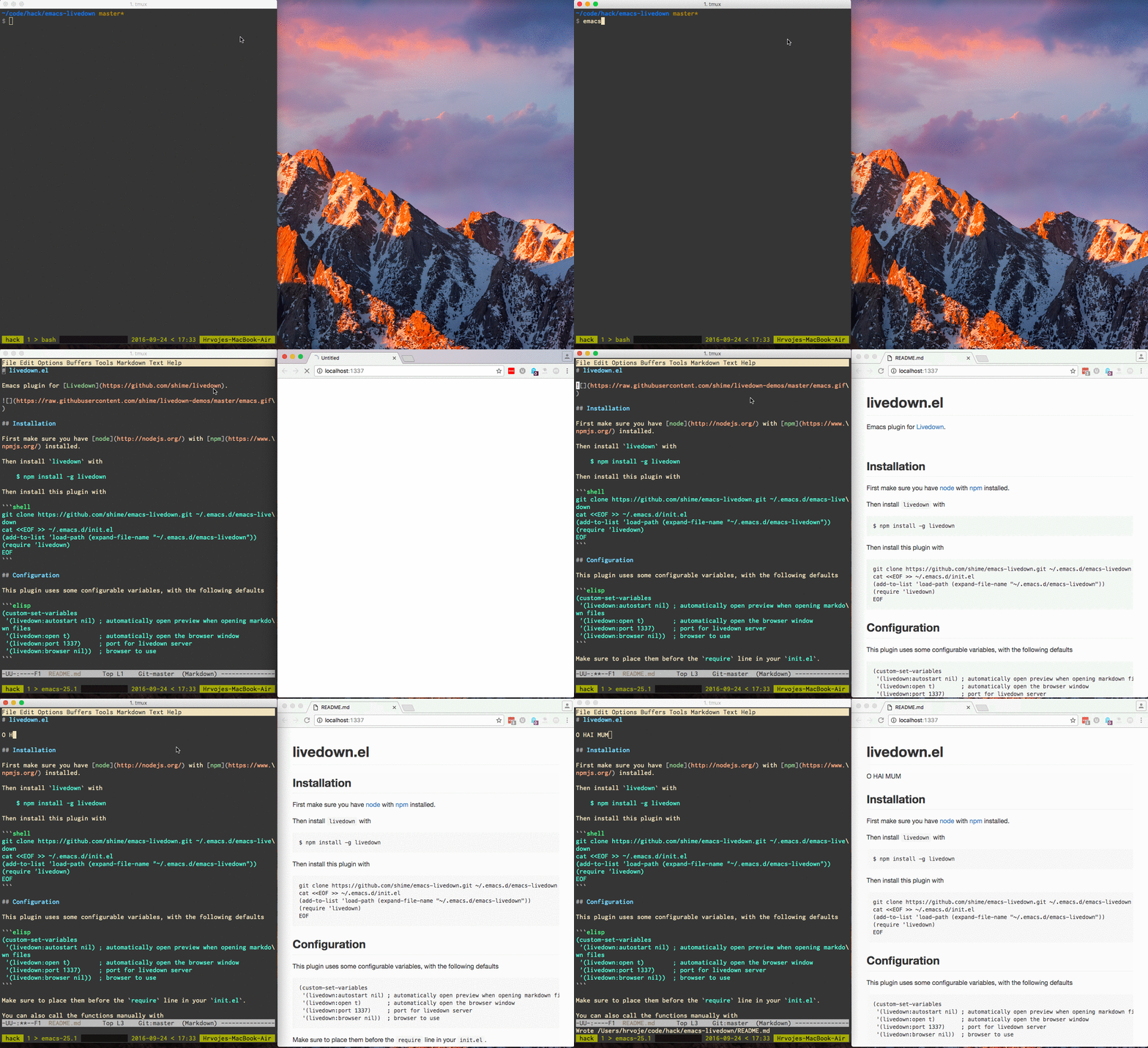
First make sure you have node with npm installed.
Then install livedown with
$ npm install -g livedown
Then install this plugin with
git clone https://github.com/shime/emacs-livedown.git ~/.emacs.d/emacs-livedown
cat <<EOF >> ~/.emacs.d/init.el
(add-to-list 'load-path (expand-file-name "~/.emacs.d/emacs-livedown"))
(require 'livedown)
EOFThis plugin uses some configurable variables, with the following defaults
(custom-set-variables
 '(livedown-autostart nil) ; automatically open preview when opening markdown files
 '(livedown-open t)        ; automatically open the browser window
 '(livedown-port 1337)     ; port for livedown server
 '(livedown-browser nil))  ; browser to use
Make sure to place them before the require line in your init.el.
You can also call the functions manually with
M-x livedown-preview
M-x livedown-kill
Or for bonus points, define a keybinding with
(global-set-key (kbd "C-M-m") 'livedown-preview)For additional bonus points, open the preview using the browser with custom command line options
(custom-set-variables
'(livedown-browser "'firefox -P livedown --private-window'")) ; browser to use with custom optionsMIT