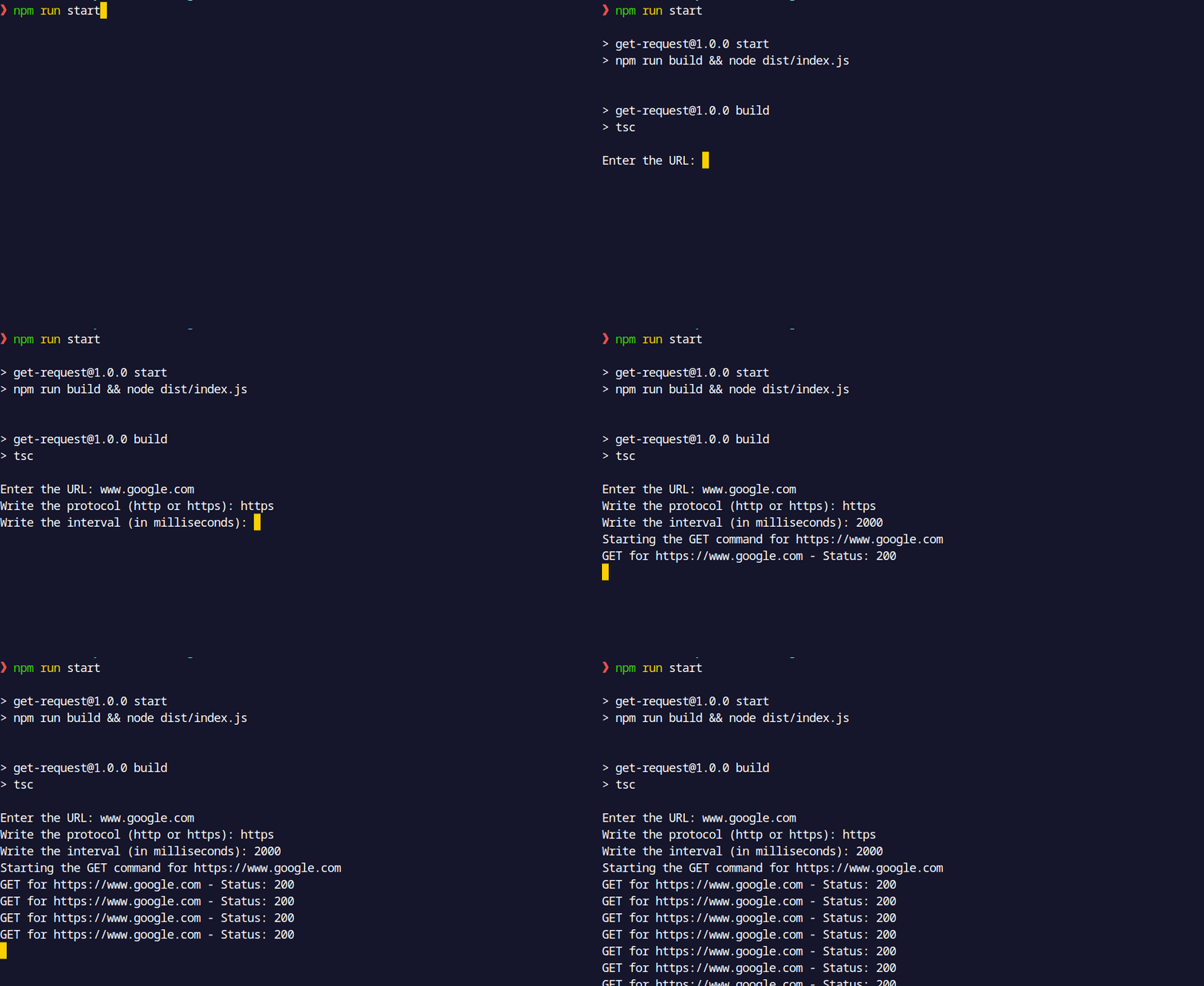
This is a project developed as part of an object-oriented programming (OOP) study. The objective of this project is to implement a parametrizable GET command in Node.js using TypeScript.
- Node.js
- TypeScript
- Axios
The implemented GET command in this project allows making HTTP or HTTPS requests to a specified address. The main features of the project are:
- Parameterization of the protocol (HTTP or HTTPS).
- Definition of an interval to repeatedly send the requests.
- Pausing or resuming the sending of requests.
- Exiting the program using the
Ctrl + Scommand.
- Make sure you have Node.js installed on your system.
- Clone this repository to your local environment.
- Open the terminal in the project's root folder.
- Run the command
npm installto install the dependencies. - Run the command
npm run startto start the application.
After running the application, you will be prompted to enter the following information:
- URL: Enter the URL address to which you want to send the GET requests.
- Protocol: Enter
httporhttpsto choose the desired protocol. - Interval (in seconds): Enter the time interval between the requests.
The application will start sending the GET requests according to the provided parameters. To pause the sending of requests, press Ctrl + S, to resume press Enter . To exit the application, press Ctrl + C.