



Español 🇪🇸 | 中文 🇨🇳 | Deutsch 🇩🇪 | Français 🇫🇷 | 日本語 🇯🇵 | 한국어 🇰🇷 | Português 🇧🇷 | Русский 🇷🇺 | Tiếng Việt 🇻🇳 | العربية 🇸🇦 | हिन्दी 🇮🇳...
Optimized for Pro keyboards across VSCode · Cursor · Windsurf · Trae-ai · Kiro · Antigravity & Firebase.studio.

| Command | 🍎 macOS | 🟦 Windows | 🐧 Linux |
|---|---|---|---|
| SKILLS | ⌘ + 3 |
Ctrl + 3 |
Ctrl + 3 |
| GitLab | Alt + B |
Alt + B |
Alt + B |
| - | - | - | - |
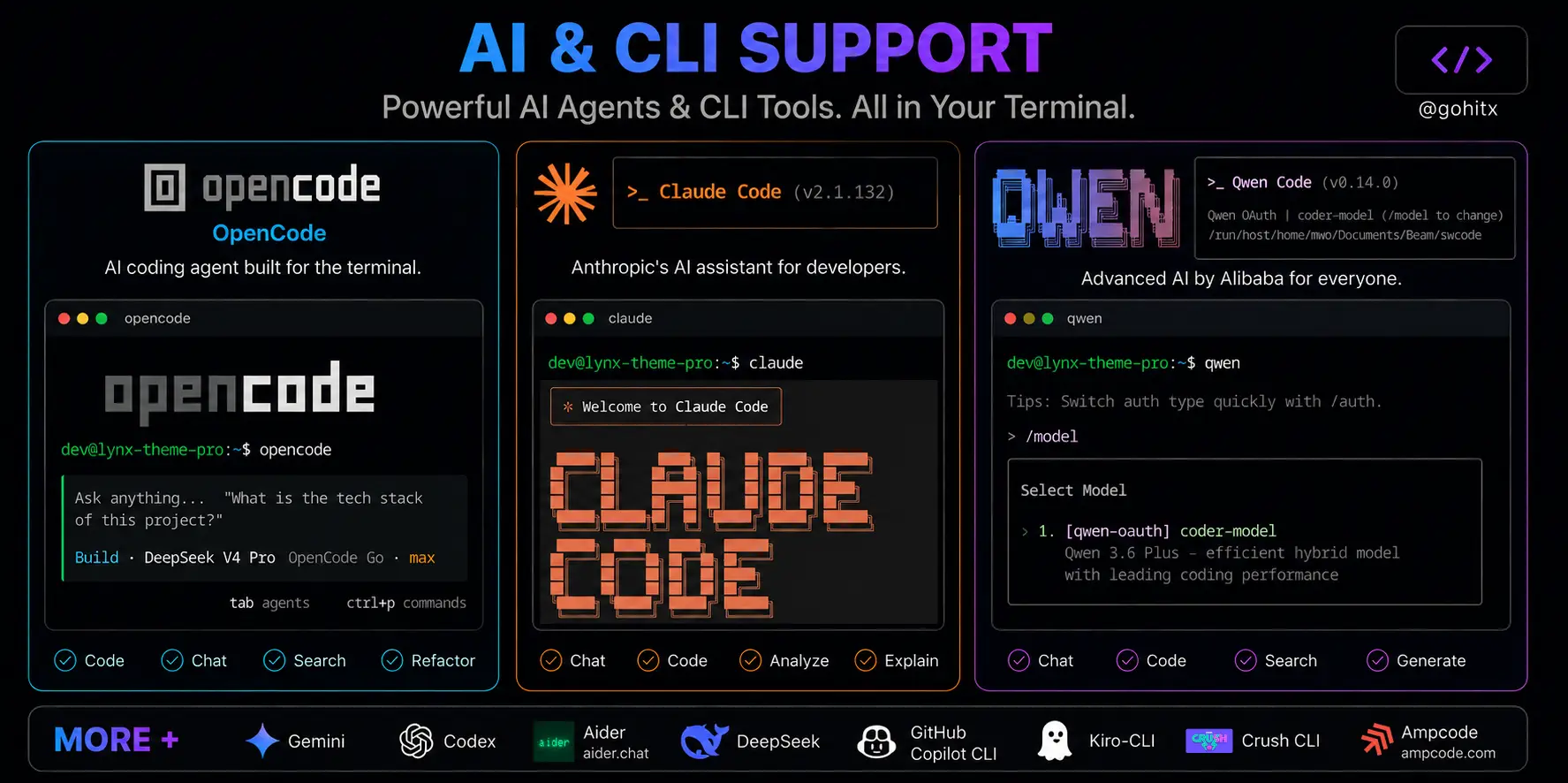
| OpenCode / ClaudeCode | Alt + CapsLock |
Alt + CapsLock |
Alt + CapsLock |
🖼️ View Screenshot
| Command | 🍎 macOS | 🟦 Windows / 🐧 Linux | Supported |
|---|---|---|---|
| Open Explorer | ⌘ + 1 |
Ctrl + 1 |
✅ |
| Open Source Control | ⌘ + 2 |
Ctrl + 2 |
✅ |
| SKILLS | ⌘ + 3 |
Ctrl + 3 |
✅ |
| Open Extensions | ⌘ + 4 |
Ctrl + 4 |
✅ |
| Toggle Sidebar | ⌘ + Tab |
Ctrl + Tab |
✅ |
| Quick Open File | ⇧ + ⌥ + E |
Shift + Alt + E |
✅ |
| Go to Line | ⇧ + ⌥ + W |
Shift + Alt + W |
✅ |
| Focus First Editor Group | ⌥ + Q |
Alt + Q |
✅ |
| - | - | - | N/A |
| New File | ⌥ + X |
Alt + X |
✅ |
| New Folder | ⌥ + C |
Alt + C |
✅ |
| Toggle Word Wrap | ⌥ + Z |
Alt + Z |
✅ |
| Expand Line Selection | ⇧ + ⌥ + Q |
Shift + Alt + Q |
✅ |
| Copy Lines Up | ⇧ + ⌥ + ↑ |
Shift + Alt + ↑ |
✅ |
| Copy Lines Down | ⇧ + ⌥ + ↓ |
Shift + Alt + ↓ |
✅ |
| Insert Cursor Above | ⌘ + ↑ |
Ctrl + ↑ |
✅ |
| Insert Cursor Below | ⌘ + ↓ |
Ctrl + ↓ |
✅ |
| Delete Word Left | ⌘ + Backspace |
Ctrl + Backspace |
✅ |
| Close Project | ⌘ + Delete |
Ctrl + Delete |
✅ |
| - | - | - | N/A |
| Format Document | ⌥ + F |
Alt + F |
✅ |
| Format Selection | ⌘ + ⌥ + F |
Ctrl + Alt + F |
✅ |
| Organize Imports | ⇧ + ⌥ + F |
Shift + Alt + F |
✅ |
| Comment Line | ⌘ + / |
Ctrl + / |
✅ |
| Comment Block | ⌥ + / |
Alt + / |
✅ |
| - | - | - | N/A |
| Terminal Bottom (toggle) | ⌥ + E |
Alt + E |
✅ |
| Terminal Left/Right (toggle) | ⌥ + CapsLock |
Alt + CapsLock |
✅ |
| Quick Open Terminal | ⌥ + W |
Alt + W |
✅ |
| Maximize / Minimize Panel | ⌘ + ` |
Ctrl + ` |
✅ |
| Kill Terminal | ⌘ + ⌥ + ` |
Ctrl + Alt + ` |
✅ |
| Terminal — Clear Line | ⌘ + ⌥ + Backspace |
Ctrl + Alt + Backspace |
✅ |
| Terminal — Complete Word | ⌘ + , |
Ctrl + , |
✅ |
| - | - | - | N/A |
| Smart Close — AI Chat or Terminal | ⌘ + CapsLock |
Ctrl + CapsLock |
✅ |
| Create New AI Session | ⌥ + A |
Alt + A |
✅ |
| Select AI Model | ⌥ + S |
Alt + S |
✅ |
| AI Select Code | ⌥ + D |
Alt + D |
✅ |
| - | - | - | N/A |
| Toggle AI Agent Mode | ⇧ + ⌥ + A |
Shift + Alt + A |
✅ |
| Show AI Chat History | ⇧ + ⌥ + S |
Shift + Alt + S |
✅ |
| Toggle AI Suggestions | ⇧ + ⌥ + D |
Shift + Alt + D |
✅ |
| - | - | - | N/A |
| Cancel Inline Chat | ⌥ + Return |
Alt + Enter |
✅ |
| Maximize / Minimize Auxiliary Bar | ⇧ + Esc |
Shift + Esc |
✅ |
Smart Close (
Ctrl + CapsLock) is context-aware:
- If the terminal is occupying the side panel → closes the terminal.
- Otherwise → opens/closes the AI Chat.
To use these commands, you must first go to Source Control (as they do not work directly) or press the shortcut
Ctrl + 2.
| Command | 🍎 macOS | 🟦 Windows | 🐧 Linux |
|---|---|---|---|
| Stage All | ⌥ + 1 |
Alt + 1 |
Alt + 1 |
| Generate AI Commit Message | ⌥ + 2 |
Alt + 2 |
Alt + 2 |
| Unstage All | ⌥ + 3 |
Alt + 3 |
Alt + 3 |
| Commit | ⌥ + Return |
Alt + Enter |
Alt + Enter |
| Push | ⌘ + ⌥ + Return |
Ctrl + Alt + Enter |
Ctrl + Alt + Enter |
| View Git Changes | ⌥ + L |
Alt + L |
Alt + L |
| Git Reset Hard HEAD | ⌘ + ⇧ + ⌥ + Backspace |
Ctrl + Shift + Alt + Backspace |
Ctrl + Shift + Alt + Backspace |
| Command | 🍎 macOS | 🟦 Windows | 🐧 Linux |
|---|---|---|---|
| Open Settings (UI) | ⌘ + J |
Ctrl + J |
Ctrl + J |
| Open Settings (JSON) | ⌥ + J |
Alt + J |
Alt + J |
| Select Theme | ⇧ + ⌥ + T |
Shift + Alt + T |
Shift + Alt + T |
| Reload Window | ⇧ + ⌥ + R |
Shift + Alt + R |
Shift + Alt + R |
| Show Markdown Preview | ⌥ + M |
Alt + M |
Alt + M |
| Command | 🍎 macOS | 🟦 Windows | 🐧 Linux |
|---|---|---|---|
| Start Debugging | ⌥ + P |
Alt + P |
Alt + P |
| Restart Debugging | ⌥ + O |
Alt + O |
Alt + O |
| Stop Debugging | ⌥ + I |
Alt + I |
Alt + I |
| Command | 🍎 macOS | 🟦 Windows | 🐧 Linux |
|---|---|---|---|
| Swap Project Terminal | Alt + Q - W |
Alt + Q - W |
Alt + Q - W |
| Close Terminal | Alt + Q - E |
Alt + Q - E |
Alt + Q - E |
| Smart New Terminal | ⌘ + ⇧ + ` |
Ctrl + Shift + ` |
Ctrl + Shift + ` |
| Kill Terminal | ⌘ + ⌥ + ` |
Ctrl + Alt + ` |
Ctrl + Alt + ` |
Important
Backquote = ( ` ) supports all keyboard layouts 🌎
exports.BACKTICK_EQUIVALENTS = [
  { Backquote: "`" }, // English, US
  { Backquote: "º" }, // Spanish (Spain)
  { Backquote: "'" }, // French, German
  { Backquote: "²" }, // French
  { Backquote: "^" }, // German, Swiss
  { Backquote: "ё" }, // Russian
  { Backquote: "~" }, // Portuguese, Italian
  { Backquote: "半角/全角" }, // Japanese
  { Backquote: "|" }, // Spanish (Latin America)
  { Backquote: "¬" }, // UK, Latin America
  { Backquote: "¨" }, // German, Swedish
  { Backquote: "´" }, // Portuguese (Latin America)
  { Backquote: "₺" }, // Turkish
  { Backquote: "₤" }, // Italian
  { Backquote: "" }, // And MORE...
];
Note
This extension intentionally disables the following default VS Code shortcuts to avoid conflicts:
Ctrl+P/⌘+P— Quick Open (disabled to prevent conflicts with custom shortcuts)- Alternative: Use
Shift+Alt+Efor Quick Open
- Alternative: Use
Ctrl+Enter/⌘+Enter— GitHub Copilot Generate (disabled)- Reason: Conflicts with terminal and git commit workflows
If you need these shortcuts, you can re-enable them in your keybindings.json:
[
  { "key": "ctrl+p", "command": "workbench.action.quickOpen" },
  { "key": "ctrl+enter", "command": "github.copilot.generate" }
]Alt+CapsLockmay not work on some Linux distributions or Windows systems where CapsLock is remapped at the OS level. If this shortcut doesn't work, check your system keyboard settings or use alternative shortcuts.
Linux
Ctrl+PmacOS
⌘PWindows
Ctrl+P


Paste the following command and press Enter:
ext install bastndev.lynx-keymap
- Open Extensions (
Ctrl+Shift+X/⌘+Shift+X) - Search "Lynx Keymap Pro"
- Click Install
 |
|---|
| Gohit X |
| Creator & Maintainer |
- 🐦 X : For questions and discussions.
- 🌱 IG :
new– Project previews & life updates. - 🔴 YouTube : Code, Software and development insights.
| Extension | Name/> | Description |
|---|---|---|
 |
My Skills | Create, install, and manage reusable AI instructions for your projects, so your coding assistant already knows your style, rules, and workflow. |
 |
ATM | An all-in-one toolkit 👻 that supercharges your workflow with essential features like Error Lens, Git Blame, Env Protection, and code screenshots across major editors. |
| Lynx Theme Pro | A professional extension with six available themes: Dark, Light, Night, Ghibli, Coffee, and Kiro—with integrated icons. Each theme is optimized to offer a more pleasant visual experience. |
Enjoy 🎉 (Lynx Keymap Pro) is now installed!
Found a bug or have feedback? Open an issue