








- curl
- systemd
sudo add-apt-repository ppa:quentiumyt/stacer
sudo apt update
sudo apt install stacer
Run: stacer
- Download the
.debpackage from Stacer releases. - Install dependencies:
sudo apt install curl systemd libqt6core6 libqt6gui6 libqt6widgets6 libqt6charts6 libqt6svg6 libqt6concurrent6 libqt6network6
- Install package:
sudo apt install ./stacer_*.deb - Run:
stacer
sudo apt install stacerRun: stacer
- Download the
.rpmpackage from Stacer releases. - Install:
sudo rpm --install stacer_*.rpm --nodeps --force - Run:
stacer
sudo dnf install stacerRun: stacer
Two maintainers propose this package up to date: stacer-bin or stacer.
Using your preferred AUR helper:
# yay
yay -S stacer-bin # OR stacer
# or paru
paru -S stacer-bin # OR stacer
Run: stacer
Using your preferred package manager:
# pacman
sudo pacman -S stacer
# or paru
paru -S stacer
# or yay
yay -S stacer
Run: stacer
- Download the
.flatpakpackage from Stacer releases. - Install:
flatpak install fr.quentium.stacer_*-x86_64.flatpak # or aarch64
- Run:
flatpak run fr.quentium.stacer
Note
Flatpak is running in a sandboxed environment, which may limit access to certain system resources (i.e. disk usage). Services, Processes, Uninstaller and APT Repository Manager are hidden by default.
flatpak install flathub fr.quentium.actersRun: flatpak run fr.quentium.acters
Note
Flatpak is running in a sandboxed environment, which may limit access to certain system resources (i.e. disk usage). Services, Processes, Uninstaller and APT Repository Manager are hidden by default. System Cleaner and Startup Apps are also limited in this version.
-
Install dependencies:
sudo apt update
sudo apt install \
 cmake \
 qt6-base-dev \
 qt6-tools-dev \
 qt6-tools-dev-tools \
 qt6-l10n-tools \
 libqt6opengl6-dev \
 libqt6charts6-dev \
 libqt6svg6-dev \
 qt6-wayland-dev \
 libglx-dev \
 libgl1-mesa-dev \
 libxkbcommon-dev \
 libvulkan-dev
-
Build and run:
cmake -S . -B build -DCMAKE_BUILD_TYPE=Debug
cmake --build build -j $(nproc)
./build/stacer/stacer
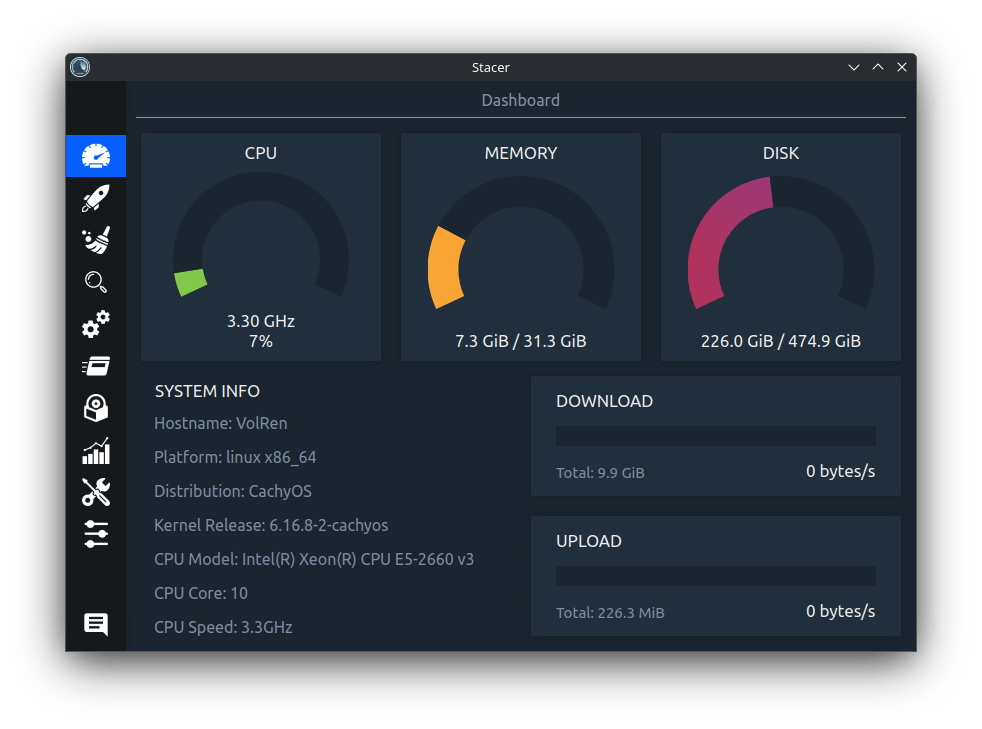
The Stacer Dashboard:
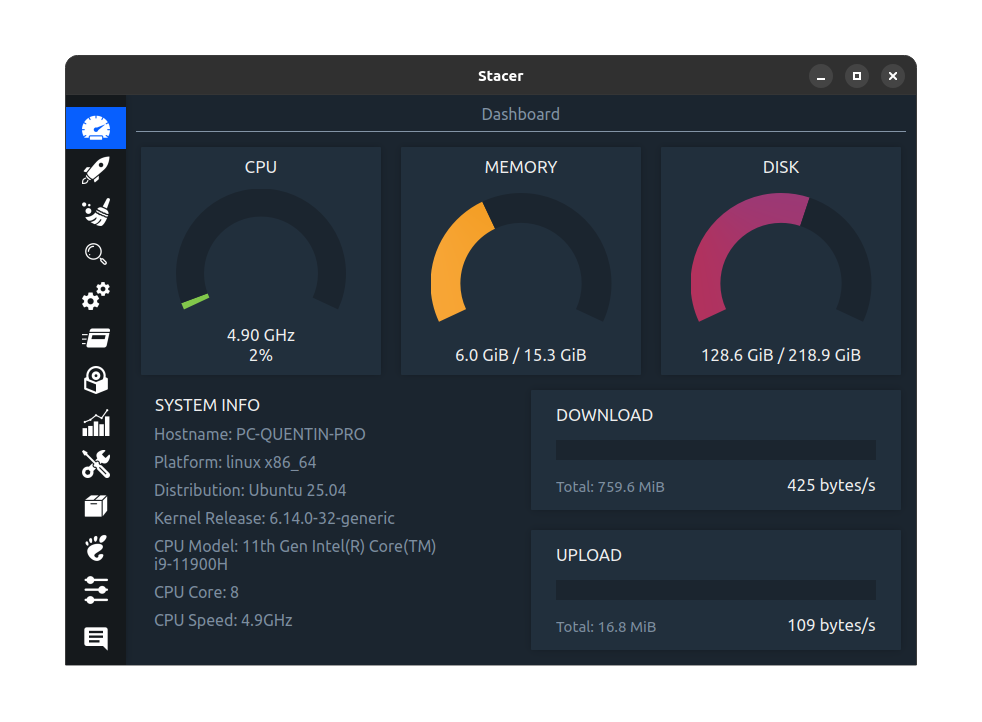
The Stacer Dashboard on Ubuntu:
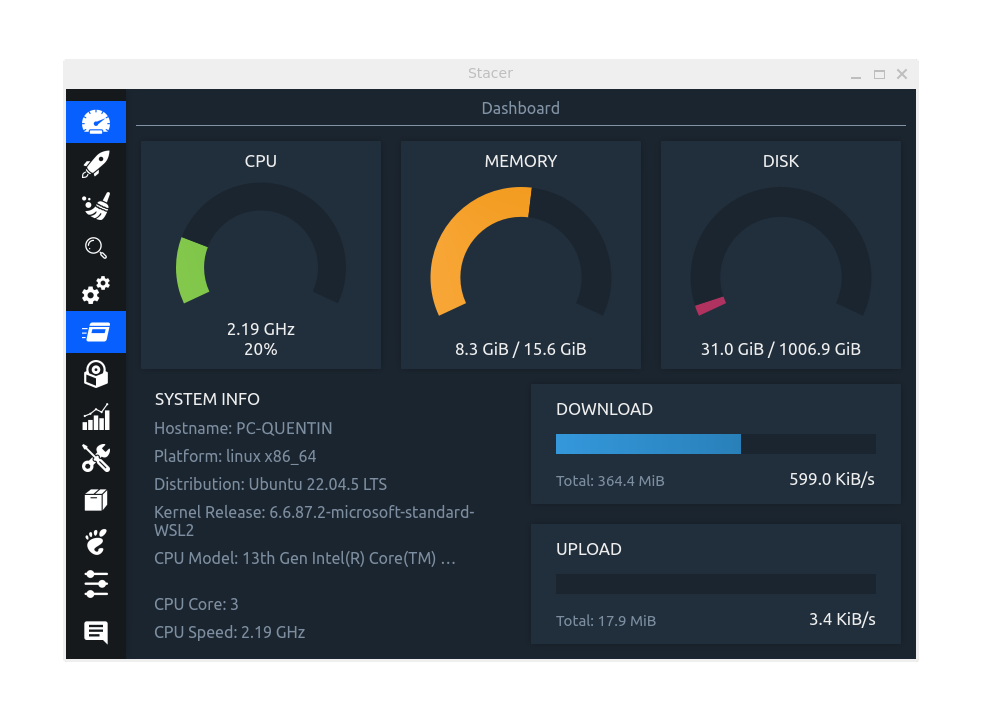
The Stacer Dashboard on WSL:
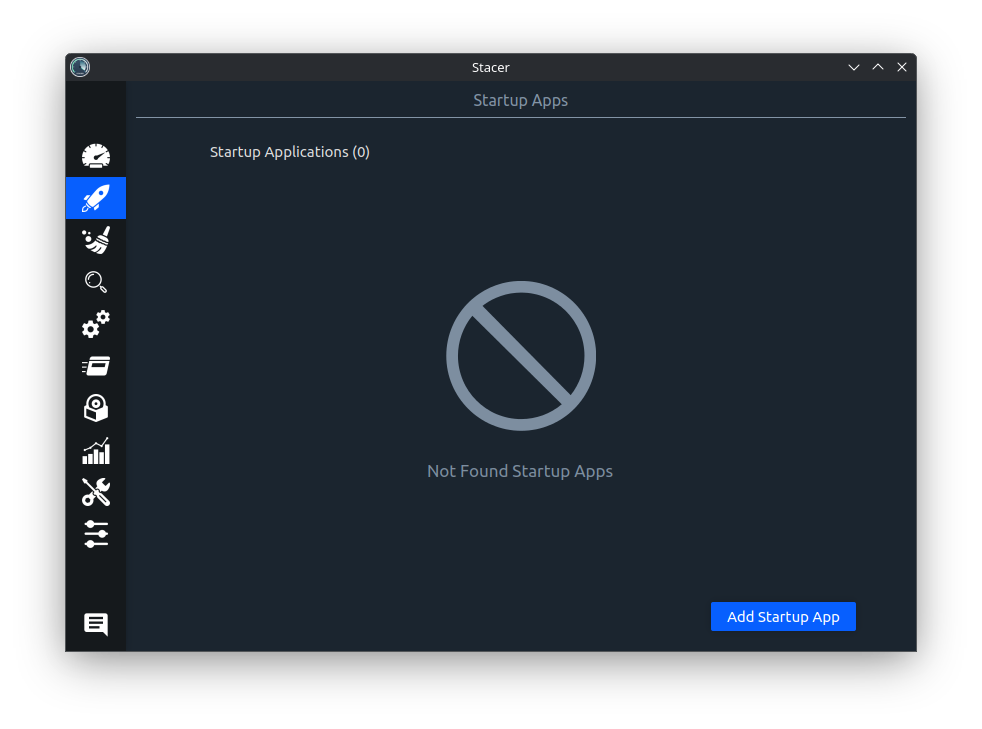
The Stacer Startup Apps:
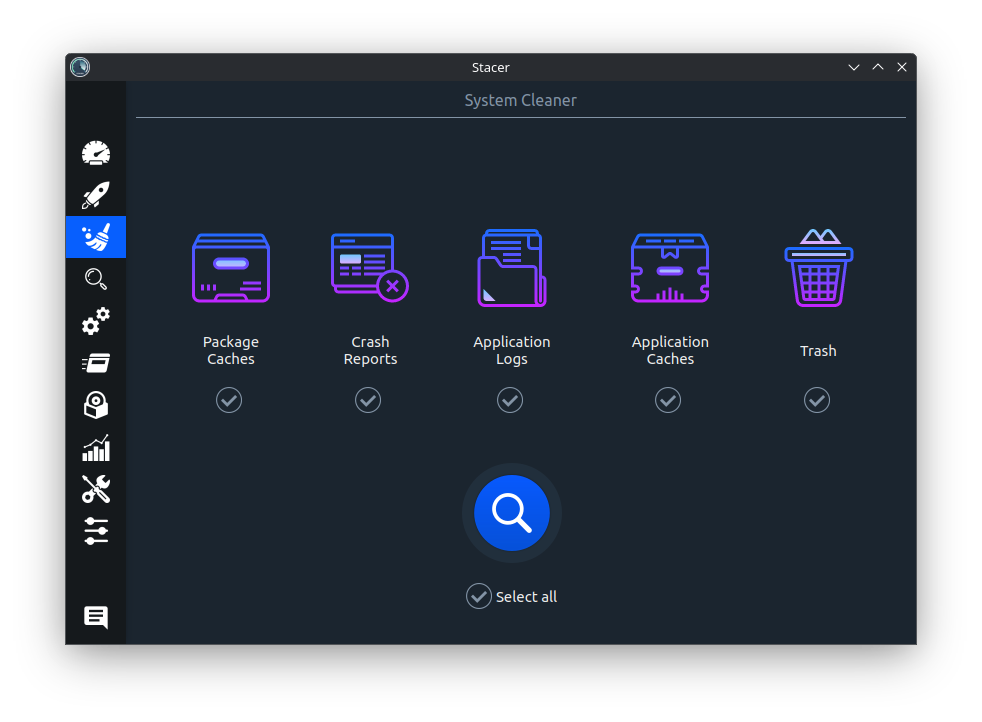
The Stacer System cleaner:
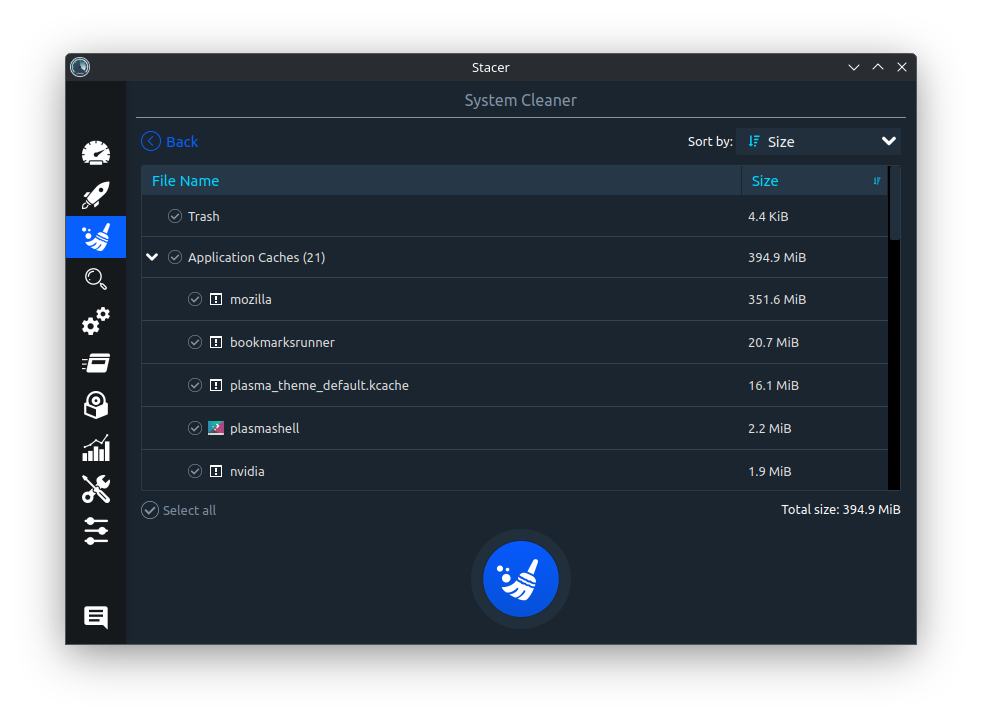
The Stacer System cleaner list:
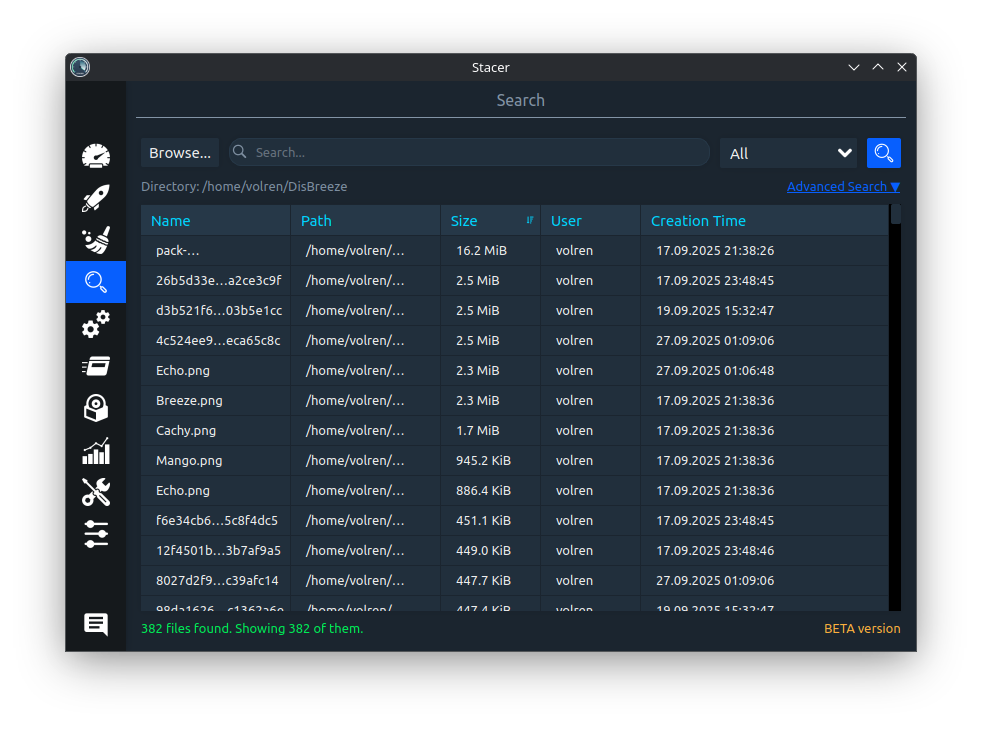
The Stacer Search:
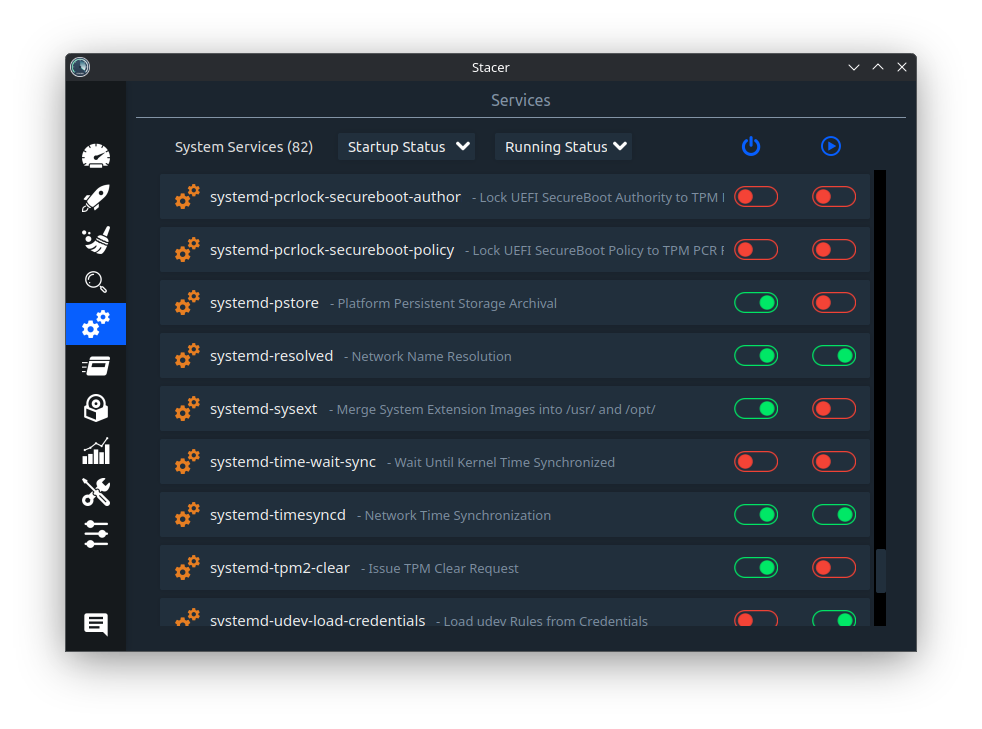
The Stacer Services:
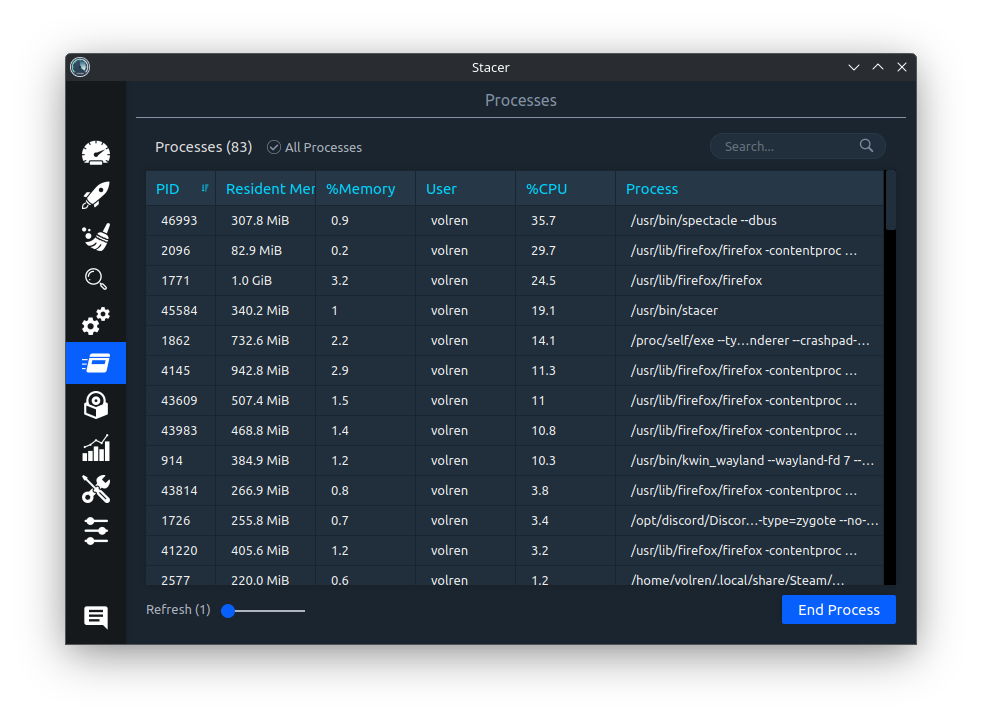
The Stacer Processes:
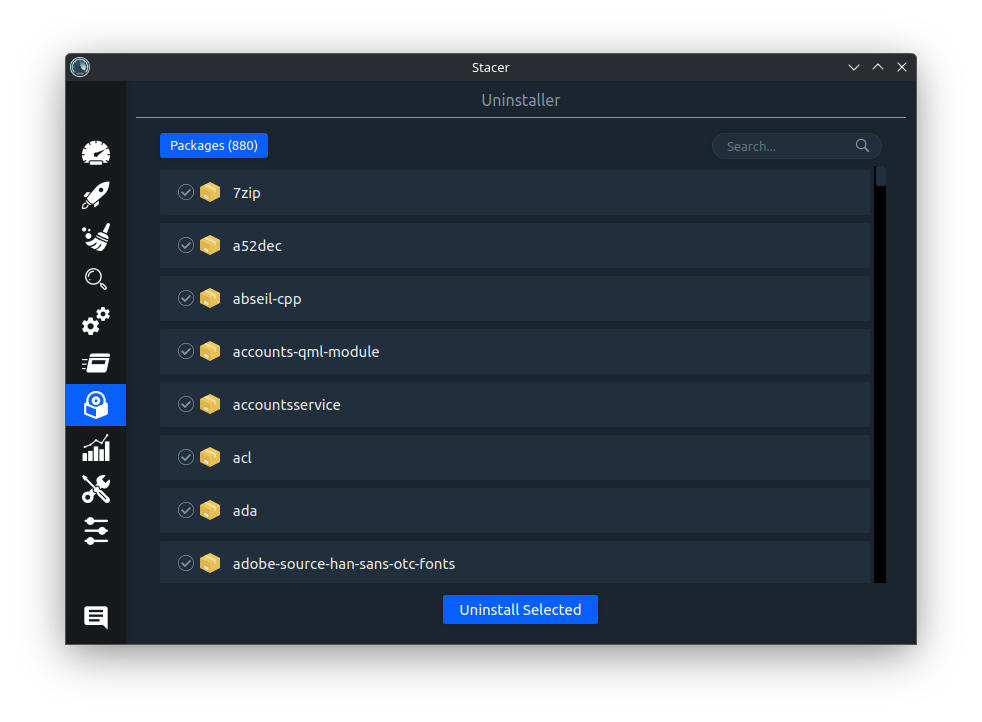
The Stacer Uninstaller:
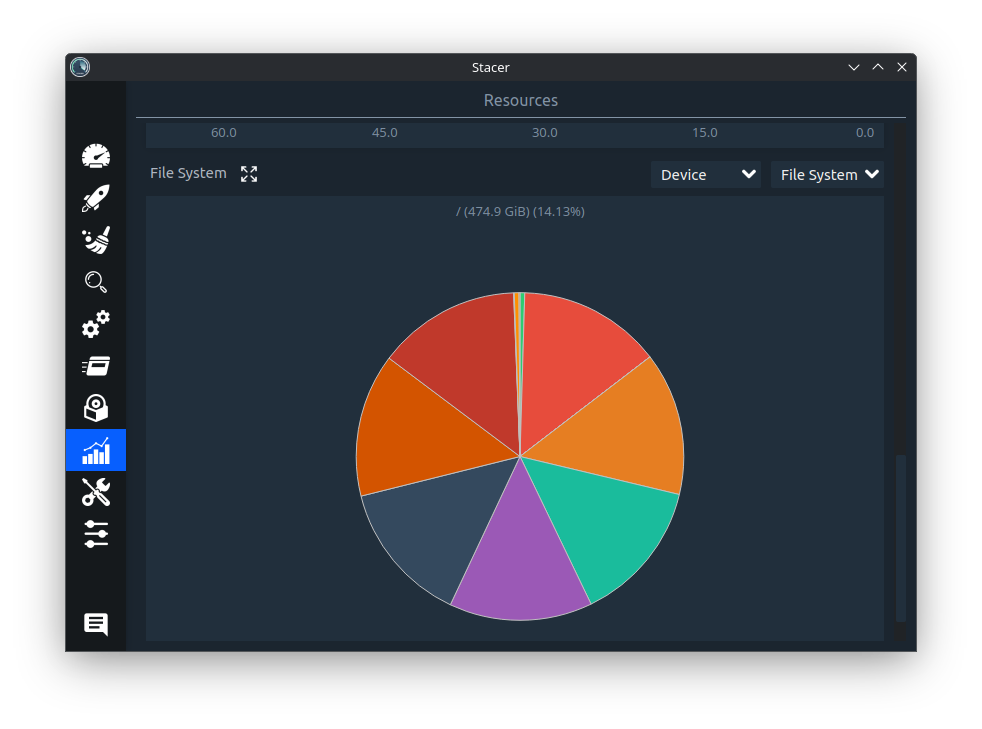
The Stacer Resources:
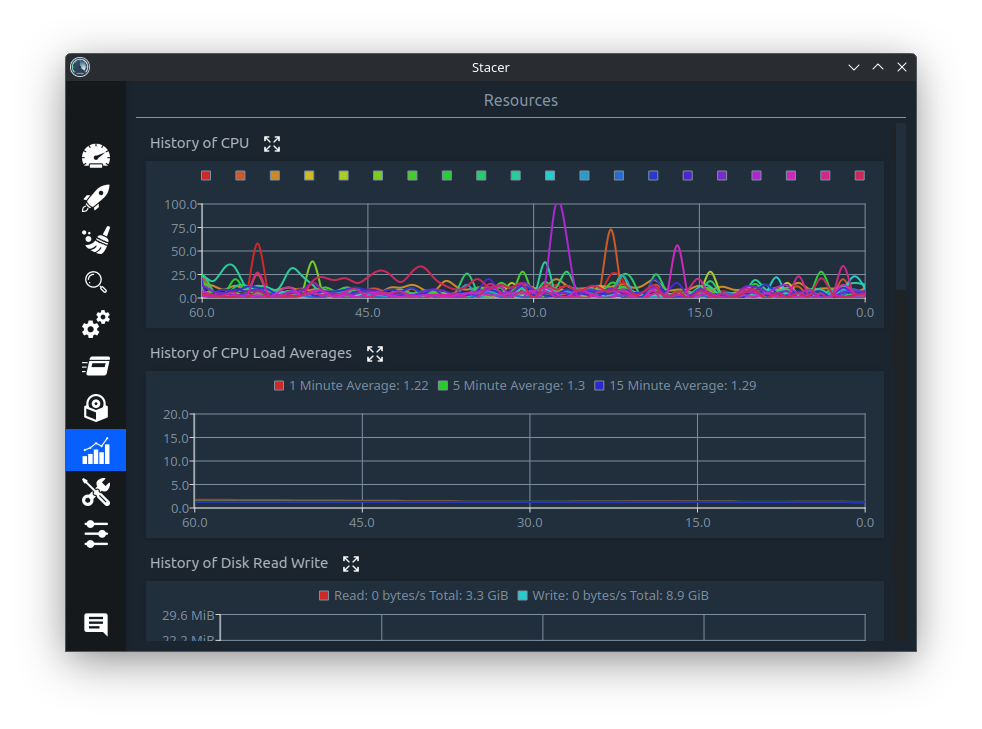
The Stacer Resources usage:
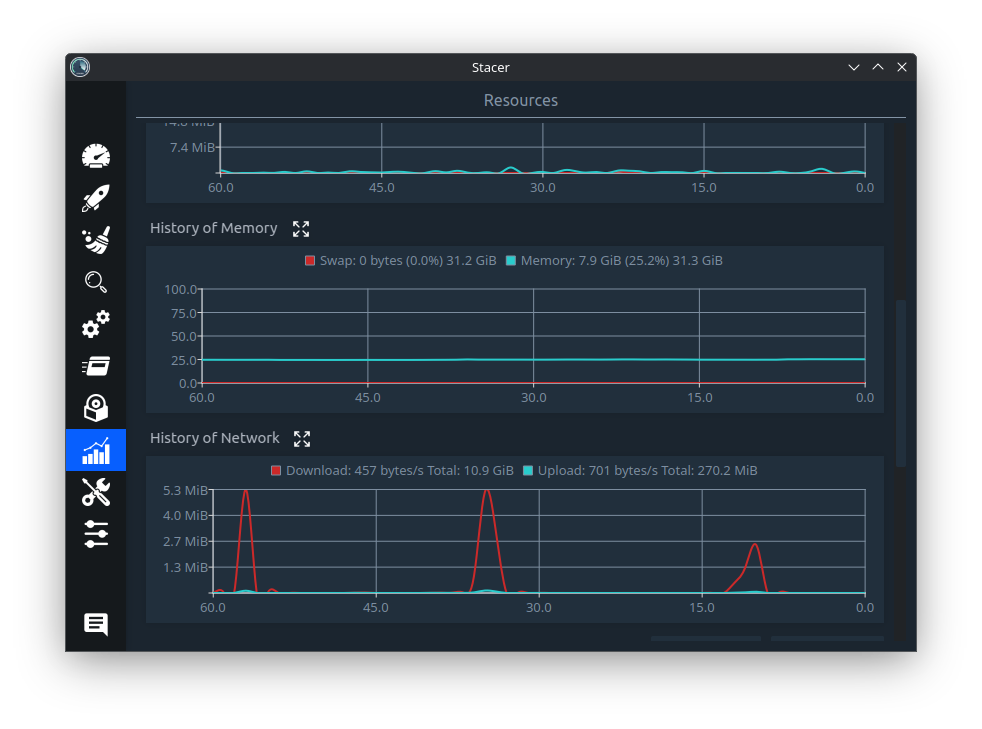
The Stacer Resources system:
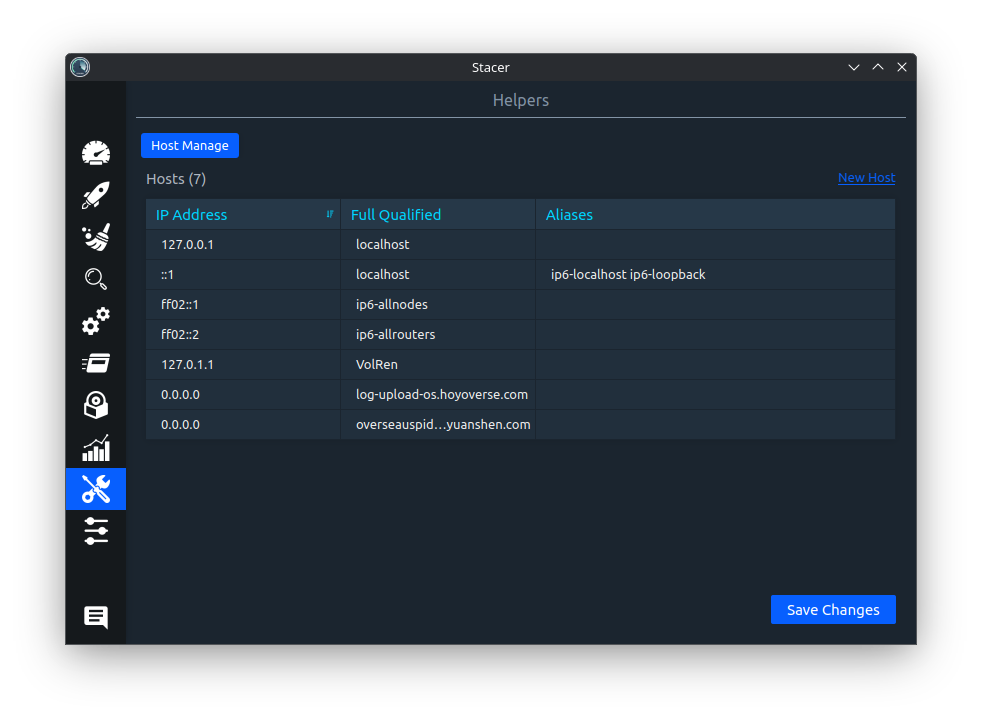
The Stacer Helpers:
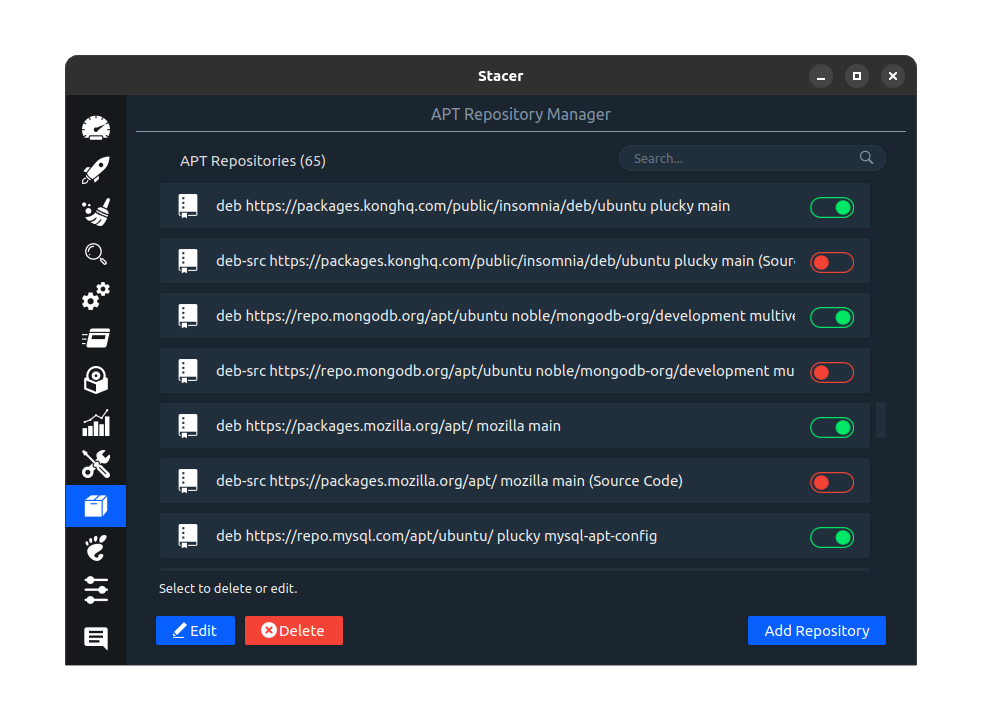
The Stacer APT Repository Manager:
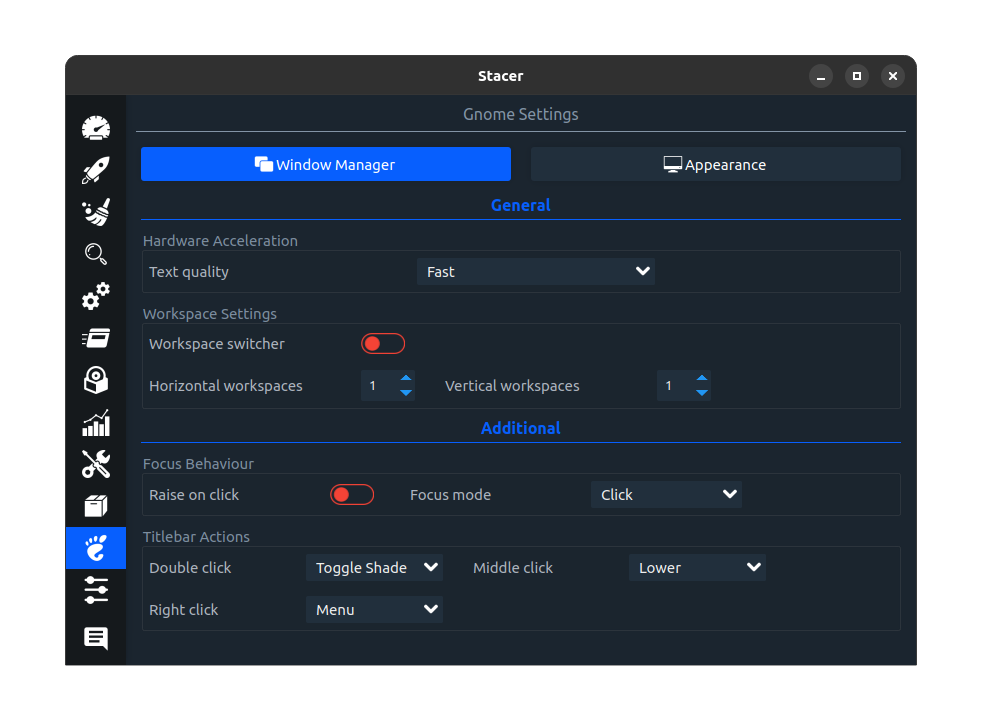
The Stacer Gnome Settings:
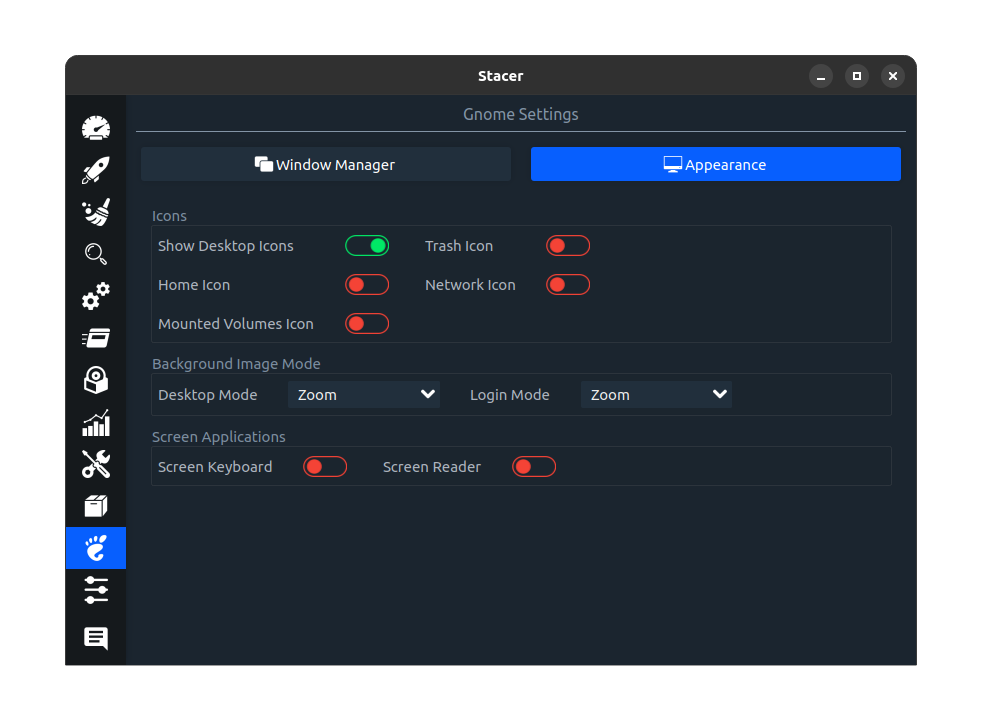
The Stacer Gnome Settings appearance:
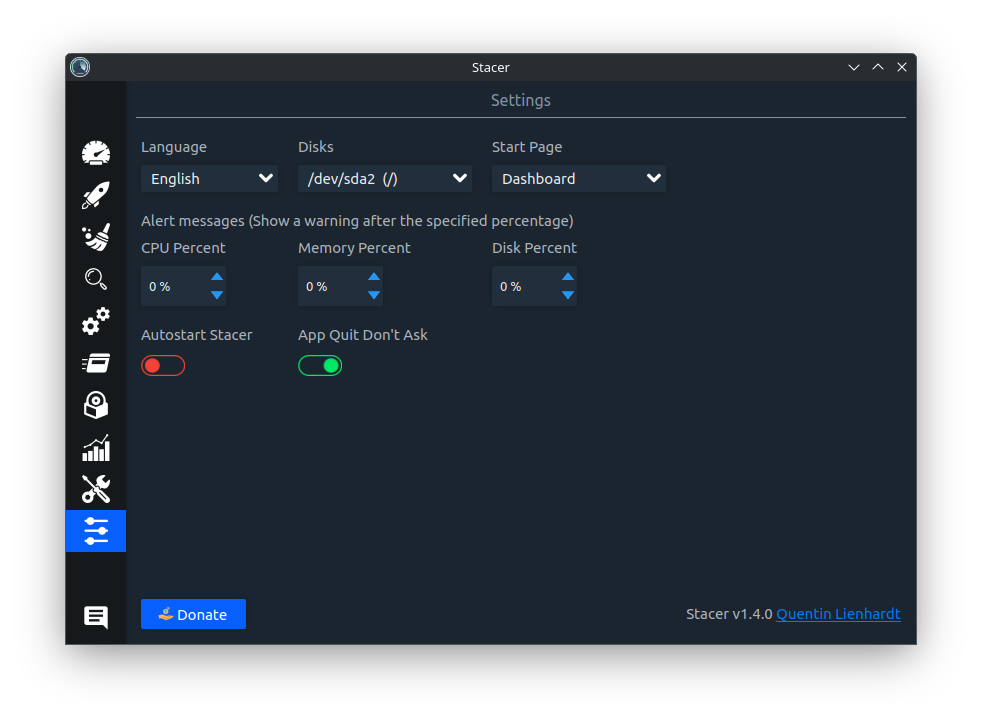
The Stacer Settings:
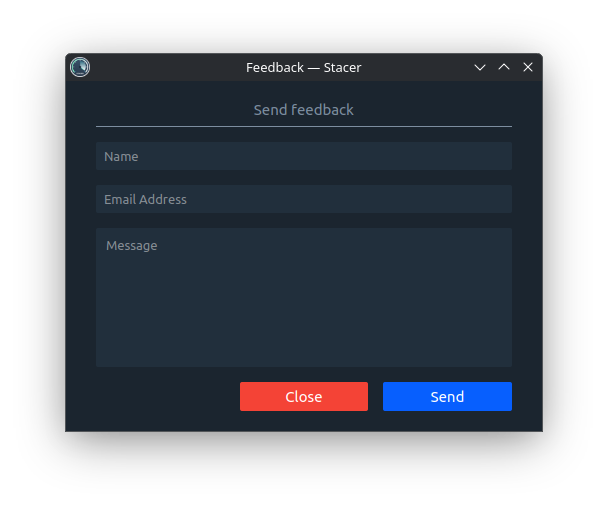
The Stacer Settings feedback:
This project exists thanks to all the people who contribute.
Thanks for people that contributes on translations on Crowdin!