Try the VS Code extension on Marketplace: EcoCode Insights

EcoCode is an open-source toolkit to measure the energy impact of your code, detect regressions, and guide more efficient optimizations.
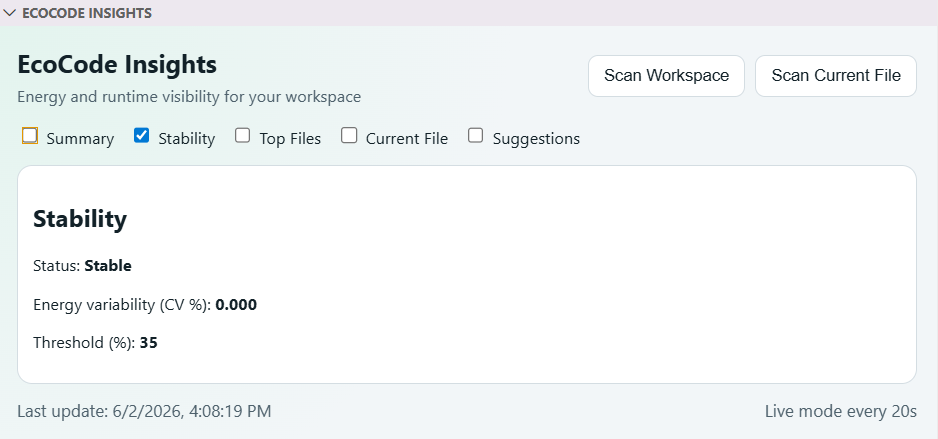
Inline optimization suggestions (squiggles + code actions), a workspace dashboard, and honest "measured vs estimated" labels.
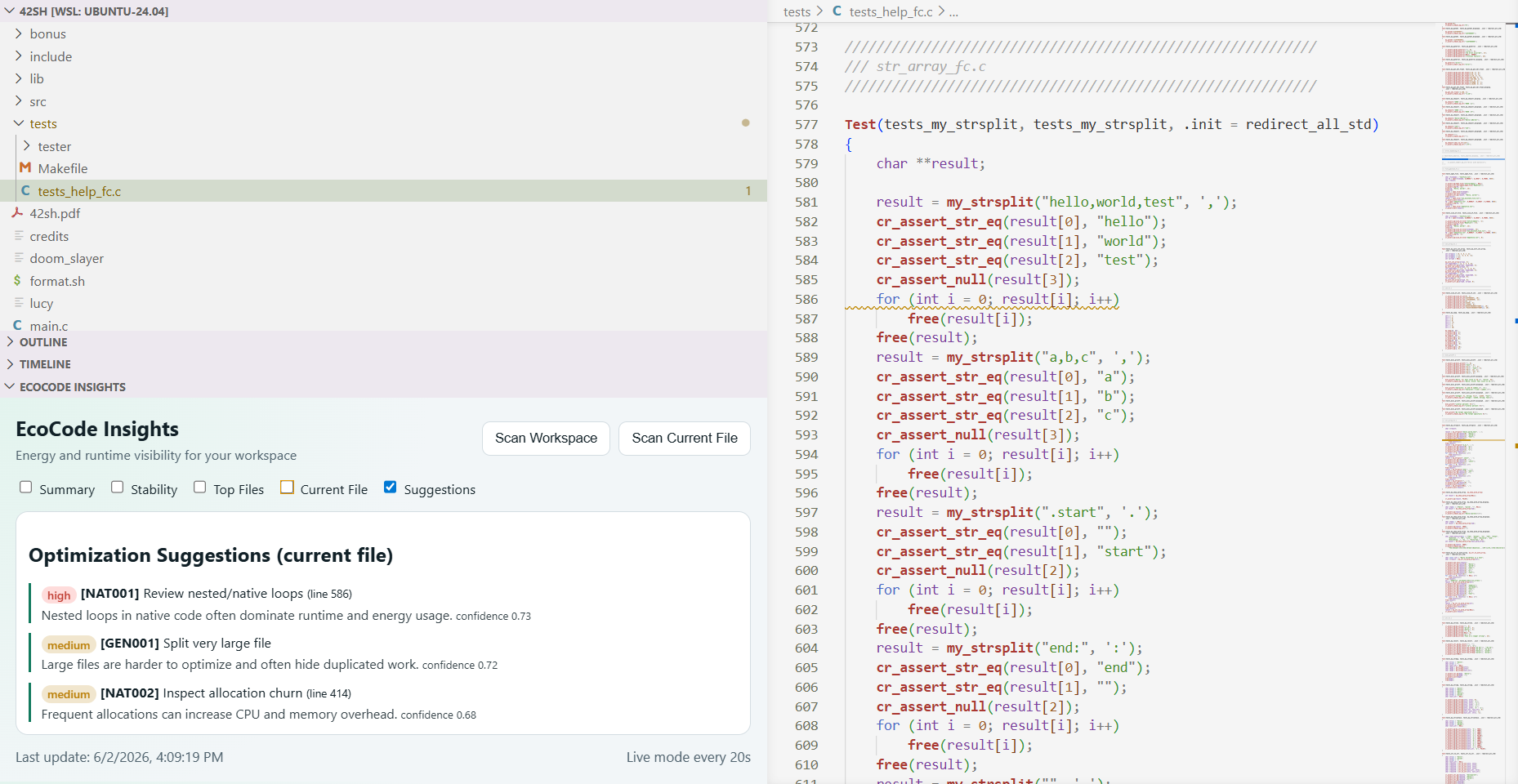
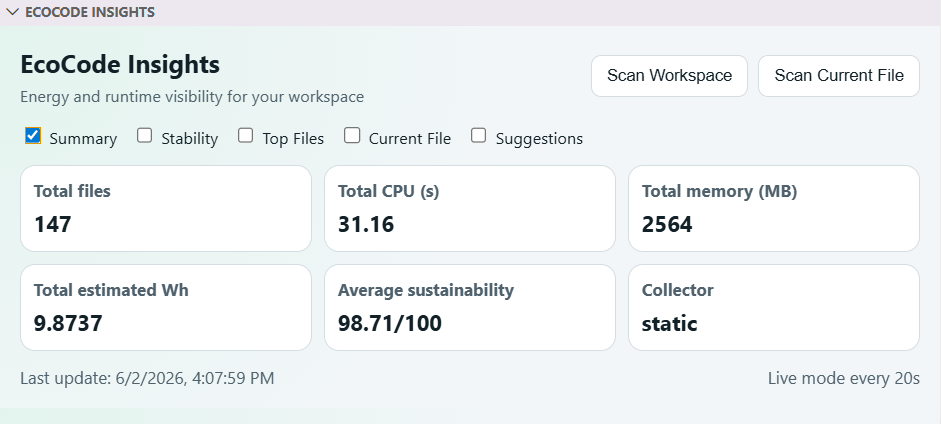
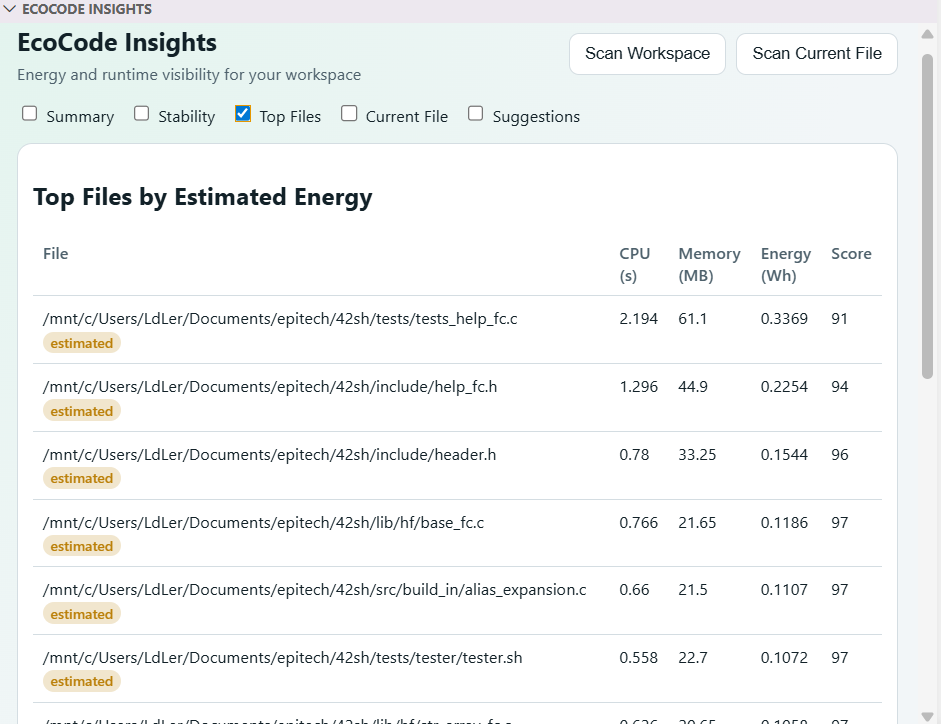
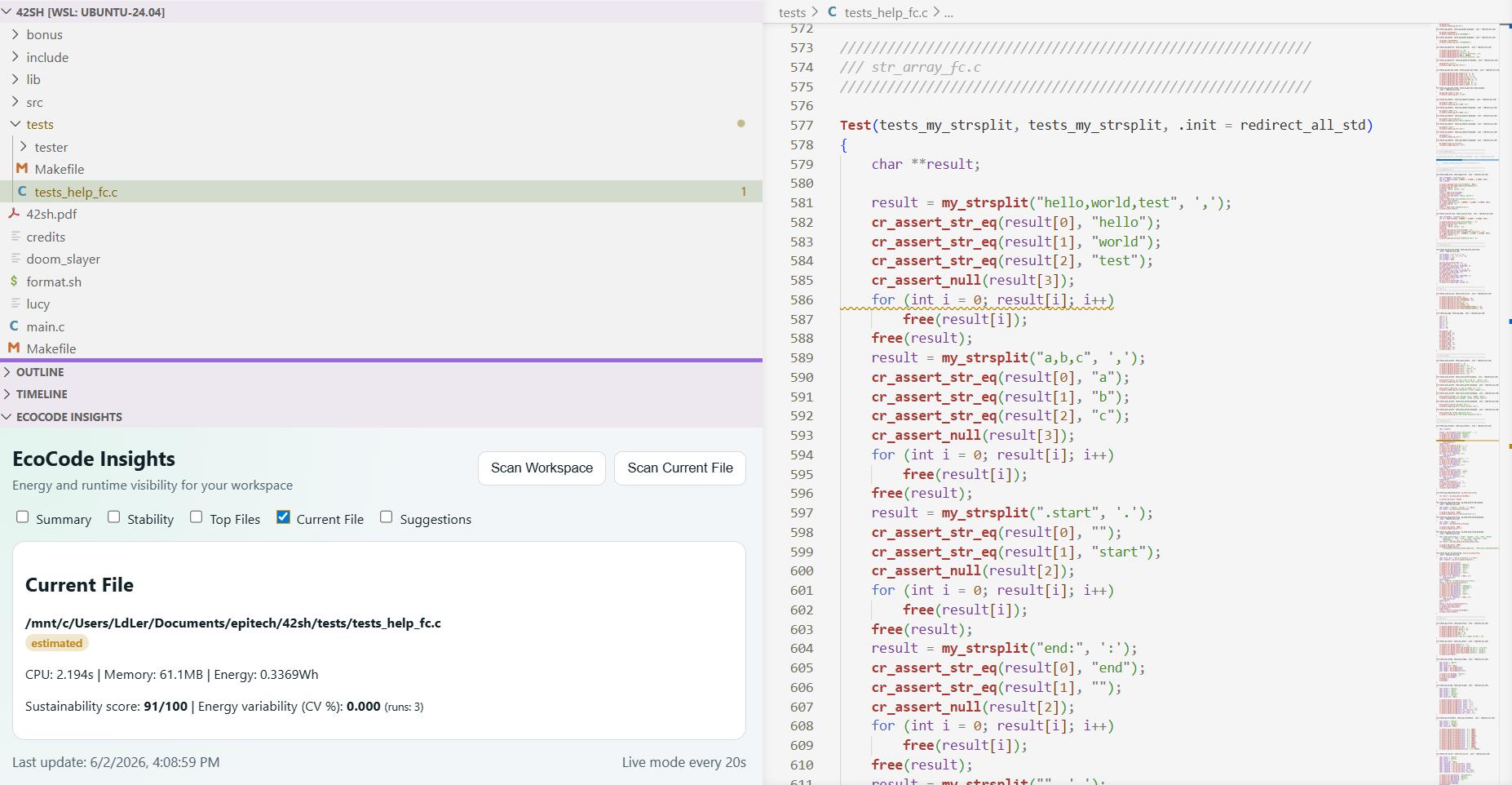
pipx install ecocode-clipipx installs the ecocode command on your PATH in an isolated environment (Python 3.10+). No pipx yet? sudo apt install pipx (Debian/Ubuntu) or python3 -m pip install --user pipx, then pipx ensurepath. Alternatively, install into a virtual environment: python3 -m venv .venv && .venv/bin/pip install ecocode-cli.
On Debian/Ubuntu/WSL, a plain
pip installinto the system Python is blocked by PEP 668 — use pipx or a venv.
A few examples:
ecocode profile path/to/script.py            # profile a single file
ecocode profile-repo --root .                # scan a whole repository
ecocode optimize suggest path/to/script.py   # optimization suggestions
Prefer a GUI? Install the VS Code extension — it drives the same CLI.
EcoCode helps answer very practical questions:
- Is this script consuming more than before?
- Is a PR degrading performance and energy usage?
- Which files or code areas are the most expensive?
- Which optimizations should be prioritized first?
In practice, the CLI already lets you:
- profile a script (CPU, memory, estimated energy),
- create a baseline and compare future runs,
- scan an entire repository,
- track trends over time,
- generate optimization suggestions,
- export results for CI tooling (JSON/SARIF).
The project makes an often invisible topic visible: the runtime cost of software.
In a team workflow, this makes it easier to:
- compare changes with real numbers instead of guesswork,
- catch energy regressions before they reach production,
- add energy checks to CI the same way we already gate tests and linting,
- improve performance and reliability without losing sight of sustainability.
The goal is to become a reference platform for sustainable software engineering:
- increasingly reliable, cross-platform runtime measurement,
- deeper repository analysis,
- smarter optimization recommendations,
- simpler integration into team workflows.
EcoCode works fully offline with deterministic, rule-based suggestions — no API key needed. AI-powered suggestions are opt-in, configured in ecocode.toml:
- Local (Ollama): a model runs on your machine; your code never leaves it; no key. The endpoint is configurable via
ECOCODE_OLLAMA_BASE_URL(HTTP or HTTPS). - Remote (Anthropic): higher quality, but your source is sent to the API, so it needs your own key via the
ECOCODE_LLM_API_KEYenvironment variable. The key is read only from the environment — never stored inecocode.toml, VS Code settings, or the repository.
export ECOCODE_LLM_API_KEY="sk-ant-..." # only needed for the remote providerIf you want full details (commands, outputs, examples, roadmap, etc.), see the complete project documentation:
If the project interests you and you want to help:
You can:
- propose new features,
- add new functionality,
- fix potential issues and bugs,
- improve the app's reliability,
- submit pull requests.
See also: