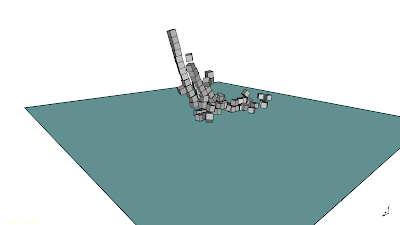
FreeCAD + BulletPhysics Watch the video Installation Install the python bindings for Bullet by opening a terminal (usually ctrl+t) and running this commands: sudo apt-get install python-dev sudo apt-get install libbullet-dev git clone https://github.com/20tab/pybulletphysics cd pybulletphysics python setup.py install Clone this repository: git clone https://github.com/JMG1/FreeCAD_BulletPhysics Running the examples: Navigate to the examples folder: open example.fcstd with FreeCAD Open the example.py file with a random text editor In FreeCAD, create a macro and copy-paste the example.py code to the macro and save. Run the macro and enjoy the magic. Multiple boxes video