Component Toggle Interaction
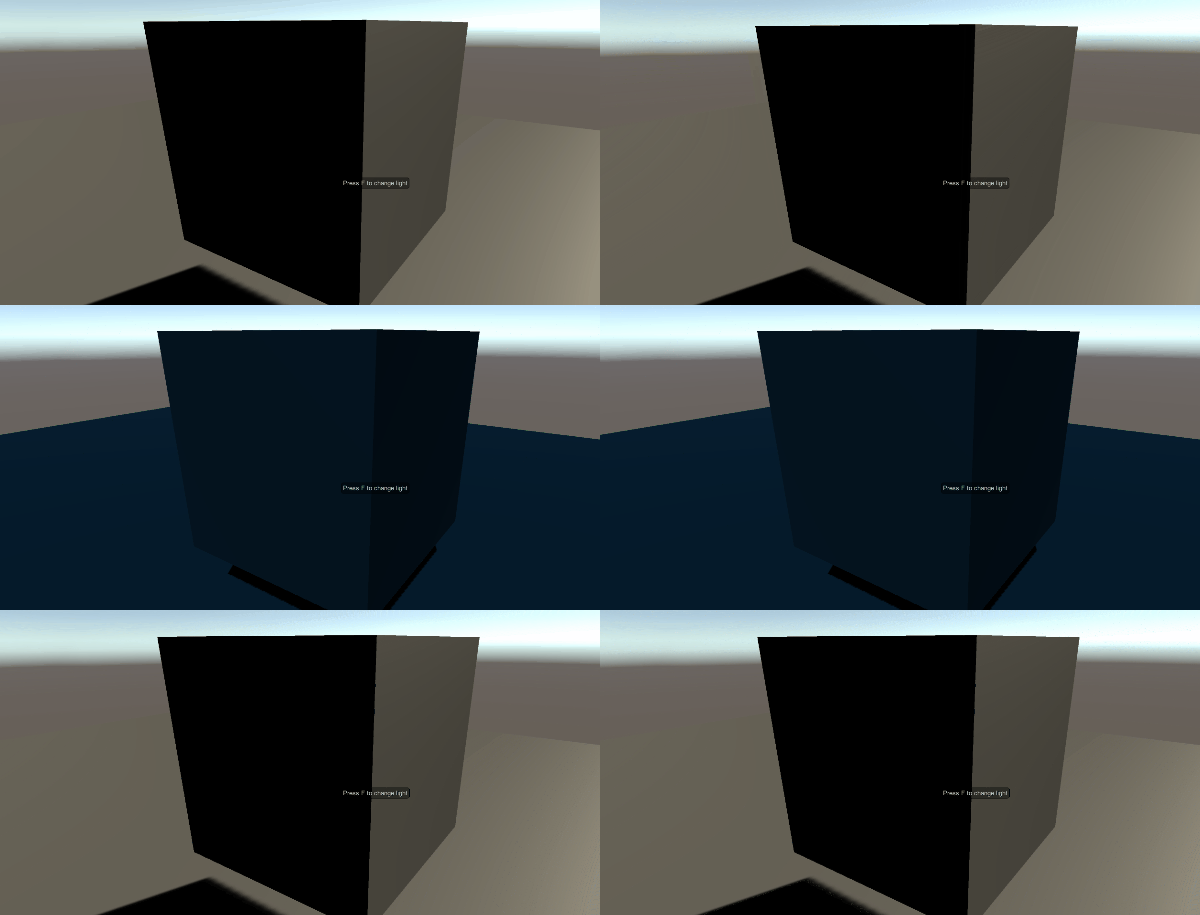
Component toggle interaction allows you to toggle components on other game objects. A useful example of this interaction would be to allow a player to hit a switch, which then turns on a light. Multiple objects can be targeted by this interaction.
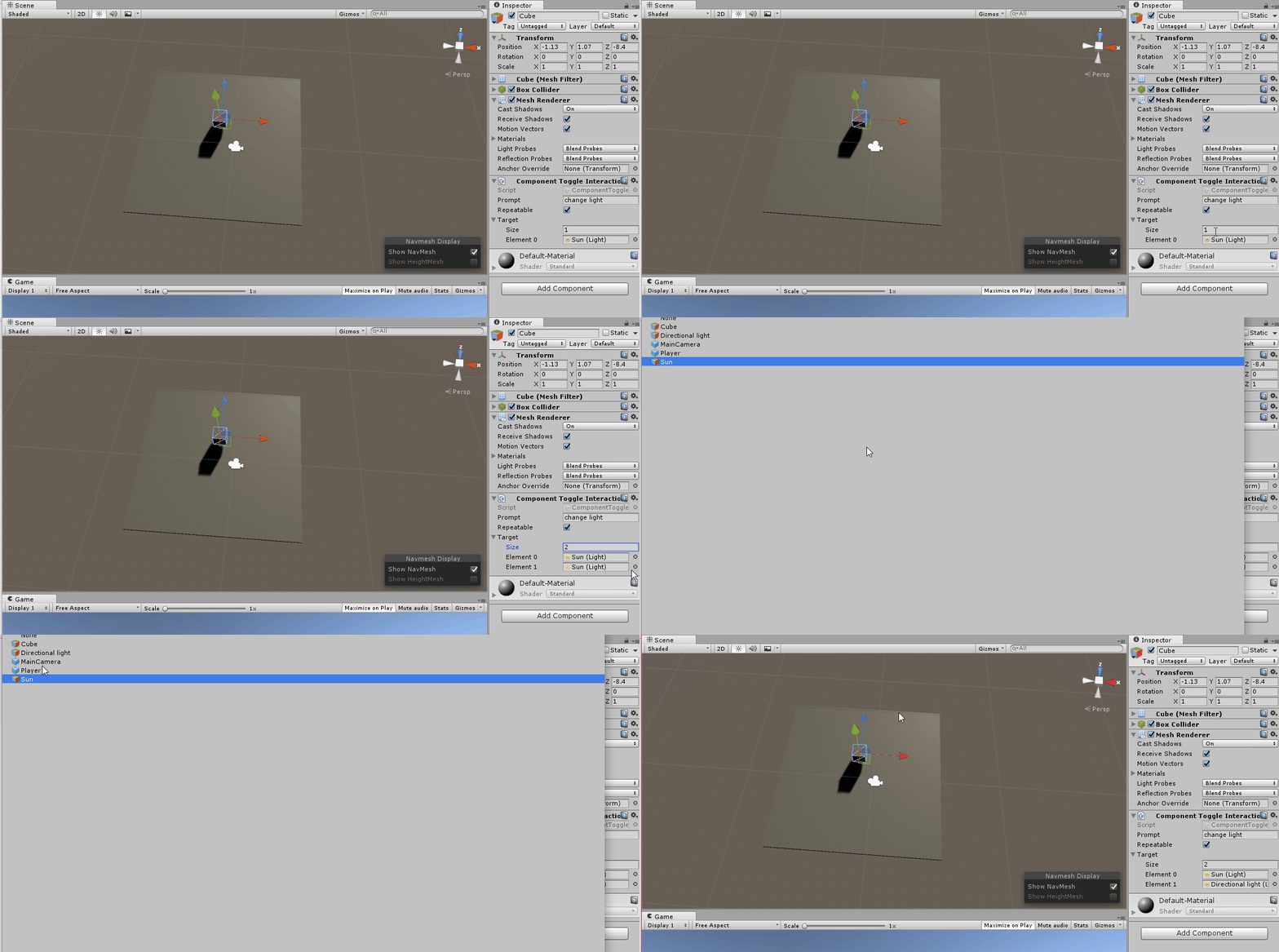
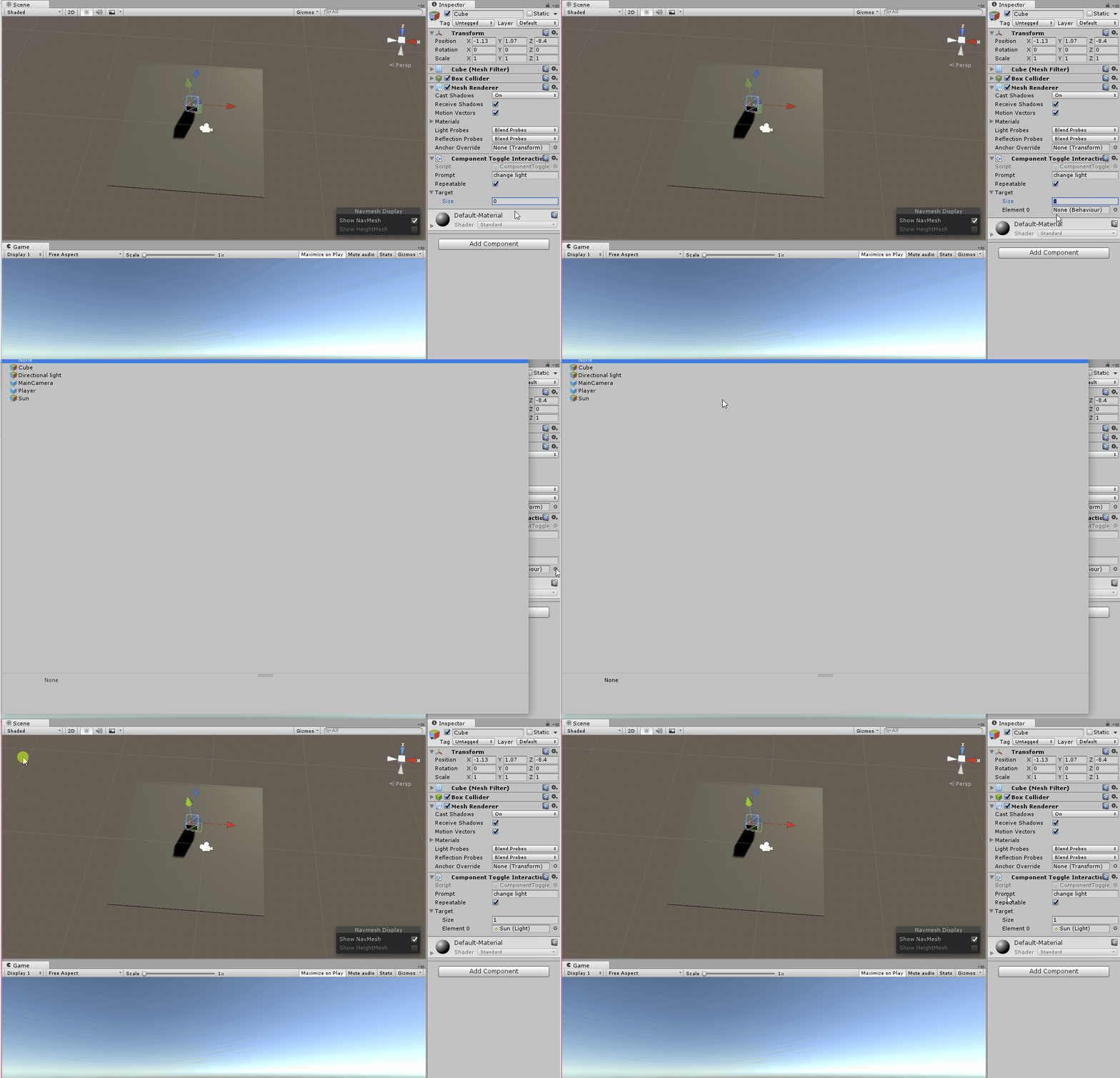
Once you have added the interaction to your game object, you need to choose the number of objects for the interaction to toggle. Enter this, and then choose the objects in the list that appears.
By making the list longer, you can add more objects to be toggled.