Your entire local development environment — in one desktop app.
SelfHost Helper brings process management, monitoring, editing, and tunneling into a single workspace. Stop juggling scattered terminal windows and tools; start managing your projects with professional precision.

Built for developers who want control without chaos.
Modern development workflows are fragmented. Most developers have to juggle:
- Terminal windows for running processes.
- System monitors for tracking resources.
- Git tools and editors for quick changes.
- Tunneling services to share their work.
SelfHost Helper eliminates that fragmentation, bringing everything into a single high-performance cockpit.
- Developers managing multiple local projects.
- Full-stack engineers juggling frontend + backend services.
- Developers tired of constantly switching between terminal, editor, and monitoring tools.
The entry point for all your projects, organized by custom categories.
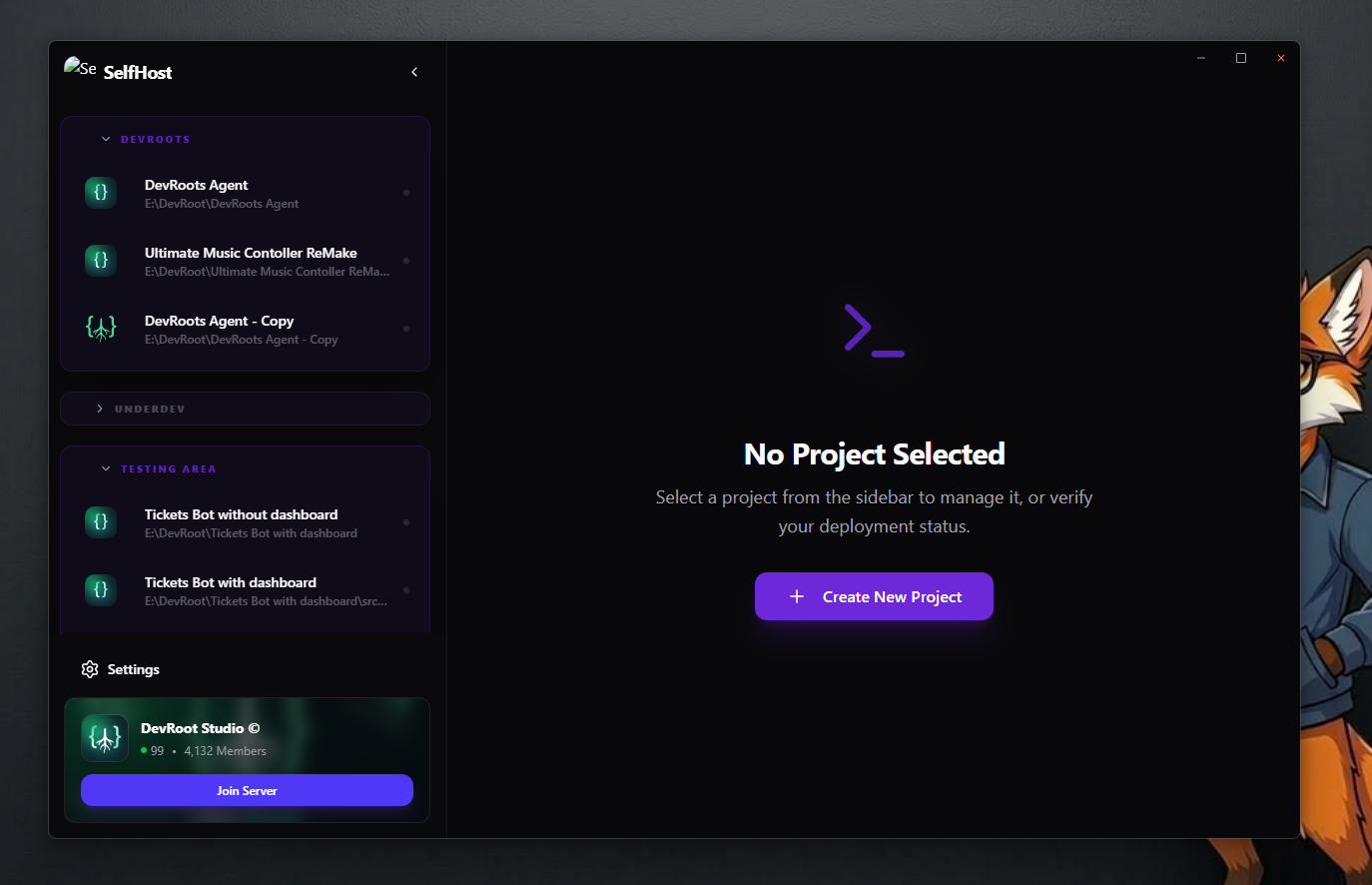
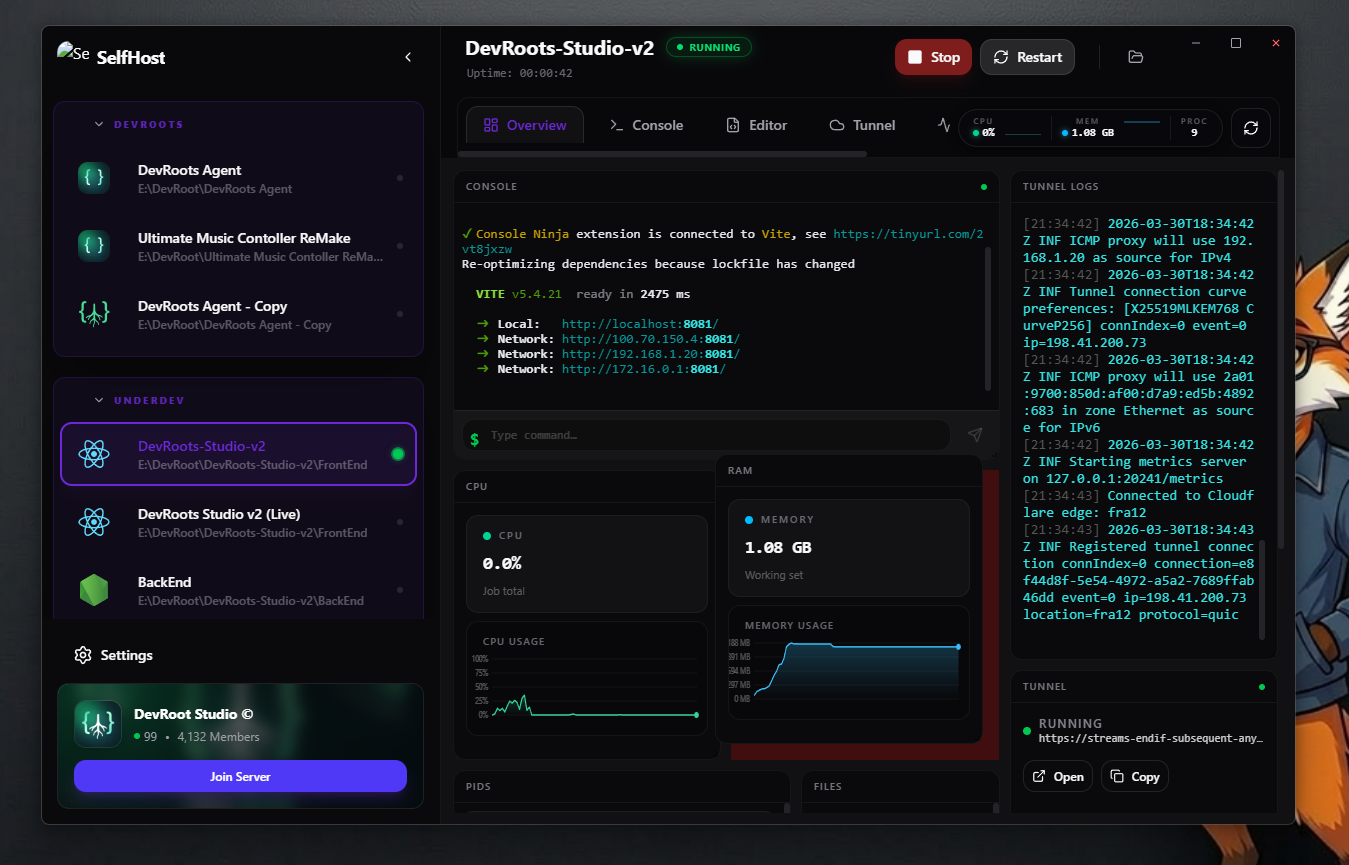
A customizable workspace for each project featuring a draggable grid of live metric tiles.
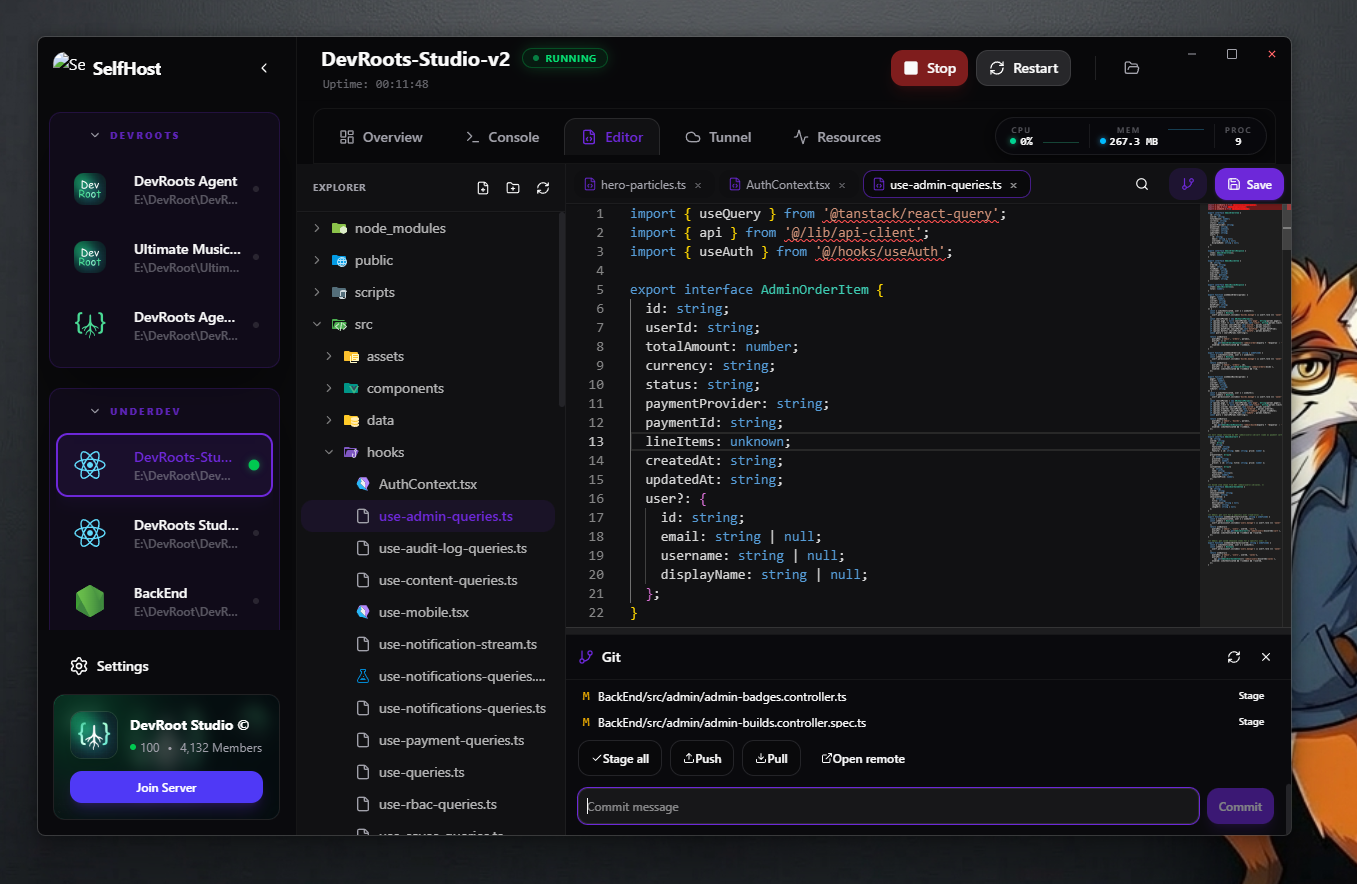
VS Code–powered Monaco editor with built-in search and version control.
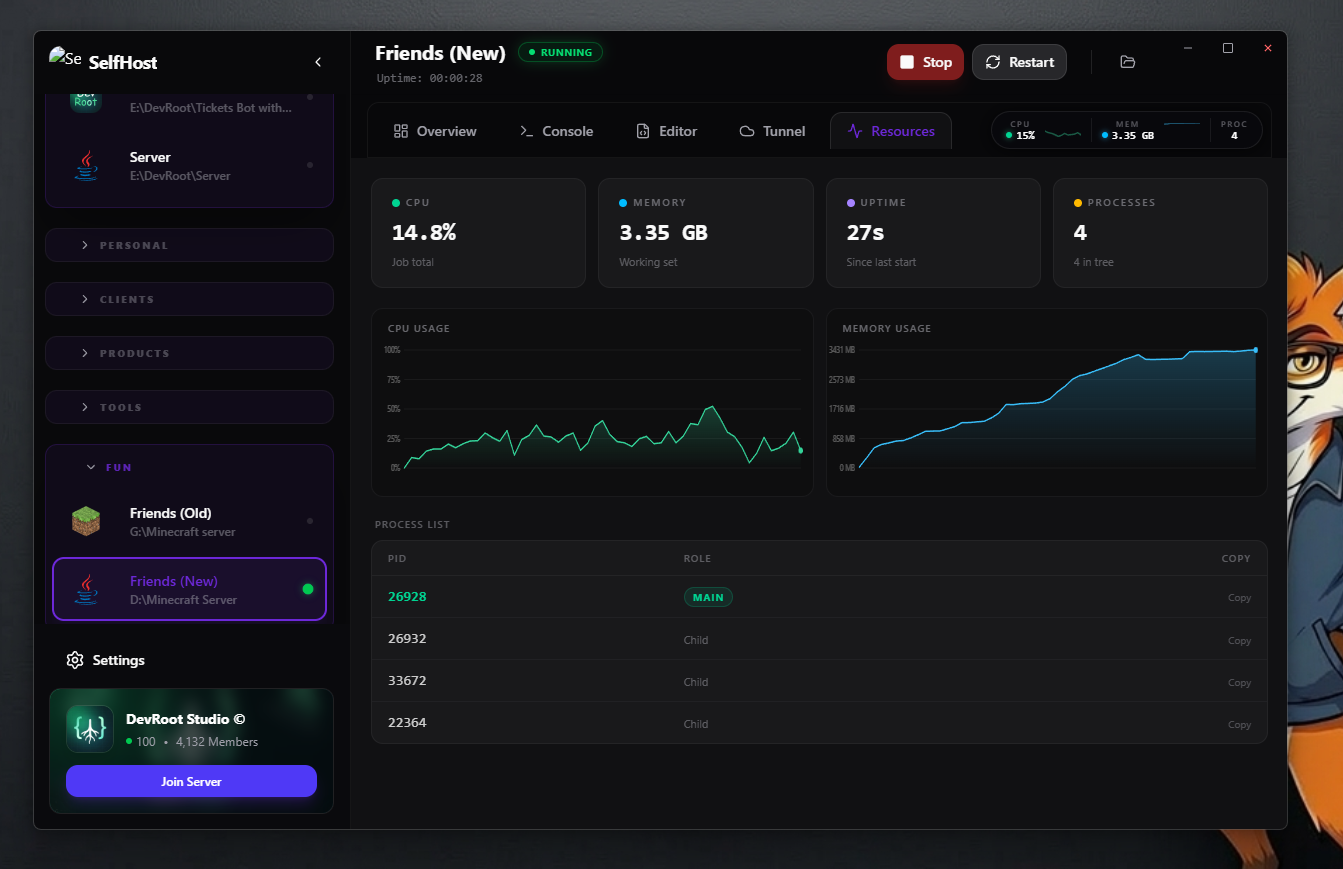
Deep-dive into resource history with live charts and per-process tracking.
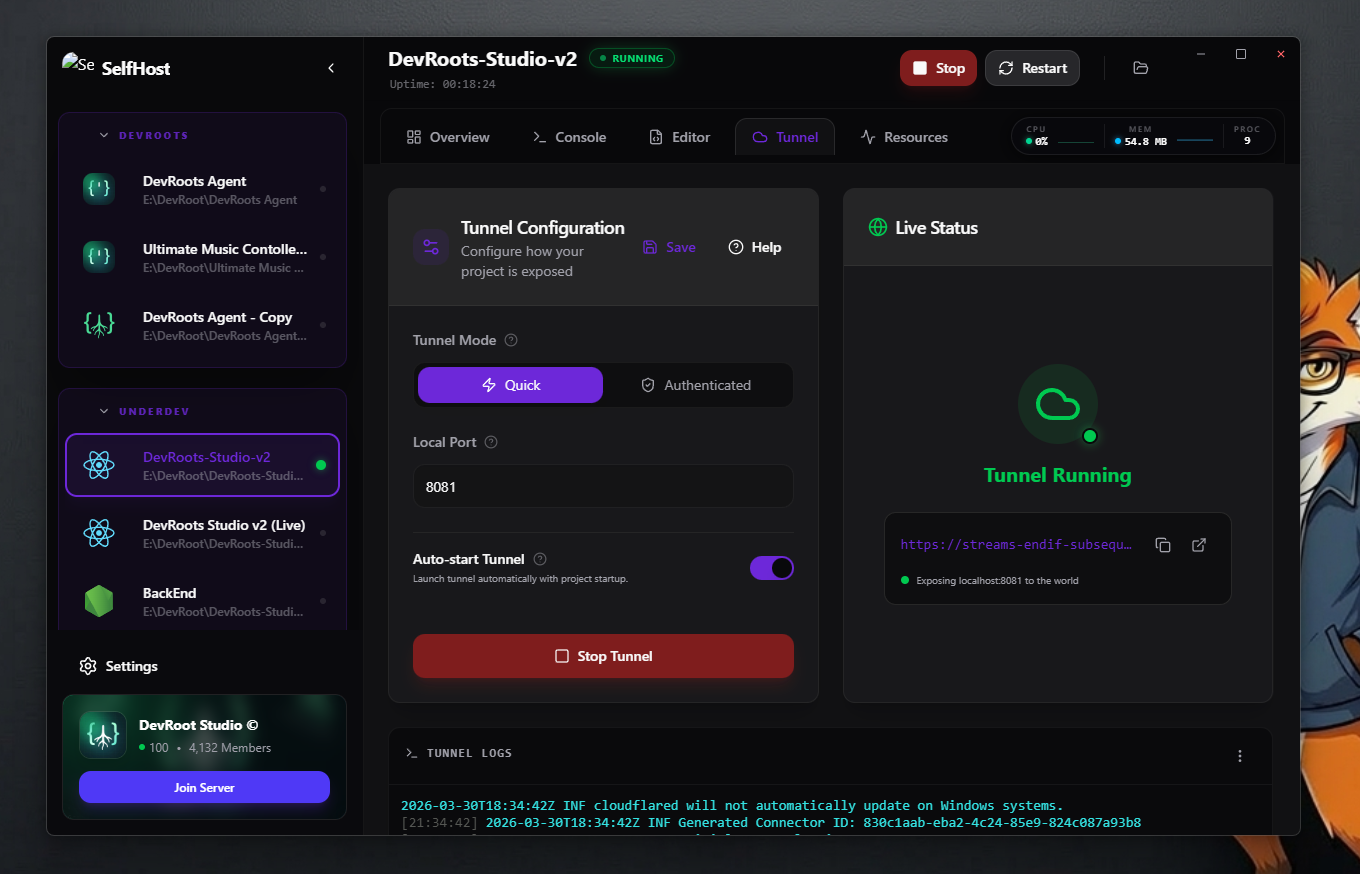
Instant public exposure for local services via Cloudflare.
SelfHost Helper replaces scattered utilities with a centralized workflow:
- Centralize your process lifecycle (Start, Stop, Monitoring).
- Customize your workspace with a draggable widget-based Overview Hub.
- Expose local services instantly without complex firewall configuration.
- Consolidate your coding, terminal, and git workflow into one window.
Organize your development life with custom Categories. Use the sidebar to quickly switch between backend APIs, frontend apps, or microservices with drag-and-drop reordering.
The heart of your workspace is a customizable Overview Hub. Drag and resize smart tiles to build your ideal monitoring center:
- Metrics Tiles: Live CPU and RAM usage with mini sparkline charts for instant telemetry.
- Mini Console: Send standard input and view logs directly from the cockpit.
- Quick Tunnel: Toggle Cloudflare tunnels and copy public URLs in one click.
- File Preview: A high-level view of your project structure for lightning-fast navigation.
- Process Tracker: Real-time PID tracking and process health diagnostics.
A full-featured environment powered by Monaco (the engine behind VS Code):
- Integrated Git tools: Status, staging, and commits without leaving the app.
- Blazing Search: Full-text ripgrep integration for instant result counts across projects.
- File System: Robust create/delete/rename operations with native performance.
Securely expose local services to the global internet. Features include quick (unauthenticated) tunnels, credential-based tunnels, and auto-start options to keep your services alive.
graph TD
    A["Electron Main Process"] --> B["IPC Layer"]
    B --> C["Renderer (React UI)"]

    A --> D["Services Layer"]
    D --> E["Project Manager"]
    D --> F["Process Manager"]
    D --> G["Tunnel Manager"]
    D --> H["Git Service"]
    D --> I["Search Service"]
    D --> J["Stats Service"]

    E --> K[("SQLite Database")]
    G --> L["Cloudflare Tunnel"]
    C --> M["Monaco Editor"]
flowchart LR
    A[Start Project] --> B[Spawn Process]
    B --> C[Track Process Tree]
    C --> D[Monitor Resources]
    D --> E[Display in UI]

    B --> F[Attach Logs]
    F --> E

    B --> G[Optional Tunnel]
    G --> H[Public URL]
- Node.js (LTS recommended)
- npm
git clone https://github.com/DevRoots-Studio/SelfHost-Helper
cd SelfHost-Helper
npm installnpm run devnpm run build- Electron — Full native desktop integration and system-level process control.
- React — High-performance, reactive UI for real-time telemetry updates.
- Vite — Blazing fast build pipeline and rapid development cycle.
- SQLite + Sequelize — Reliable local storage with a robust ORM for data integrity.
- Tailwind CSS — Modern, utility-first styling for a premium glassmorphic aesthetic.
- Monaco Editor — Bringing the power of VS Code directly into your workspace.
- Cloudflare Tunnels — Industrial-grade local-to-public tunneling without port forwarding.
Local development shouldn't feel scattered.
SelfHost Helper brings everything into one place:
- One interface to rule them all.
- One workflow for all your dev needs.
- Full control over your local environment.
Planned features and improvements are tracked in TODO.md.
- Open issues for bugs or feature ideas.
- Submit pull requests to improve the codebase.
- Help improve the ecosystem!
ISC License — See LICENSE for details.