Wi Weather uses weatherapi.com API to get the realtime weather data.
Show some love 💜 and Star ⭐️ the Repository to support the project.

Version 1
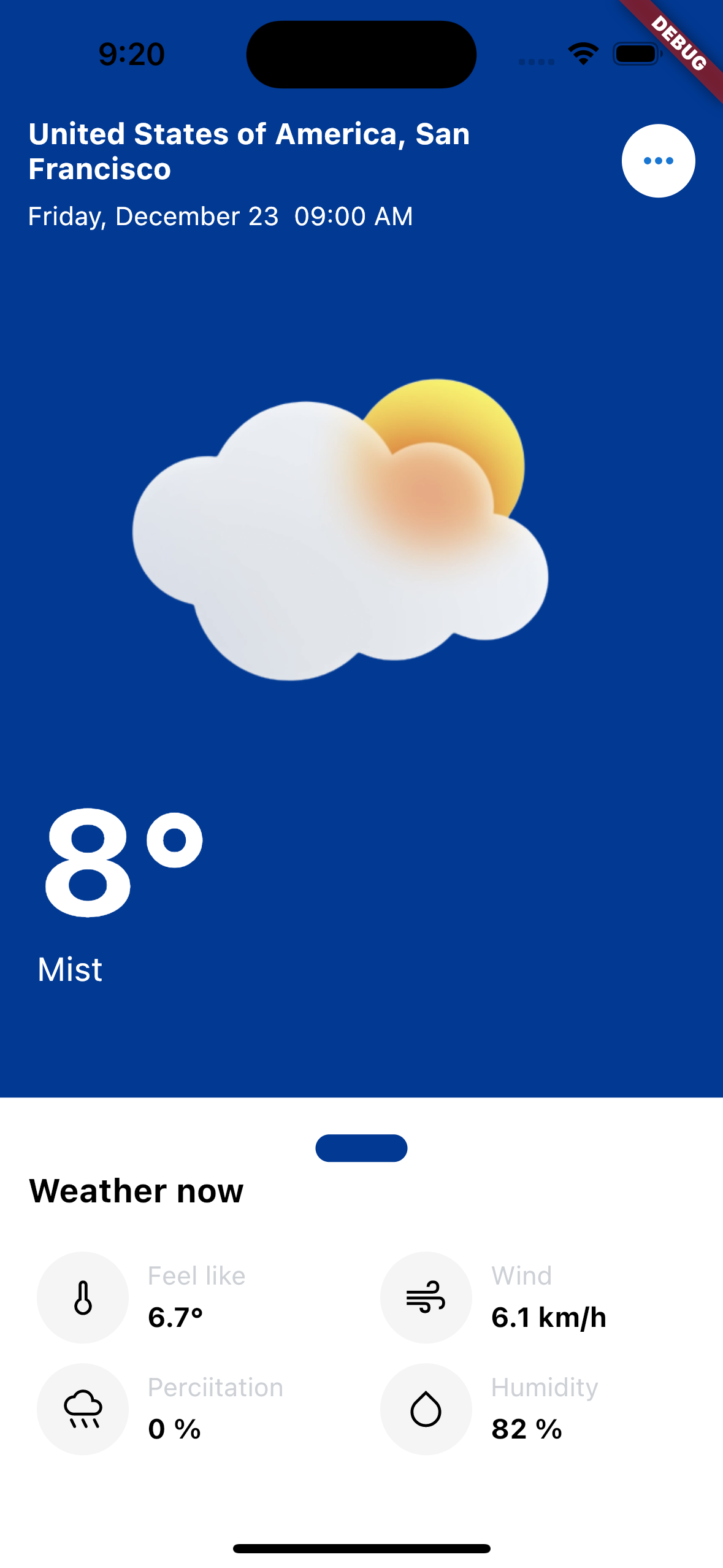
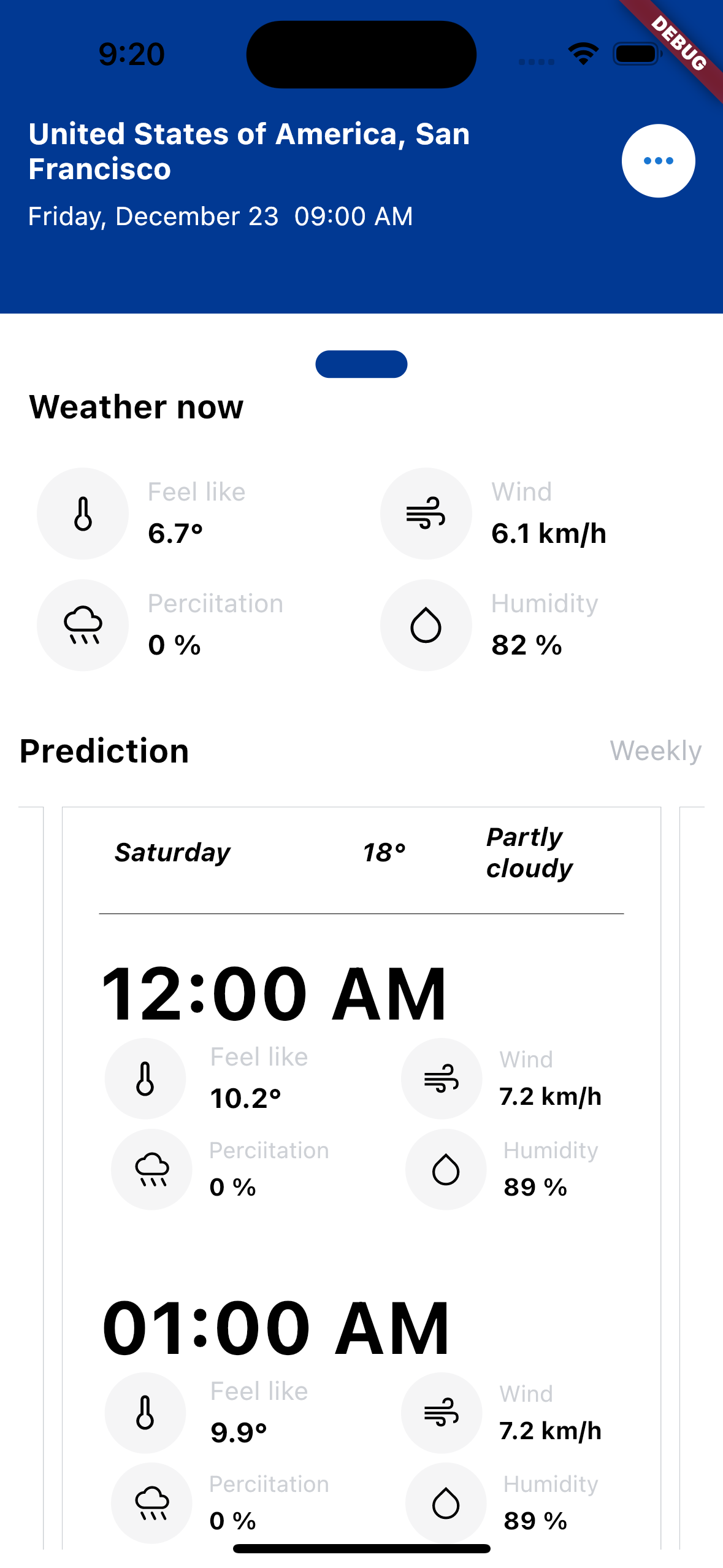
Version 2


You can get the EasyWeather up and running on your local dev environment in 5 minutes with these four steps:
-
Install the Flutter SDK & Android Studio. Instructions.
-
Open Terminal & navigate to the root directory of the project.
cd wi_weather -
Run and launch the build on preferred device.
flutter run
-
Open the source code and start editing!
Your app is now running on your physical device or emulator. Open the
libdirectory in Android Studio itself and edit*.dartfiles. Hot Reload your changes, and the app will update in real time!
At this point, you’ve got the fully functional Wi weather App running. For additional information on how you can customize your Flutter Apps, see Google Codelabs and HackerNoon Guide.
If you got any queries or found a bug, open an Issue or ping me over on chiemela.dev@gmail.com
Licensed under the MIT License.
Thanks to all contributors and to sponsors for supporting the project.