A native GTK4/libadwaita settings app for Hyprland — tweak any option, see it change live, save when you're happy.


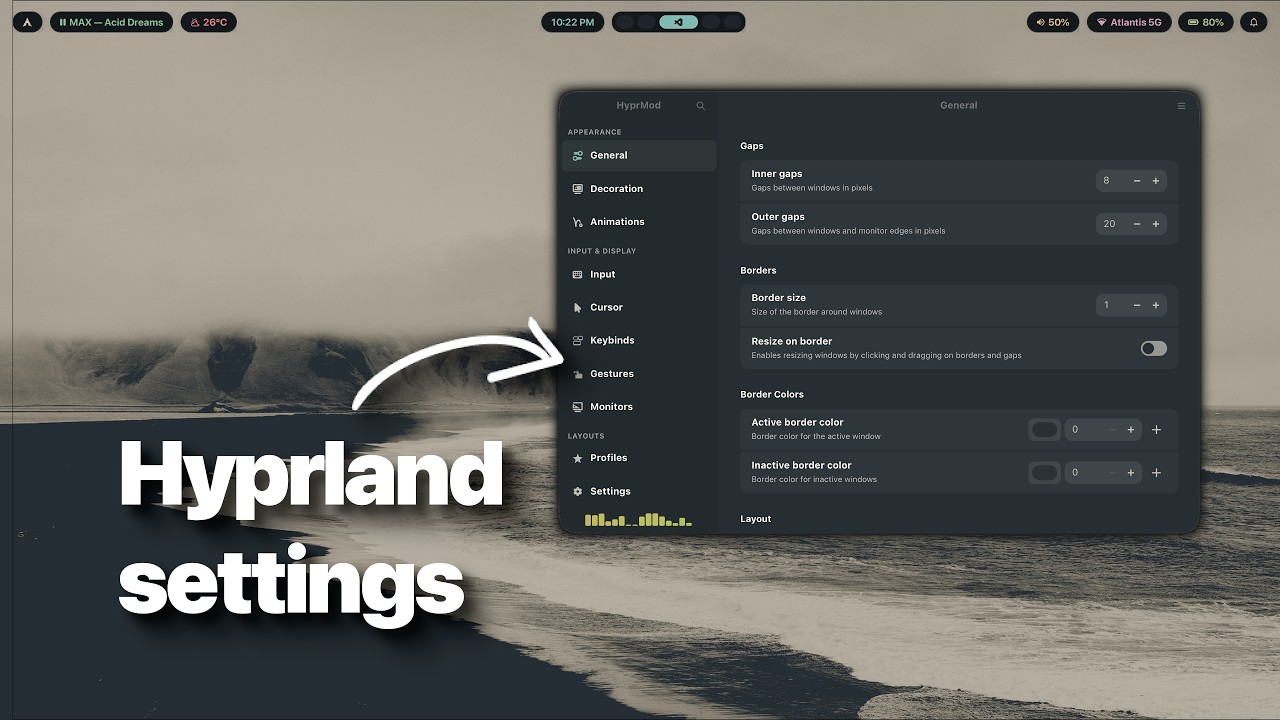
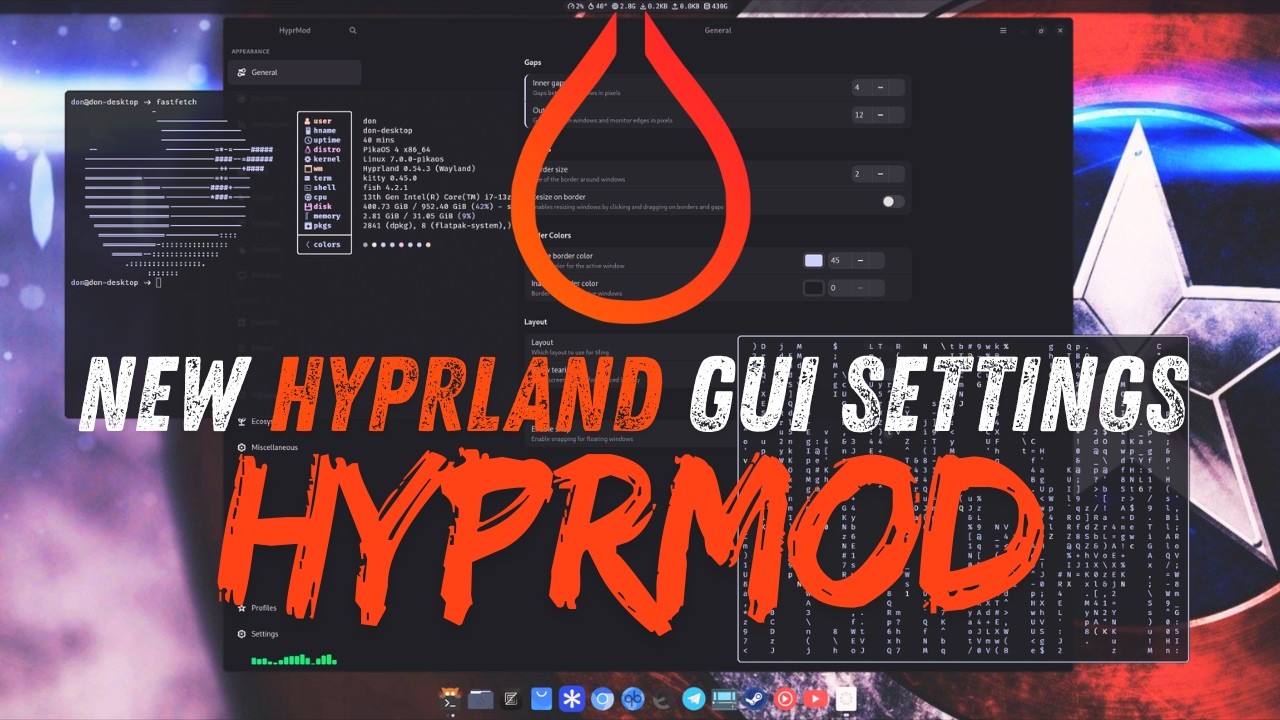
- Live preview — changes apply instantly to your running compositor
- Your config stays untouched — HyprMod writes only to its own
hyprland-gui.conf - Undo with Ctrl+Z — step back one change at a time
- Profiles — save, name, and share complete configurations as
.conffiles
- Bezier curve editor with live animation preview
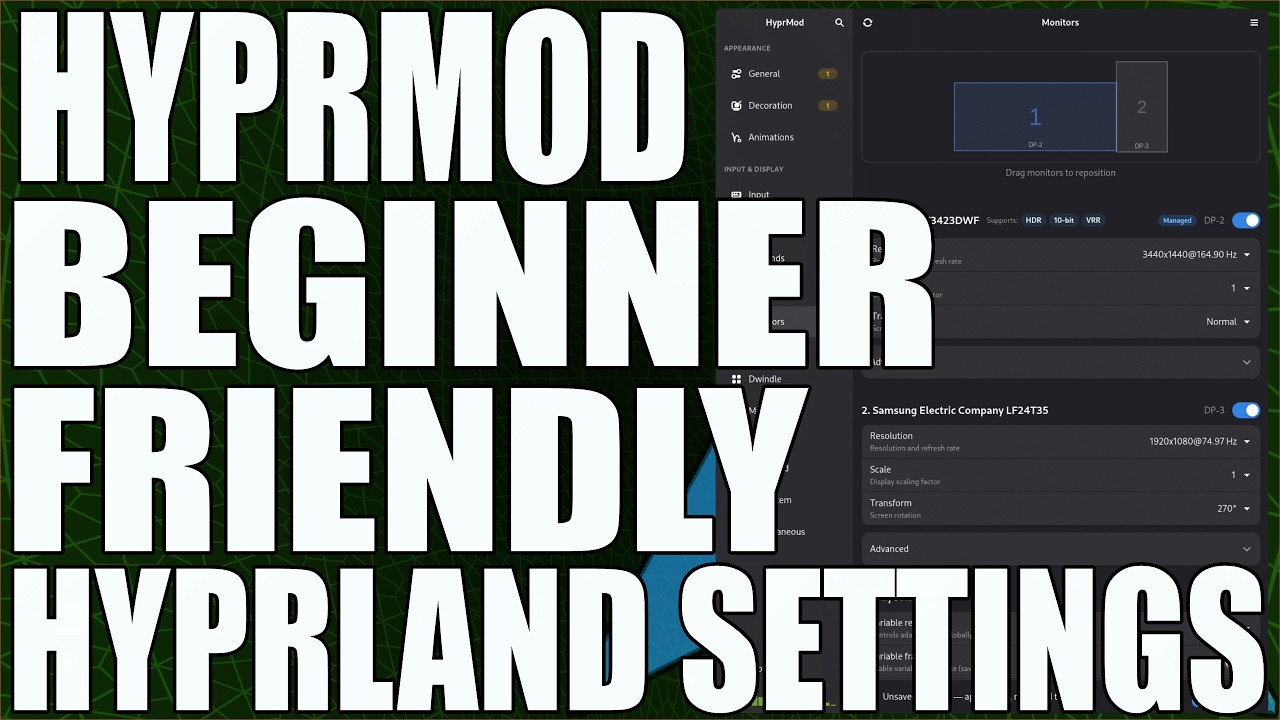
- Monitor layout editor with VRR, HDR, and 10-bit detection
- Keybind editor with interactive key capture
- Cursor theme picker with live preview
- Config DNA — a unique visual fingerprint per profile
- Global search across all options (Ctrl+F)
HyprMod is in active development and not yet packaged for most distributions.
Requires Python 3.12+, GTK4, libadwaita, and a running Hyprland instance.
Arch Linux: install the hyprmod-git AUR package with your favorite helper:
yay -S hyprmod-gitOther distributions — build from source:
git clone https://github.com/BlueManCZ/hyprmod.git
cd hyprmod
uv sync
uv run hyprmod
Or with pipx:
git clone https://github.com/BlueManCZ/hyprmod.git
cd hyprmod
pipx install .
hyprmod
On first launch, HyprMod asks permission to add one source line to your hyprland.conf — that's the only time it touches your config.
Next
- Window rules, layer rules, and
windowrulev2editor exec-once(autostart) and environment variable pages- Automatic backups on save, with a history browser
- Translations (gettext)
Later
- Pages for the hypr* ecosystem — hyprpaper, hypridle, hyprlock
- Plugin manager (
hyprpm) - Command-line interface —
hyprmod profile apply <name>
Out of scope — Wi-Fi, Bluetooth, printing, default apps, and GTK theming belong in a desktop control center, not a Hyprland settings app. See #15 for the reasoning.
PRs are welcome. See CONTRIBUTING.md for development setup, the checks CI runs, and scope notes. For larger changes, please open an issue first so we can discuss the approach.