Work Groups
Work Groups allow you to create your own groupings of people (or Active Directory Groups) in order to control who sees what within your environment.
Click on Workgroups in the main navigation.
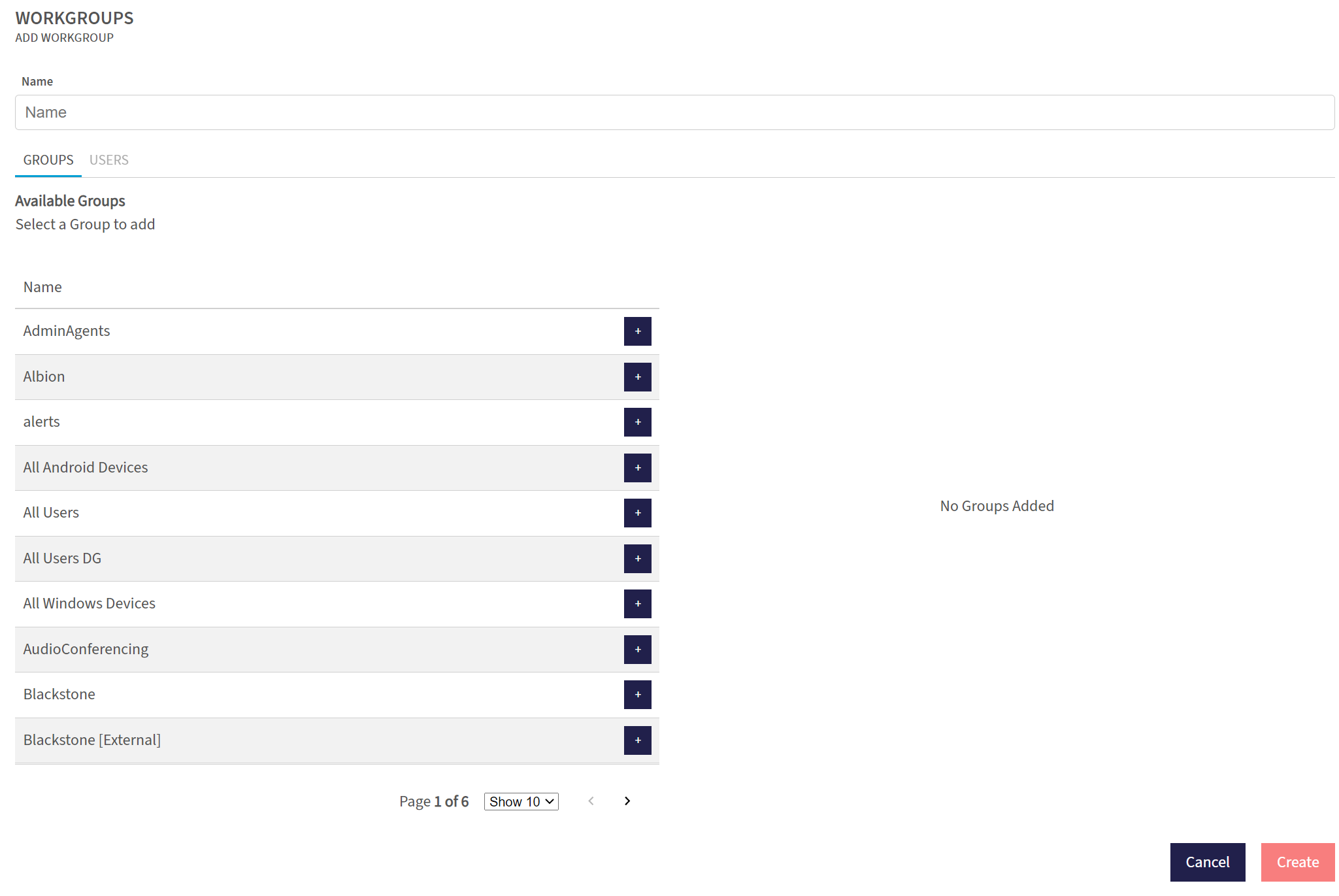
To create a new work group, click on the  icon in the top right hand corner.
Select the individuals or groups you wish to make members and click Create. You can now grant this Workgroup access to Connections, Data Sources and Standards throughout the Platform.