

Content Machine is a local-first short-form video skill pack for coding agents.
It gives Claude Code, Codex CLI, Cursor, and similar agents the skills, flows, and deterministic runtime tools they need to make TikTok videos, Instagram Reels, and YouTube Shorts without hiding the process.
The point is simple: ask your agent for a video outcome, get back a normal MP4 plus inspectable artifacts for script, audio, timestamps, visuals, captions, render metadata, source rights, and review.
- It is for agent harnesses: you already use Claude Code, Codex CLI, Cursor, or a repo-aware coding agent.
- It installs into your repo: the pack materializes
.content-machine/skills/and.content-machine/flows/so your agent can read them locally. - It is results-first: Reddit stories over gameplay, motion-card explainers, SaaS shorts, listicles, micro-docs, longform clips, and 3D/procedural gameplay backgrounds.
- It is not a black box: every meaningful step writes files another agent or human can inspect.
- The README is the tour: commands and low-level runtime details are in the deeper docs.
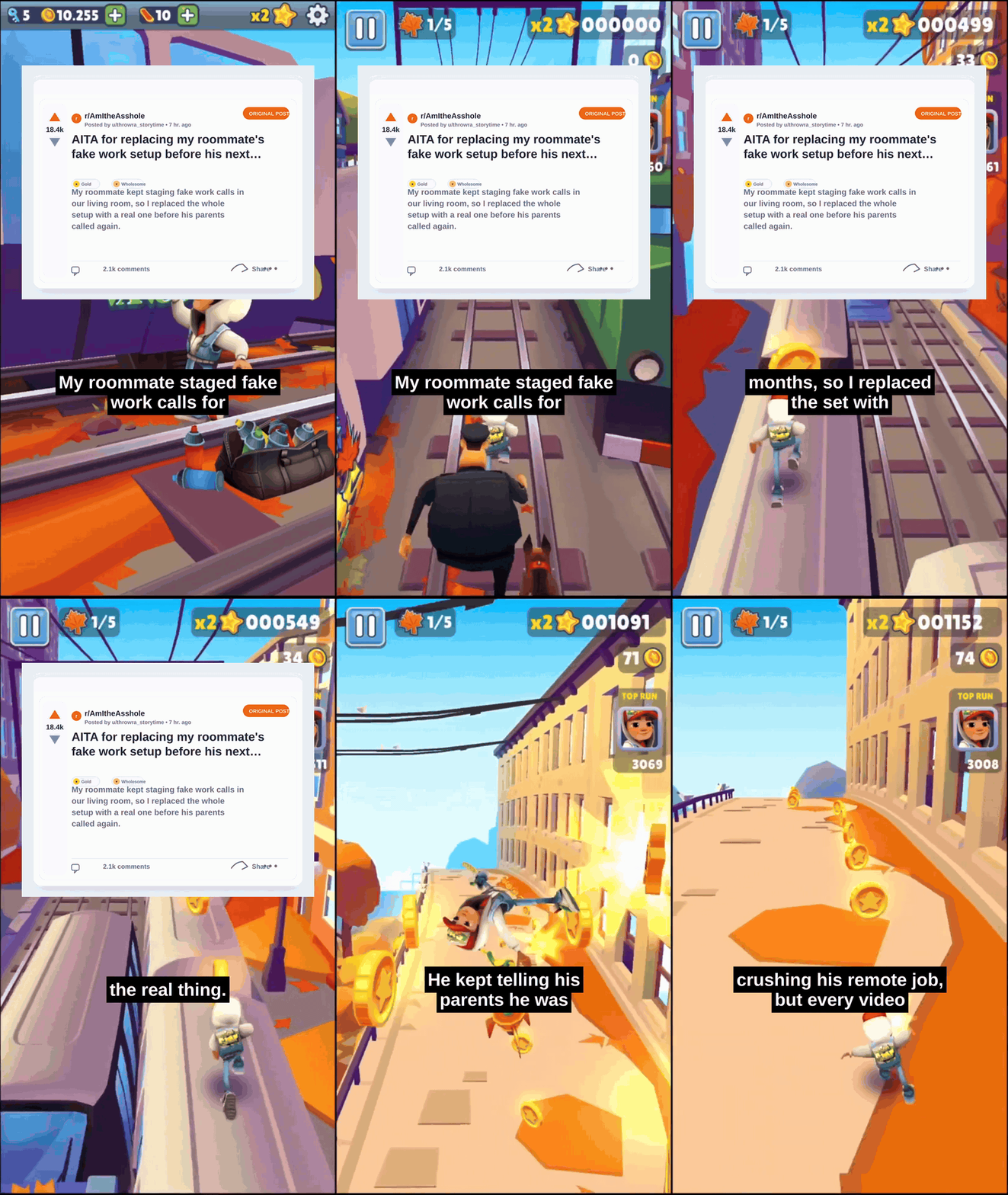
The default story example is the familiar Reddit-post-over-gameplay format: full-screen Subway Surfers-style gameplay, a Reddit opener card, then bold captions over the same gameplay.
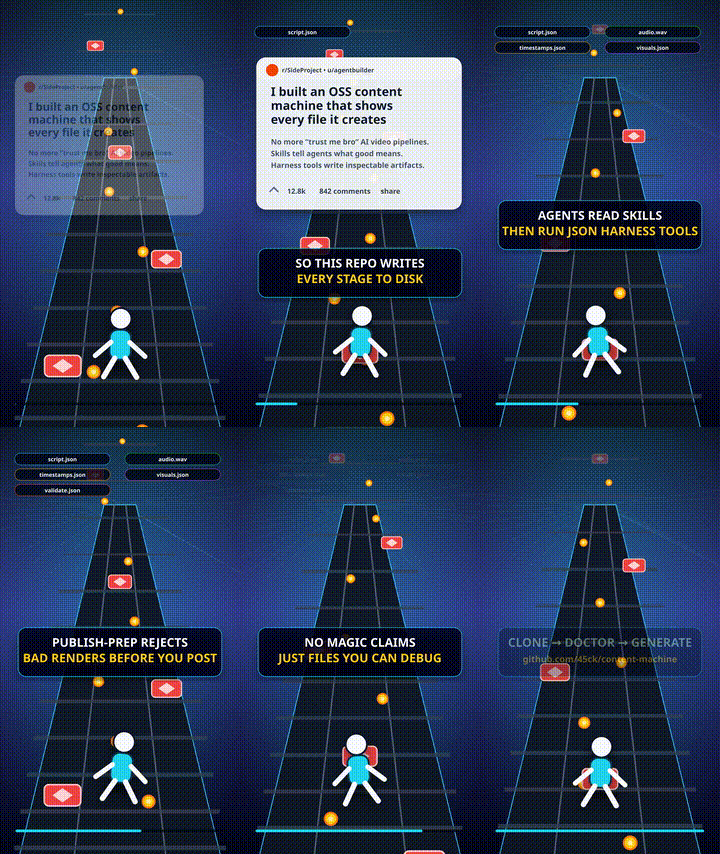
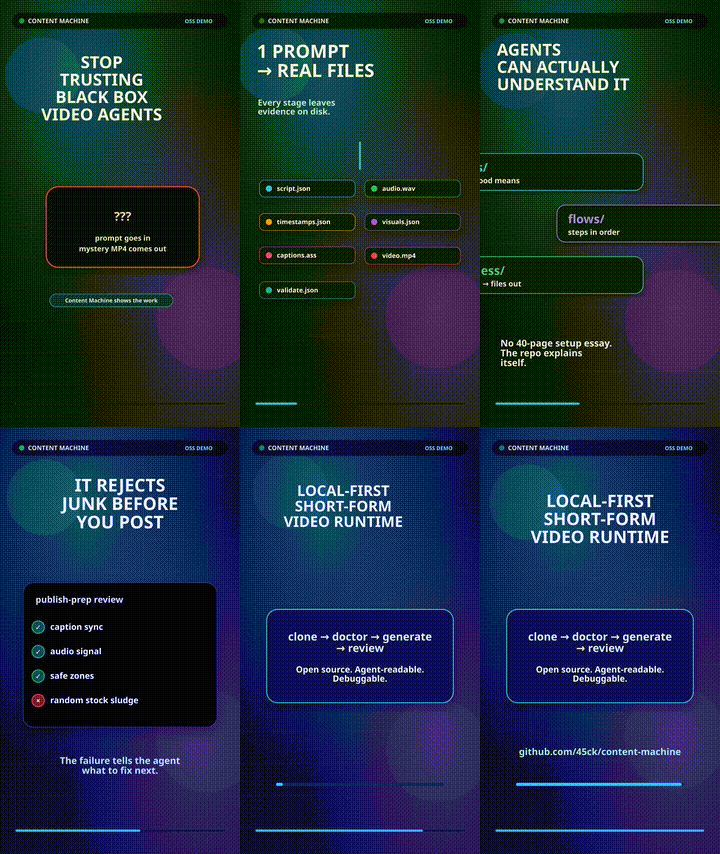
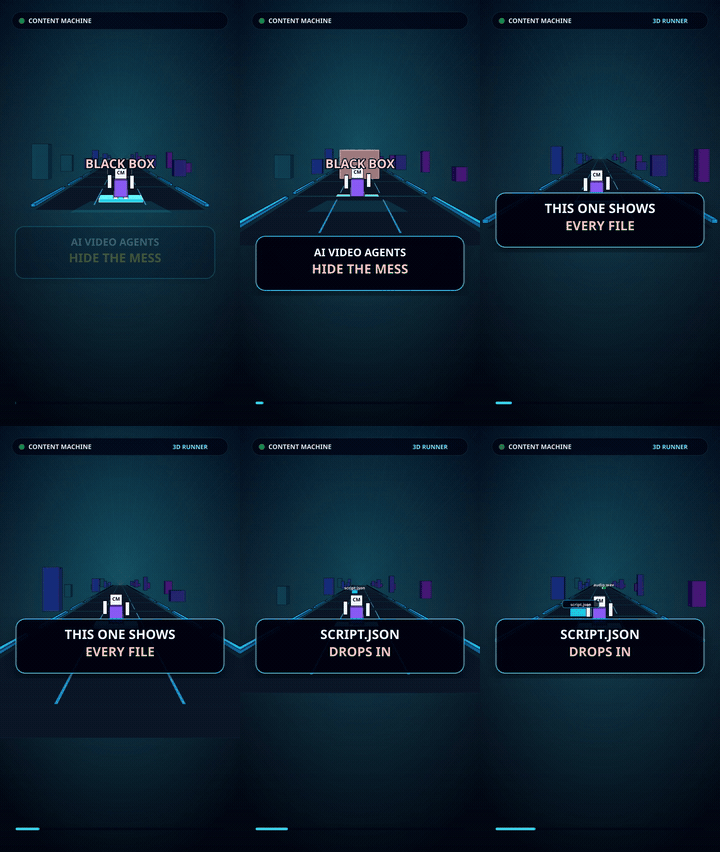
Repo explainer previews show the same system used for OSS onboarding, motion cards, and 3D/procedural gameplay:
| Example | What It Proves | Start Here |
|---|---|---|
demo-9 |
Reddit story + gameplay is the default low-attention story lane | reddit-post-over-gameplay |
demo-18 |
The repo can explain itself in a social-native Reddit/gameplay format | content-machine-self-demo |
demo-19 |
Deterministic motion cards can explain a repo without stock footage | content-machine-self-demo |
demo-20 |
Code-native 3D/procedural motion can be a rights-safe gameplay background | procedural-gameplay-backgrounds |
gallery |
The broader lanes: stock explainers, text threads, SaaS, facts, micro-docs, mixed | Showcase Gallery |
Open your agent inside the repo where you want to make videos and paste this:
Install Content Machine in this repo and use it as the local short-form
video skill pack.

Follow the Agent Harness Install guide:
https://github.com/45ck/content-machine/blob/master/docs/user/AGENT-HARNESS-INSTALL.md

Do the install for this harness, materialize `.content-machine/`, write
the right root instruction block for Codex CLI, Claude Code, Cursor, or
this repo-aware agent, then verify the local runner.

After install:
- List the installed skills and flows.
- Run doctor-report.
- Tell me what dependencies, API keys, or media assets are missing.
- For any video request, choose the right Content Machine skill or flow
  first.
- Write artifacts under `runs/<run-id>/`.
- Do not call an MP4 ready unless publish-prep passes.
Install details are in Agent Harness Install. The quick operator path is in Agent Quickstart.
Content Machine does not require a special hosted plugin registry. The agent reads repo-local Markdown skills and flow manifests, then calls the packaged runtime only when execution is needed.
The complete catalog lives in skills/, executable
multi-step paths live in flows/, and deterministic
runtime surfaces live in scripts/harness/.
Content Machine splits the work so agents do not have to improvise a video pipeline from scratch:
- Skills hold judgment: when to use a lane, what good output looks like, what to reject, and which artifacts should exist.
- Flows coordinate jobs: topic-to-video, longform-to-shorts, reverse-engineering a winner, diagnostics, and repo showcase runs.
- Runtime tools execute stages: script generation, source analysis, audio, timestamps, visuals, captions, render, asset ledger, and publish-prep review.
- Artifacts stay local: runs are meant to be inspectable, resumable, reviewable, and safe for another agent to continue.
- Reddit/AITA/confession stories over gameplay.
- Stock-footage explainers and faceless mixed-media shorts.
- Motion-card lessons, coded graphics, and 3D/procedural backgrounds.
- Text-message drama, receipt reveals, and social-thread overlays.
- SaaS/product shorts with problem, proof, demo, and CTA beats.
- Fast-facts listicles and micro-documentary breakdowns.
- Longform podcast, interview, talk, or screen-recording clips.
- Reviewed MP4s with provenance, captions, source rights, and quality gates.
- Hook, retention, platform-fit, and metrics feedback loops that improve future shorts without pretending virality is guaranteed.
- Use it in your project: Agent Harness Install
- Understand the workflow: Agent Quickstart
- Pick a video lane: Archetypes
- Review hook/retention: Virality And Retention
- Watch examples: Showcase Gallery and Demo Gallery
- Browse skills: Skills
- Browse flows: Flows
- Review readiness: Quality And Review
- Find creative sources: Creative Sources
| Path | Why It Exists |
|---|---|
skills/ |
Agent-readable capability docs and examples |
flows/ |
Executable multi-step workflow manifests and operator notes |
docs/user/ |
Human install, quickstart, examples, quality, and showcase docs |
docs/demo/ |
Preview MP4s/GIFs, manifest, provenance, and maturity labels |
scripts/harness/ |
Runtime entrypoints for repo checkouts |
agent/ |
Packaged install and runner binaries |
src/harness/ |
Reusable logic behind agent-facing runtime tools |
src/ |
TypeScript media, render, scoring, validation, and providers |
archive/ |
Frozen legacy CLI/control-plane surfaces |
Content Machine is intentionally not a giant all-in-one video app. The
active direction is a small, reliable local runtime that coding agents
can use well: choose the right short-form lane, preserve intermediate
files, review before promotion, and keep the legacy cm shell thin.
Read deeper in Direction, Short-Form Roadmap, and Developer Docs.
See CONTRIBUTING.md. Contributor setup, test commands, package smoke checks, and low-level runner examples live in the deeper docs so this README can stay focused on what the project does.
MIT