Configuring Visual Studio 2019
1.Open Visual Studio 2019
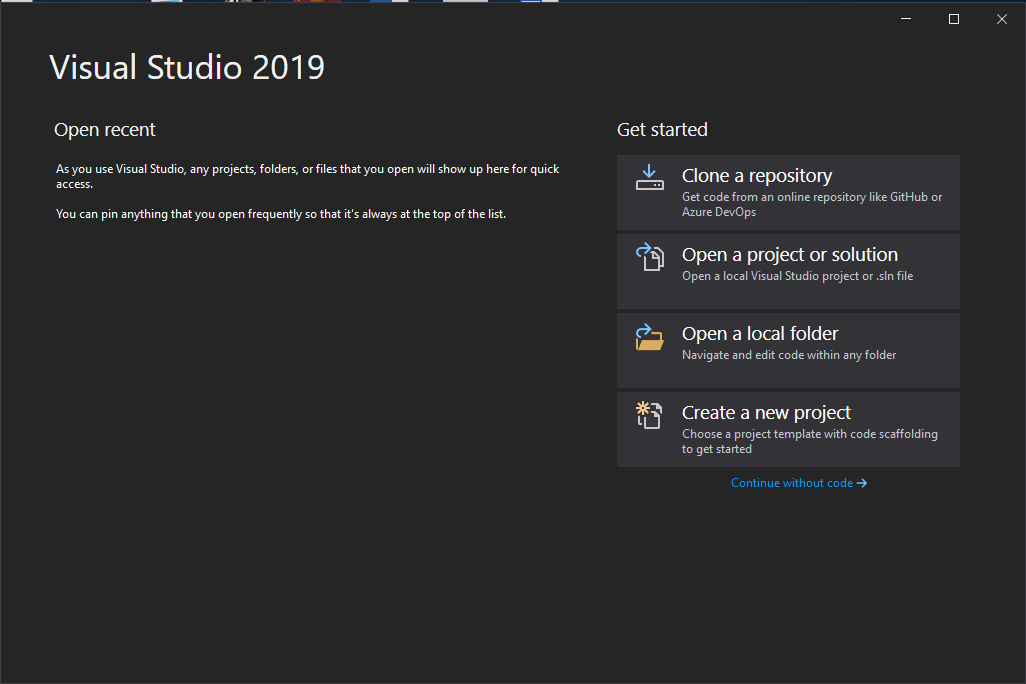 2.Creat a new project and choose empty project
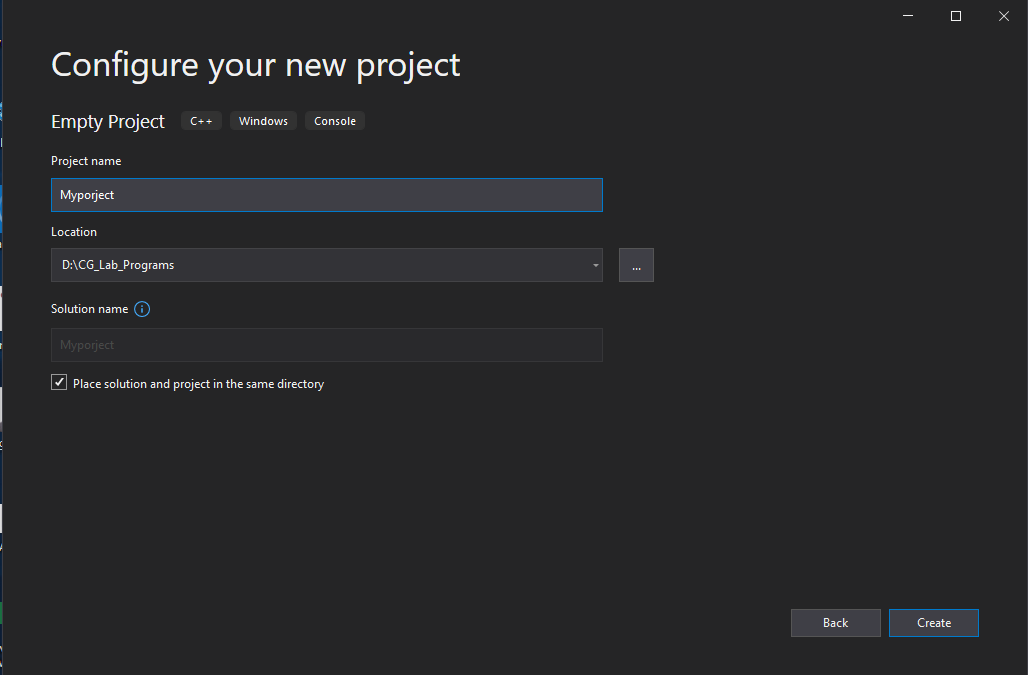
 3.Give the project name and the desired location
 4.Make the solution platform version to x64 for 64bit system or x86 for 32bit system
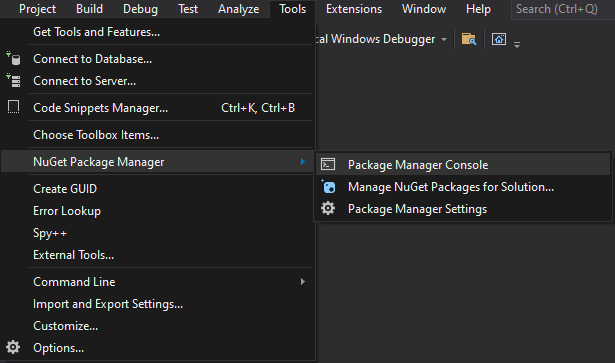
 5.Go to tools followed by NuGet Package Manager
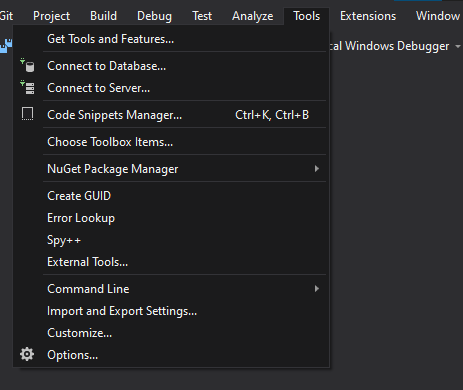
6.Open package manager console
7.Enter the following command --> "Install-package nupengl.core" and hit enter
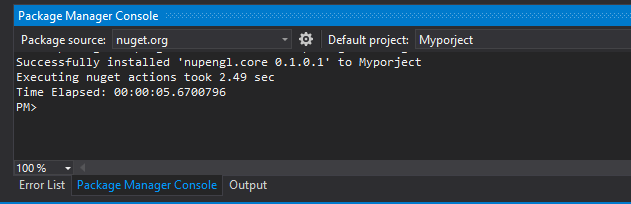
 the desired output of the command will be