See the script in action, animations and everything else can be customized, you just need a basic knowledge of JavaScript.
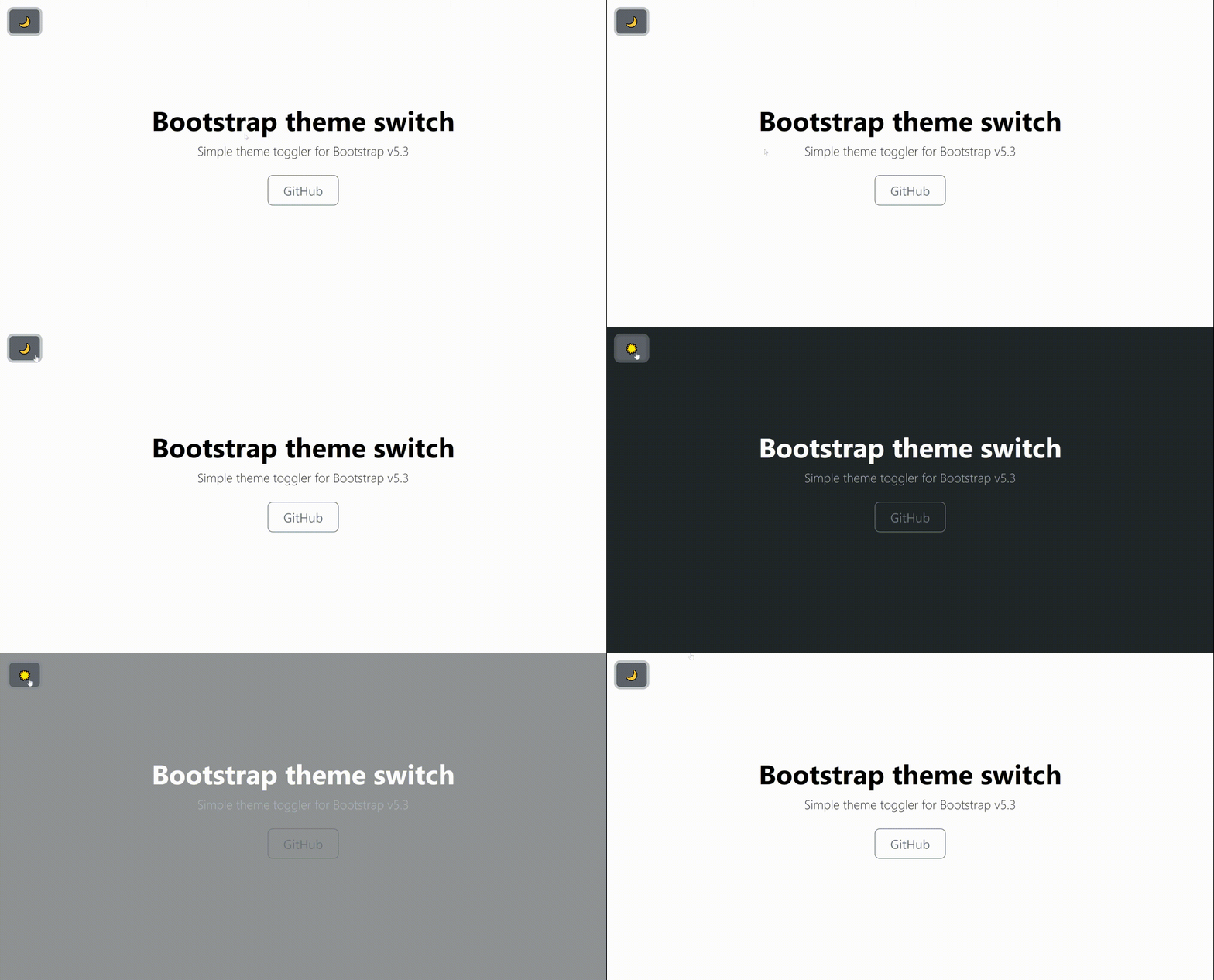
-
Start by putting the latest Bootstrap on your site.
-
Then add my script to the site. It should come at the end of the body, behind the Bootstrap script.
<script src="https://cdn.jsdelivr.net/gh/danielsebesta/bootstrap-theme-switch@main/theme-switch.min.js" integrity="sha384-eHEyolGs5+4+fpMEEcNsT22uT/gvfdbYi7ILP66pDf3JIDHcinTASicxy7BS9RFC" crossorigin="anonymous"></script>- Now put this button somewhere in your code to make it work.
<button id="theme-toggler" class="btn btn-secondary">🌞</button>- You're done! Now enjoy a simple dark theme switch.
I created this script because I was very confused by the Bootstrap docs and wanted to make something very simple and functional for others right out of the box. There is also a version written directly by the Bootstrap team, which you can find in the source code of their Example pages.