npm install react-tabguard
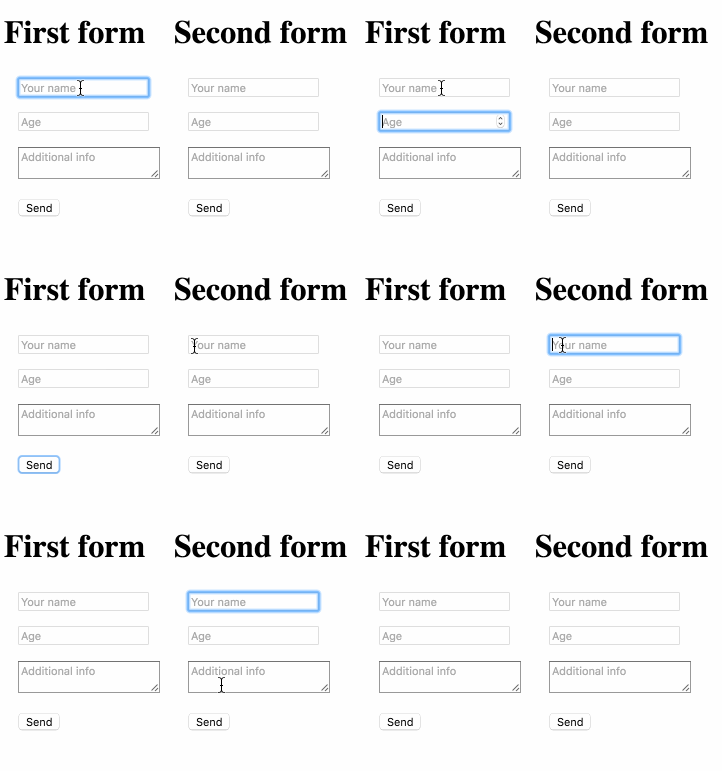
There is no easy way to limit tabbing to a specified area inside your HTML document. The typical use case where you want to restrict this behavior would be modal dialogs or lightboxes with forms. It’s not desirable to lose focus on the overlay window when tabbing, that's why we created React TabGuard to save the day.
import React from 'react'
import ReactDOM from 'react-dom'
import TabGuard from 'react-tabguard'

class App extends React.Component {
  render() {
    return (
      <TabGuard>
        <input type='text' placeholder='Name'/>
        <input type='number' placeholder='Age'/>
        <button>Send</button>
      </TabGuard>
    )
  }
}

ReactDOM.render(<App />, document.getElementById('content'))