
This fork contains patches to demonstrate structured email (SML) features in thunderbird mobile. The modified app can both render structured data of mails in the inbox, as well as send mails with structured data.
You can download a build of this fork on Google Play. (Note however the google play build is currently somewhat out of date: Build from Jul 19, 2025)
Structured Email are emails, that contain machine readable (structured) data.
The general idea is that emails, in addition to human readable data, may additionally contain machine readable data, that the email client then can show and allow special interactions with.
For example:
- An email concerning a flight reservation might contain data, that a user can directly import into their travel planning app
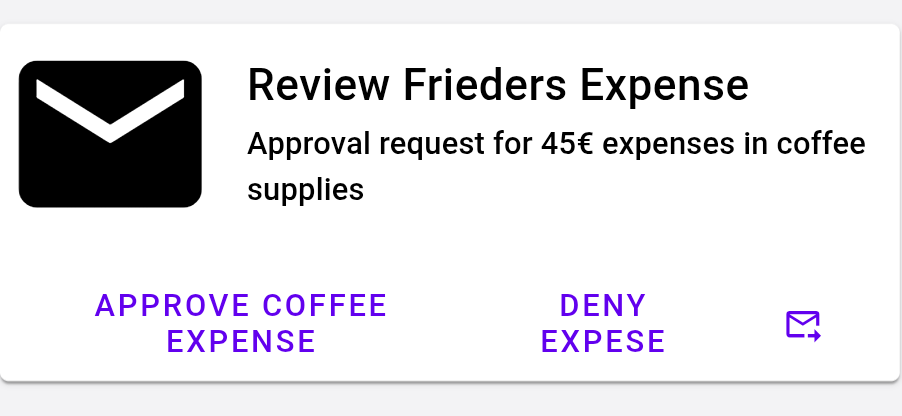
- An employee might send a request (for example for a vacation) to their higher ups, which they can confirm or decline by clicking a button in their mail client, and the employee gets automatically informed about the decision.
- Someone might send you a song, but instead of a link to a streaming platform you might not be a subscriber of, the mail contains structured data describing the song (title, artist, album cover, ...), and a snippet to listen to the song.
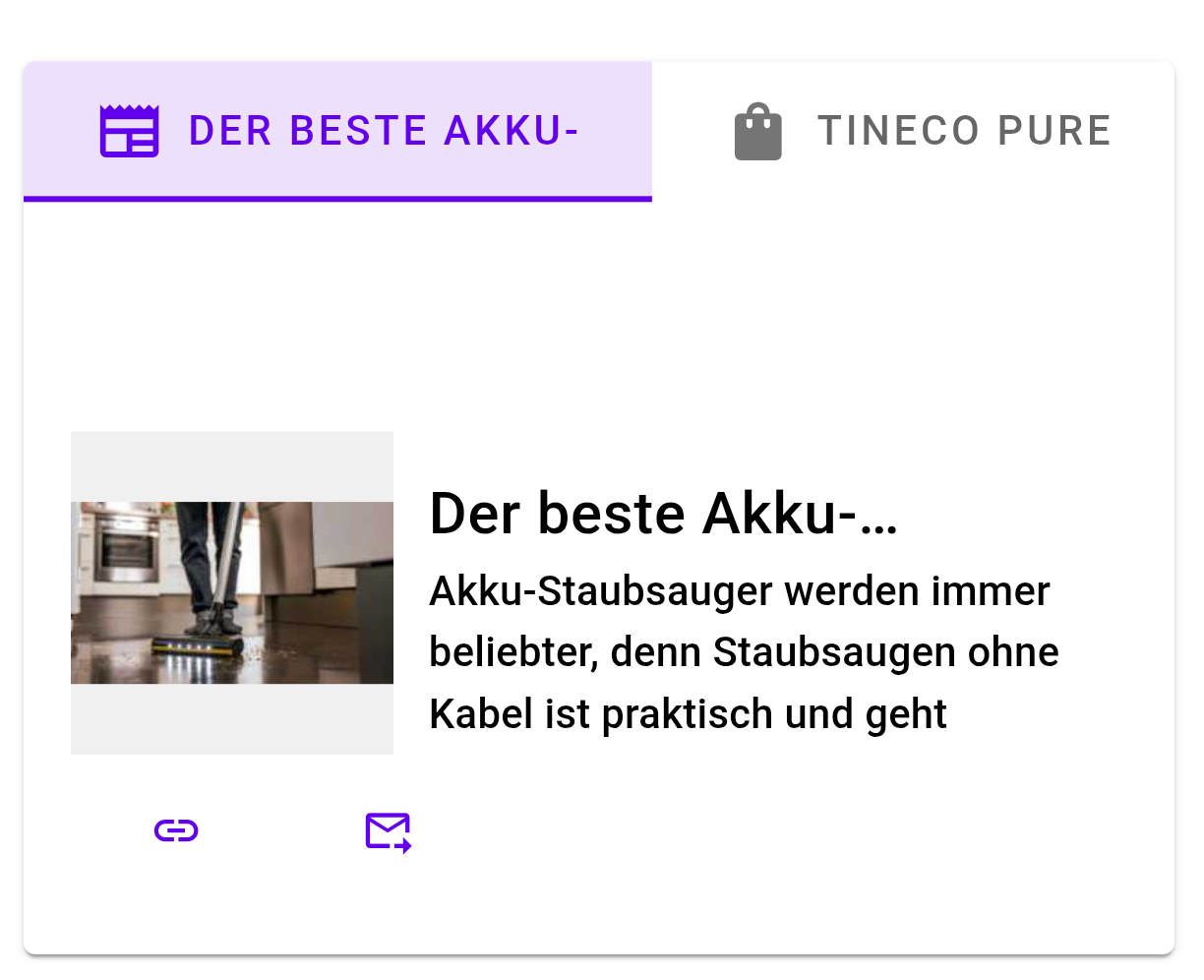
Most websites already contain structured data. For example a link to a song on a big music streaming platform contains structured data describing the song, a recipe blog post will most likely containing structured data describing the ingredients and steps. A news article contains structured data for the headline and a short description of the article.
These websites contain structured data for search-engine-optimization purposes, however this data can also be used, when sharing a link for example.
Similarly, there are already a few proprietary solutions for machine readable data in emails/ interactive emails:
- Some big airlines include structured data on flight reservation, when communicating with gmail users.
- In the outlook ecosystem you can send "actionable messages" that allow the recipient to take quick actions directly from their mail client.
The idea of SML is to standardize and democratize emails with structured data, to allow richer interaction with emails for everyone.
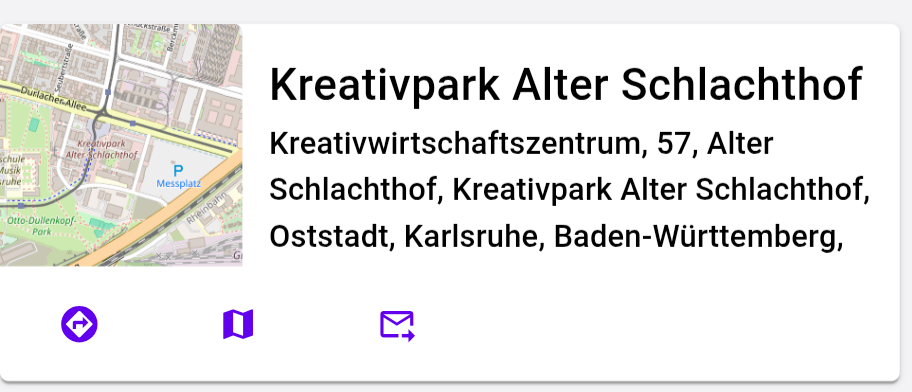
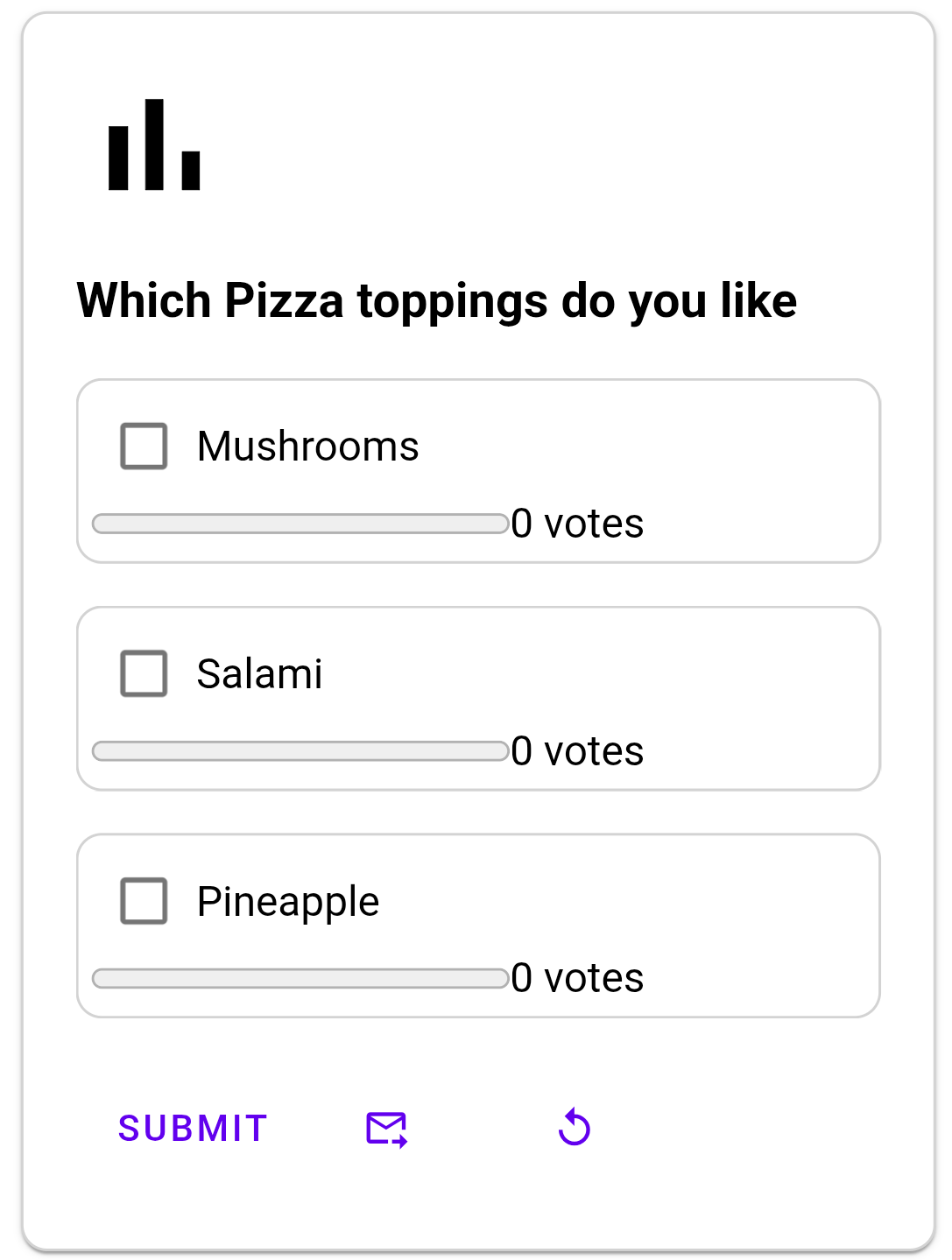
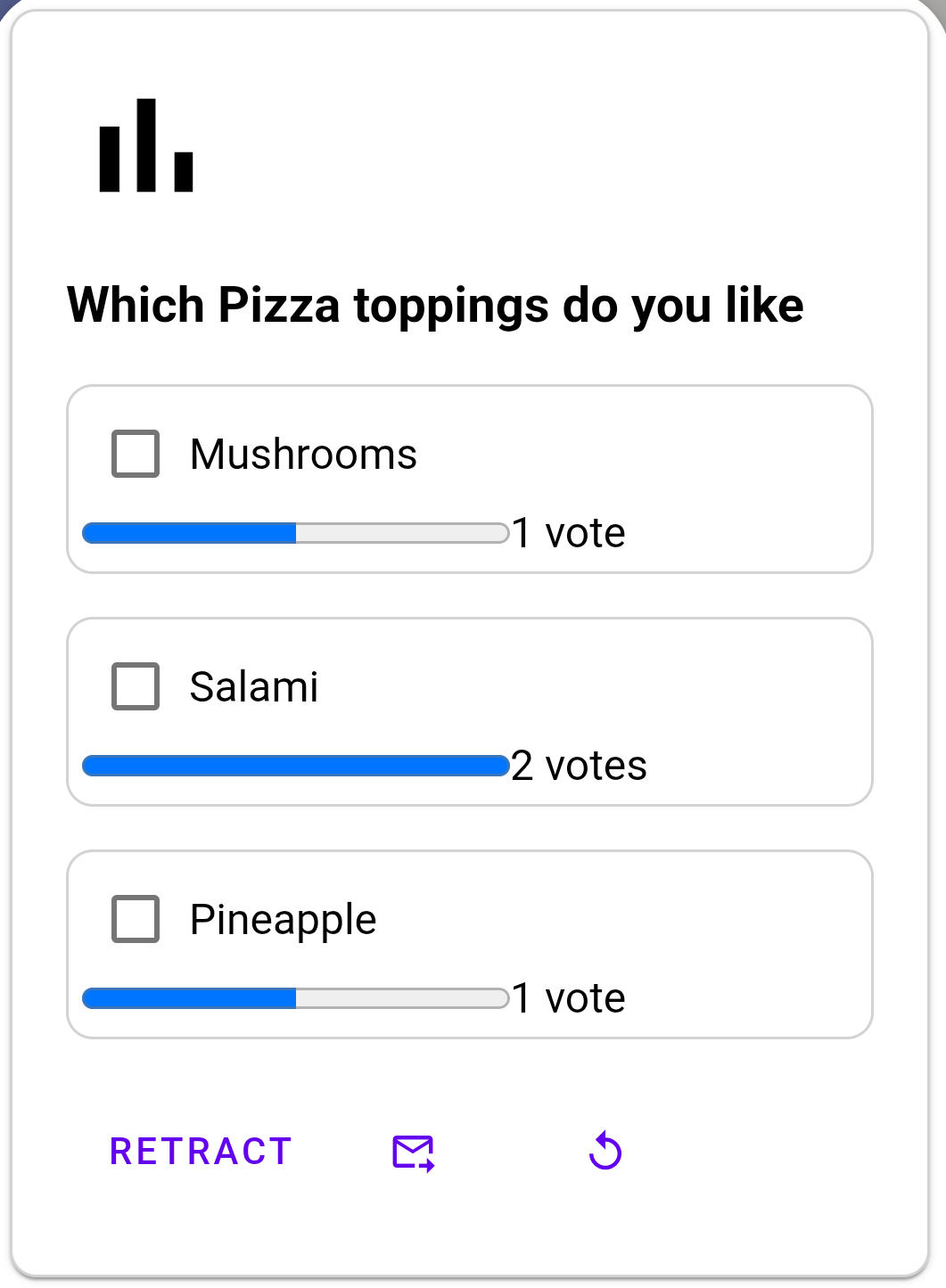
Below we exemplify this by showing some cards that we render for given structured data.
 |
 |
 |
 |
 |
 |
We encapsulated our additions as well as possible in their own classes, to make inspecting and potentially merging them straightforward. That being said, we are aware that some aspects of our implementation (specifically the way we render the structured data via html on top of the email) would need to be replaced with a more elegant solution. However other aspects, like the extraction of structured data, or the extended message-builder, could be used as is or with little changes. In the corresponding sections below we discuss the individual aspects in greater detail.
So the answer the question posed in the header: Not as-is, specific classes could be pulled into upstream, while others serve the purpose of a working proof-of-concept, but would need to be reworked.
We do aim to keep up-to-date with the main project, and we last synced in September 2025. But given the relatively fast pace the upstream project is moving, and since we assume only selected parts our changes would pulled in as patchsets, we only sporadically perform syncs with upstream.
When opening a given mail, the contents of it are analyzed, and if structured data is found, a corresponding rendering is displayed at the top of the message. In some cases structured data is also derived (generated) from the mail contents.
In most cases we envision, structured data is contained in the mail. As a first step when a given mail is opened, we "extract" that structured data from the mail. In a later step the extracted structured data is then rendered for the user.
Implementation details:
We have placed the code for this in custom SML* classes (Mainly SMLMessageView), which we then call upon from the existing MessageViewInfoExtractor.
We believe that the base extraction should already be relatively solid as it stands.
Further structured data generation based on contents should be hidden behind advanced user preferences.
This is for the case, where the sender of the mail included some structured data with the mail. We support multiple ways that a sender could include structured data in the mail:
- Extract multipart/alternative MIME part with the content type
application/ld+json(this corresponds to the current draft of the SML spec) - Extracts json-ld (or microdata) from the message's HTML (legacy; this is how some proprietary (e.g. Airline to Gmail) solutions function)
- We also support the case, where a sender wants to include multiple pieces of structured data, and have them appear/ linked in specific locations of the html. This works with
data-idtags, similar to how images can be embedded usingmidtags in regular emails.
We also want to demonstrate some cases where we want to show how a given mail with structured data could look like, and for demonstration purposes, generate the corresponding structured data as if it was included in the mail.
- From attachments:
- We currently generate schema from ics attachments and imip messages (to allow answering calendar invitations with a single click)
- We plan on also generating schema from attached contacts (
vcardtype attachments), and passes (pkpass). But have not implemented this generation yet.
- From text:
- Experimental: Verification codes. For messages that contain "code" in the subject line, we try parsing the code from the text, and generate schema representing that code, allowing to copy that code to clipboard with a single click.
- (Demo Only: For selected newsletters, we detect a list of allow-listed urls, for which we show a button, to load-in (and then render) the json-ld of the corresponding web-page.)
Extracting (and later rendering) structured data might be something a user would want to restrict to trusted senders only. We have some ideas as to when this trust should be granted, but it is still a work in progress.
- Currently in
SMLTrustHelperwe bundle information on- If the message has a "good" signature
- If the user has a contact for the sender
- If the message headers contain dkim=pass.
- These properties should be combined to a trust decision "should show sml".
- Currently, structured data is extracted and shown for every mail.
- The decision-algorithm (based on the bundled information), and the actual prevention of showing sml (in cases where trust is not determined) still needs to be implemented.
Before we show the extracted schema data, we perform a refinement step, which filters out properties, of which we know they would not render nicely (like BreadcrumbList). This is a stopgap, to allow rendering schema that has originally been extracted from Websites, until email senders start including more email oriented structured data.
For rendering the structured data, we have a rather "hacky" solution, which works for demonstration purposes, but should be replaced with something more robust:
- For a given piece of structured data, we render a HTML representation, and tack that html to the start of the email html.
- To allow for buttons (that are rendered in html, but whose behaviour is defined in java), we use custom uri schemes, which we overwrite in our extended webview client (`SMLWebViewClientExtensions)
- For poll cards we actually need to invoke some JavaScript, which we temporarily enabled in the WebView(!)
- When refreshing a card's content (for example for a live location) we show the resulting refreshed card in a popup webview.
Instead of all of these workarounds a better solution for actual incorporation would be to use native components instead.
We consider/ demonstrate one special case of a (cooking) newsletter:
- In this example, a cooking newsletter contains multiple recipes, each with a link, and either
- Case 1: The mail contains markup data: Then we match up the pieces of structured data with corresponding tags in the html, and show a button at each of those tags
- Tapping on said button then shows the corresponding rendered markup in a popup (e.g the corresponding recipe card)
- As long as the mail is fully loaded, this works completely offline
- Case 2: The mail does not contain markup data (but links match our allow-list). This is a temporary addition, to demonstrate how case 1 could look like, if the sender included schema. After each allowed url we show a button.
- Tapping on said button fetches the json-ld from the corresponding website, and renders the fetched markup.
- We only go into this case if the corresponding (demoView) user setting is enabled
- Case 1: The mail contains markup data: Then we match up the pieces of structured data with corresponding tags in the html, and show a button at each of those tags
We support a variety of actions on the markup. The table below shows which buttons we show in which cases, and how they are rendered. Most of these actions simply open some specific content in a corresponding app, that handles said content (open a website in a browser, navigate to a given location, etc.):
| Category | Action | Implemented | Button Shown for | Description | URI-Scheme | URI-Override | Button Rendered As |
|---|---|---|---|---|---|---|---|
| View | Visit website | Yes | Schema markup that has a url (at the top level/ no recursive search) |
Opens the url in the browser | https |
Not overridden, standard scheme | link |
| View | Show Barcode | Yes | Never | Shows (demo) barcode in a popup | xbarcode |
Overridden, custom scheme | |
| Map | Show | Yes | Each geo property in a given schema, that has a jsonObject as a value with the keys latitude and longitude recursive search!) |
Opens coordinates in a map app | geo |
Not overridden, standard scheme | map |
| Map | Navigate | Yes | see above | Opens navigation to coordinates in google maps | google.navigation |
Not overridden, standard scheme | assistant_direction |
| Calendar | Calendar | Yes |
|
Generates and opens a corresponding ics file. This will typically be handled by the default calendar app, offering to add to calendar | xshareascalendar |
Overridden, custom scheme | event |
| Calendar | Meet | Yes | As the two above, but description of (generated) SchemaOrg/Event contains a meet.google.com url |
Joins the meet call | https just opens the original meet url like any normal web url. |
Not overridden, standard scheme | videocam |
| Contact (verb) | Call (phone) | Yes | Each telephone or phone property in a given schema (recursive search!) |
Calls the phone number | tel |
Not overridden, standard scheme | call |
| Contact (verb) | Email (verb) | Yes | Each email property in a given schema (recursive search!) |
Not to be confused with "share as email" action. Acts like a normal mailto. I.e. android will present a list of email clients, the chosen client opens with a compose view to the given address. |
mailto (compare to row "Respond with SML) |
Overridden (but falls through to normal handler), standard scheme | |
| Media | Play (audio, video) | Yes | A single audio/ video property if it contains a contentUrl (no recursive/ deep search) |
Opens an external media player (google photos, youtube music, vlc, ...) that plays the audio/ video |
xplaymedia |
Overridden, custom scheme | music_note play_circle |
| Share | Share-out as file | Yes | SchemaOrg/Recepie and SchemaOrg/*Reservation | Creates a temporary file containing the jsonld, and shares it | xshareasfile |
Overridden, custom scheme | share |
| Share | Share as Email | Yes | Always | Sends user to compose screen in this mail app with includes the schema | xshareasmail |
Overridden, custom scheme | forward_to_inbox |
| Media | Show Web story | Partial/ Broken | Never | Opens WebView showing that story in a popup. Bug: That WebView has an Invisible Size. |
xstory |
Overridden, custom scheme | Not implemented yet, but suggestion: web_stories |
| Clipboard | Copy to Clipboard | Yes | Schema markup with potentialAction of type CopyToClipboardAction |
Copies the given text to the clipboard | xclipboard |
Overridden, custom scheme | content_paste |
| Debug | Show Source | Yes | For every card, if "SML debug view mode" user setting is enabled for default account | Shows the jsonld source used to render a given card in a popup | xshowsource |
Overridden, custom scheme | data_object "Show Source" |
Additionally, we support a number of more "dynamic" actions, which work online. These allow the viewer to pull in refreshed data from a server (to update a package tracking, or a live location), to send specialized messages, or interact with web services (by sending a request defined in the markup, such as a POST request to check in with a flight).
| Category | Action | Implemented | Button Shown for | Description | URI-Scheme | URI-Override | Button Rendered As |
|---|---|---|---|---|---|---|---|
| View | Refresh via HTTP | Yes | Schema markup that has a liveUri (at the top level/ no recursive search) |
Downloads the schema contained at the liveUri renders that schema in a popup This is intended for update such as liveLocation. |
xreload |
Overridden, custom scheme | replay |
| Respond with HTTP/SML | Respond with SML | Yes | Schema markup with potentialActions with a ConfirmAction or a CancelAction |
Sends an reply email with the corresponding markup (Confirm/ Deny). Appears in the vacation request/ office supplies request use-case described in the introduction. | mailto with a custom action query parameter.E.g. mailto:foo@example.com?action=CancelAction |
Overridden (custom handling is only executed when uri has action query parameter), standard schema+nonstandard (for this scheme) query parameter |
Confirm/ "Deny" (based on name property of ConfirmAction or CancelAction) |
| Respond with HTTP/SML | Respond with HTTP | Partial (button is never shown) | Never | Makes a HTTP POST call to the given uri. Could for example be used to check in to a flight with a single tap. |
xrequest |
Overridden, custom scheme | |
| Calendar | IMIP | Yes | IMIP mime parts (see note on IMIP | Accept/ Decline/ Tentative Buttons send IMIP answer email. | ximip |
Overridden, custom scheme | Accept/ "Decline"/ "Tentative" |
There are a number of main ways to send a mail with structured data:
- By interacting with another SML-enabled mail (see actions; e.g. "share as email")
- By sharing some website (for example a recipe)
- As mentioned in the introduction, most websites contain structured data. When sharing a link to a given website, we now also share the corresponding structured data in the mail.
- This structured data could be a recipe, a song, an article, etc. For which the recipient would then see a richer preview.
- We support a variety of ways a user could share a url: Via a tap on a mailto, using androids "share" feature to share a website to the mail app, or simply a pasted url.
- (There is a bug still in a multi-account setup if the account gets switched before send, the structured data is not included)
- Via attachments (this is more of a debug feature)
- When sharing json files, or attaching a json file, and the file contains json-ld, it gets added to the message as structured data
- The automatic conversion of an url or an attachment to structured data can be reverted in the send dialog via a toggle.
- However we have not yet implemented "remembering" the position of the "SML toggle", so pasting a new link or adding a new json attachment could turn it back on.
- We have not yet added support saving a mail with structured data to drafts.
To build the actual structured mai1l (implementation details):
- We implemented a special
SmlMessageBuilderwhich also allows setting text and html separately from each other, as well as setting an additional alternative part. - This mail builder is already relatively robust, and could be a general improvement over the existing builder, since it allows for more flexibility when creating emails (could be used as a starting point to compose html mails).
- We have however not yet added support for PGP with the SmlMessageBuilder.
- With this messageBuilder we support both
- sending mails with a multipart/alternative MIME part, carrying the structured data (current draft of the SML spec).
- As well as mails with json-ld in the mail's HTML.
We have also added a number of user settings for the purposes of hiding (by default) some additional features
- SML debug view mode: Shows additional ui elements, that allow for analysis of a piece of structured data in a given mail.
- SML demo view mode: Enables adding buttons for inline popup cards in a selected few newsletters.
- The two "view mode" settings currently have the issue that while they are per-account settings, we only query the default account's value for these settings.
- SML variant selection: Can switch between sending the newer "dedicated multipart" variant of sml mails, or the legacy "sml in html" variant
We also added a custom theme. We use this so we can build our fork of the app in a way that cannot be confused with the official builds. This theme contains no functionally different code from the main project.
IMIP is technically not SML.
However since we already generated structured data to display from ics (calendar) attachments, it was not too much of a leap to also implement parsing imip message parts, generating corresponding buttons and their behavior (sending answer emails, saving the event to the device calendar if tentative/ accepted). The mails sent for this specific case are also not SML, rather they are conventional IMIP messages.
So we were able to leverage the SML infrastructure we already added to facilitate "wiring" transfer of imip data.
Some of our Java components for structured mail currently reside in jars we placed in the libs folder.
We plan on eventually releasing the source code for these libraries as well (but did not get around to prepare the corresponding project pages yet).
h2ld.jarthis contains code to take in a given piece of html that contains structured data (in the form of json-ld or microdata), extracts said structured data, and outputs it in json-ld format.- This is used for legacy SML mails, that contain their structured data in the html part.
- Additionally this is used for link previews, when composing a mail: The html of a given link is downloaded, and the structured data extracted
ld2h.jarthis library's responsibility is to render a given piece of structured data (given in json-ld format) to a html representation- This is used whenever we render structured data (in the inbox, but also as previews when composing a mail with structured data).
hetc.jarstands for "html email template cards".- The idea behind this library is that when sending emails with structured data, the receivers mail client might not yet support rendering that structured data, and thus this library creates html to be used as the mail's html, rendering the structured data.
- The rendered html representing the structured data shows it as a "card". And the library uses mustache templates to achieve its goal, hence the name.
Depending on how much control you wish for, there are several ways of generating test SML mails:
- Compose a SML message with this app:
- If you want to try out the extraction from a website, you can simply share a link with this mail client. It will then fetch the structured data from the linked page and show you a preview. You can then send this mail to yourself and inspect it further in your inbox
- If you want to craft some structured data yourself, use https://schema.org as a reference, and create a
.jsonfile with some json-ld contents. Then compose a message with that file as an attachment (either by opening the compose screen and attaching from there, or by using androids "share file" feature). The app will detect the json-ld and convert the message to an sml message with the corresponding payload. As before you can then send this message to yourself.
- Craft a custom
.emlmessage file and manually upload it to your mailbox- With Jakarta Structured Mail you can generate an sml message in
.emlformat with your desired parameters. - You can then upload said eml message to your inbox, by opening it with thunderbird desktop and selecting "Message" -> "Copy To" -> (Select your inbox).
- With Jakarta Structured Mail you can generate an sml message in