This is an Python script with two master Module: OpenCV2 and numPy
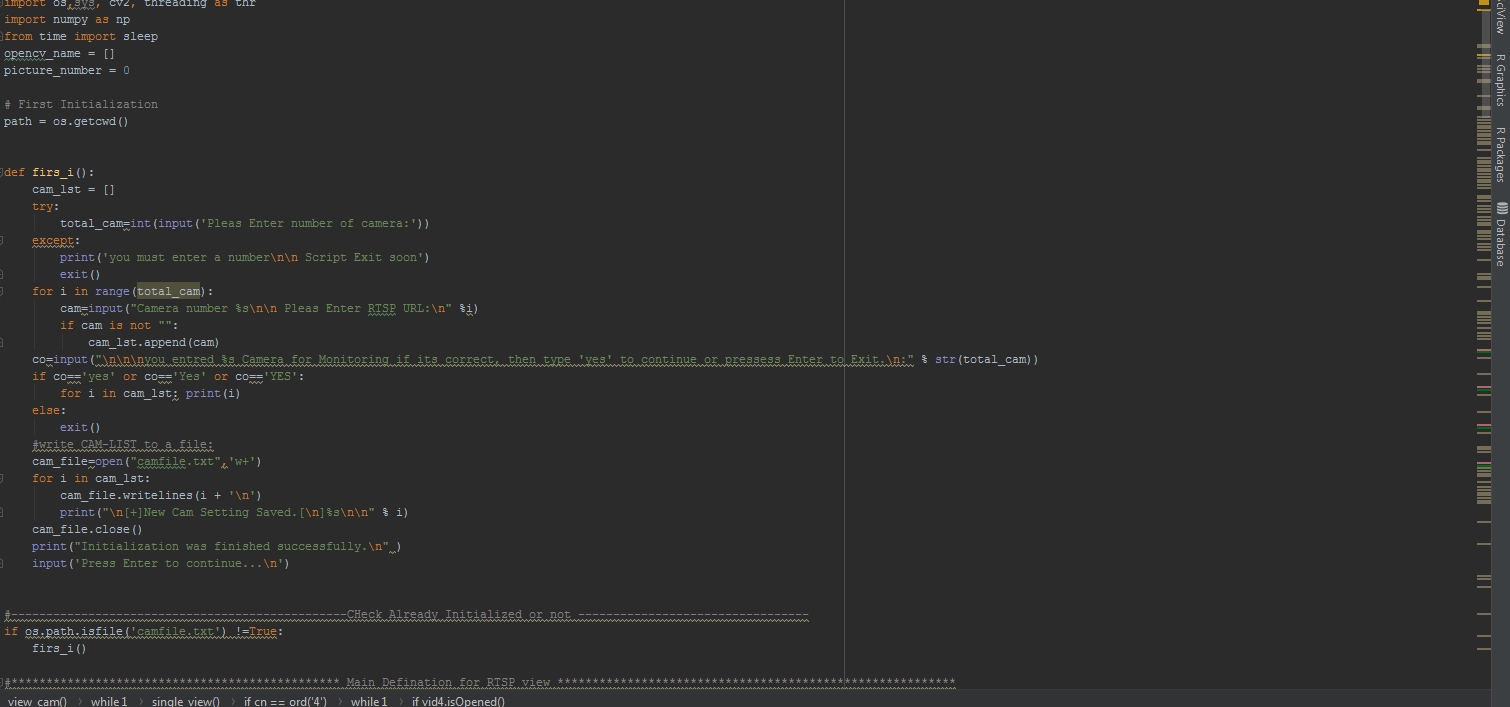
if you have a NVR or some Prices APP for this usage in general they have a limitation of Channel or camera you can have cuncurrently, but with this script you can Monitor all of entire your IP-Camera in one view and after view all of them as a small window, you can press number of each camera on keyboard to have full screen of that camera video. And Press 'c' key on keyboard to capture frame you see it in full screen mode.
usage is very easy, this script you can run on every os you like(with some small change in address type like windows use c:\windows... and linux base os use /home/user01/Desktop/....
and how to use it:
if you dont install already python 3 in your OS, please Install it then install two module of python:
pip install opencv-python pip install numpy
then .... in the window select script file and prerss Enter to run it and in the other os like MAC-IOS or NIX OS base: python3 scriptfilename
operation of this script is so easy, in the first startup ask you about how many camera you have for example 10 , then ask you about RTSP URL of your camera in different way and you can paste or enter it then enter to input another Camera URL.
Have good time, if you have any problem with this script(of course description is very complete ), ask it here.