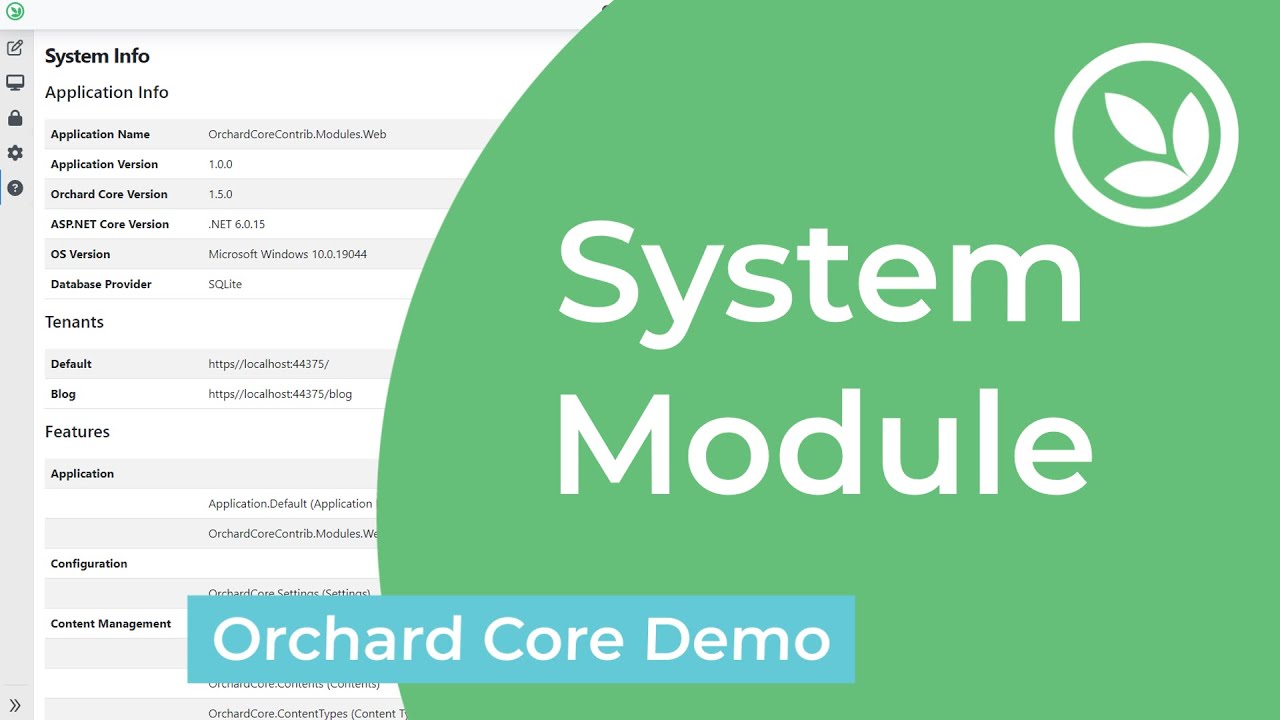
Provides an information about currently running application.
1.6.0
Utilities
This module has no dependencies.
| Name | System (OrchardCoreContrib.System) |
| Description | Provides an information about currently running application. |
| Dependencies |
| Name | System Updates (OrchardCoreContrib.System.Updates) |
| Description | Displays the available system updates. |
| Dependencies | OrchardCoreContrib.System |
| Name | System Maintenance (OrchardCoreContrib.System.Maintenance) |
| Description | Put your site in maintenance mode while you're doing upgrades. |
| Dependencies | OrchardCore.Autoroute |
| Name | Version |
|---|---|
OrchardCoreContrib.System |
1.6.0 |
OrchardCoreContrib.System |
1.5.0 |
OrchardCoreContrib.System |
1.4.1 |
OrchardCoreContrib.System |
1.4.0 |
OrchardCoreContrib.System |
1.3.0 |
OrchardCoreContrib.System |
1.2.1 |
OrchardCoreContrib.System |
1.2.0 |
OrchardCoreContrib.System |
1.0.0 |
- Install the
OrchardCoreContrib.SystemNuGet package to your Orchard Core host project. - Go to the admin site
- Select Configuration -> Features menu.
- Enable the
Systemfeature. Infosubmenu should be displayed on theSystemmenu.- This page display an information about the currently running application.
- Enable the
System Updatefeature. Updatessubmenu should shows up underneath theSystemmenu.- If there'are a new updates a list of available updates should shows up.
- Enable the
System Maintenancefeature. - Select Configuration -> Settings -> System -> Maintenance submenu.
- Check
Allow maintenance modesettings to let the website enters into the maintenance mode.