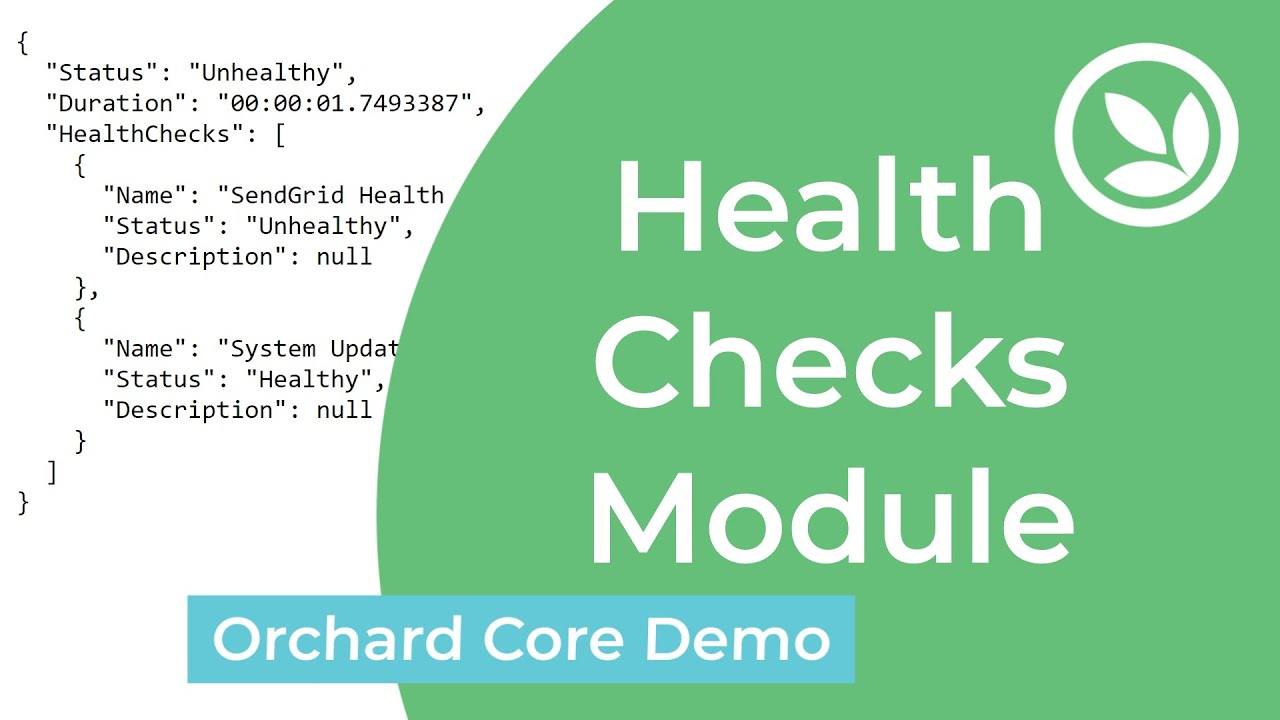
This module provides a health checks for the website.
1.5.0
Infrastructure
| Name | Health Checks (OrchardCoreContrib.HealthChecks) |
| Description | Provides a health checks for the website. |
| Dependencies |
| Name | Health Checks IP Restriction (OrchardCoreContrib.HealthChecks.IPRestriction) |
| Description | Restricts access to health checks endpoints by IP address. |
| Dependencies | Health Checks OrchardCoreContrib.HealthChecks |
| Name | Health Checks Rate Limiting (OrchardCoreContrib.HealthChecks.RateLimiting) |
| Description | Limits requests to health checks endpoints to prevent DOS attacks. |
| Dependencies | Health Checks OrchardCoreContrib.HealthChecks |
| Name | Health Checks Blocking Rate Limiting (OrchardCoreContrib.HealthChecks.BlockingRateLimiting) |
| Description | Adds blocking behavior to the health checks rate limiter. Clients exceeding the limit are temporarily blocked to prevent DoS attacks. |
| Dependencies | Health Checks Rate Limiting OrchardCoreContrib.RateLimiting |
| Name | Version |
|---|---|
OrchardCoreContrib.HealthChecks |
1.5.0 |
OrchardCoreContrib.HealthChecks |
1.4.0 |
OrchardCoreContrib.HealthChecks |
1.3.0 |
OrchardCoreContrib.HealthChecks |
1.2.1 |
OrchardCoreContrib.HealthChecks |
1.2.0 |
OrchardCoreContrib.HealthChecks |
1.1.0 |
OrchardCoreContrib.HealthChecks |
1.0.0 |
- Install the
OrchardCoreContrib.HealthChecksNuGet package to your Orchard Core host project. - Go to the admin site
- Select Configuration -> Features menu.
- Enable the
Health Checksfeature. - Navigate to
{tenant-url}/health, you should see the application health status for your website.
- Enable the
Health Checks IP Resrictionfeature. - Navigate to
{tenant-url}/health, you should see the application health status for your website if your IP address is allowed.
- Enable the
Health Checks Rate Limitingfeature. - Navigate to
{tenant-url}/health, you should see the application health status for your website if the rate limit has not been exceeded.
- Enable the
Health Checks Blocking Rate Limitingfeature. - Navigate to
{tenant-url}/health, you should see the application health status for your website if the blocking rate limit has not been exceeded.
#Video