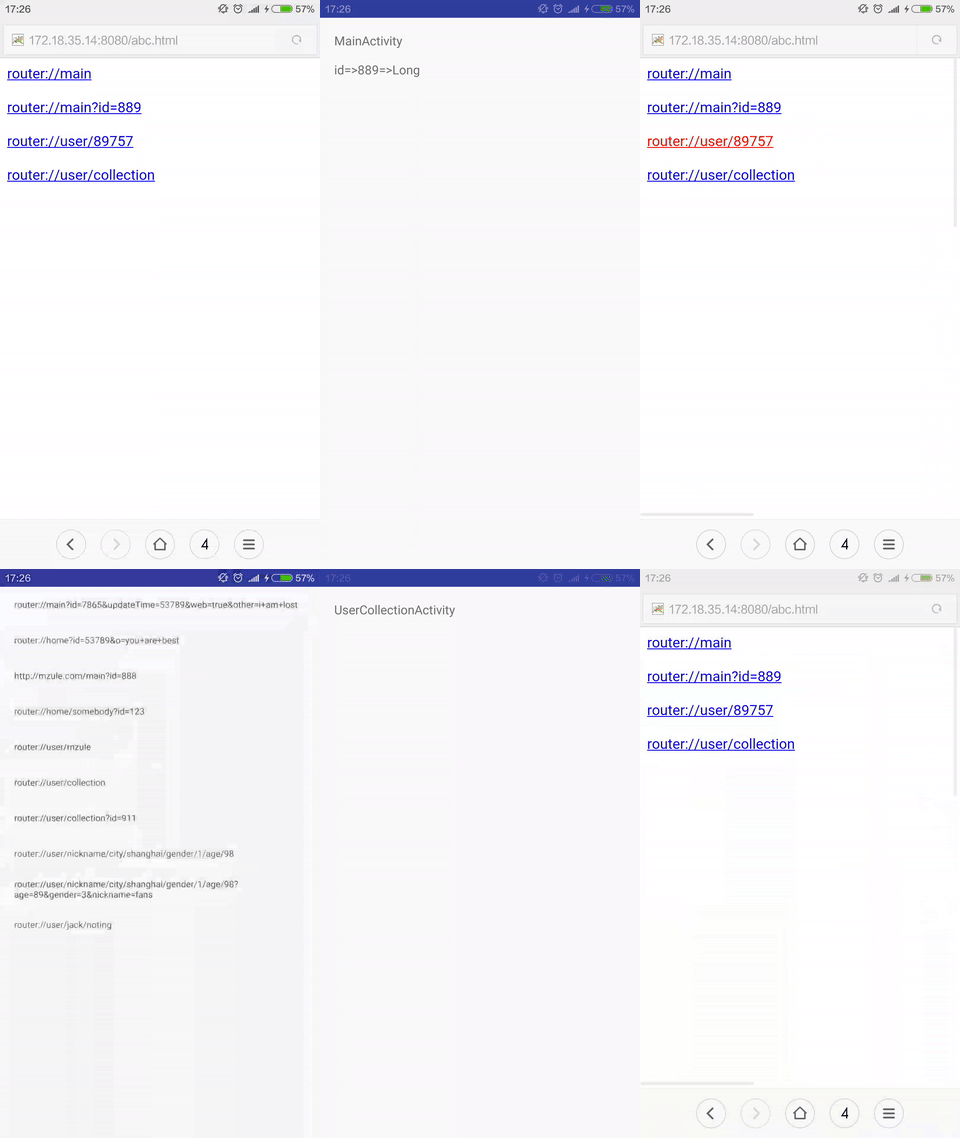
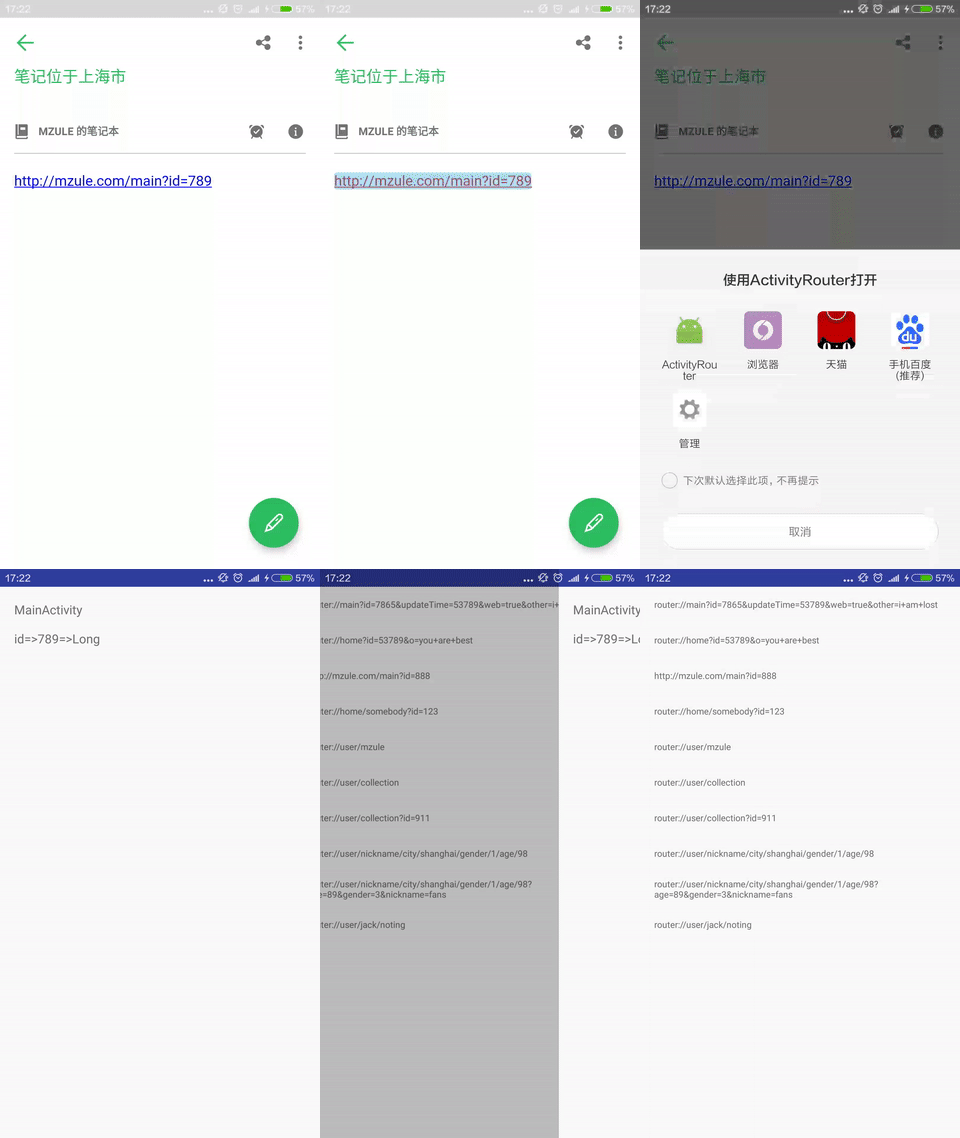
Open activities via url like gifs below.
Root project build.gradle
buildscript {
  dependencies {
    classpath 'com.neenbedankt.gradle.plugins:android-apt:1.7'
  }
}
app project build.gradle
apply plugin: 'android-apt'

dependencies {
	compile 'com.github.mzule.activityrouter:activityrouter:1.1.1'
	apt 'com.github.mzule.activityrouter:compiler:1.1.1'
}
AndroidManifest.xml
<activity
    android:name="com.github.mzule.activityrouter.router.RouterActivity"
    android:theme="@android:style/Theme.NoDisplay">
    <intent-filter>
        <action android:name="android.intent.action.VIEW" />
        <category android:name="android.intent.category.DEFAULT" />
        <category android:name="android.intent.category.BROWSABLE" />
        <data android:scheme="mzule" /><!--change to your scheme-->
    </intent-filter>
</activity>
Annotate activities with @Router.
@Router("main")
public class MainActivity extends Activity {
	...
}
Now, you can open MainActivity with mzule://main.
@Router({"main", "root"})
mzule://main and mzule://root can both open MainActivity
@Router("main")
@Router("main/:color")
@Router("user/:userId/:topicId/:commentId")
@Router("user/:userId/topic/:topicId/comment/:commentId")
Paramters after ? and path paramters are both supported here. like, mzule://main?id=345&name=isee and mzule://user/76546/876/9999. You can later get paramter with getIntent().getStringExtra("name"). All paramters are Strings by default. You can change it of course, see next section.
@Router(value = "main/:color", intExtra = "color")
Above configured that color paramter is int type. All the parameters which is not String should be declared in coresponding type, such as int, long, short, byte, char, float, double, boolean. You can later get paramter with getIntent().getIntExtra("name") or other getXxExtra.
public class App extends Application implements RouterCallbackProvider {
    @Override
    public RouterCallback provideRouterCallback() {
        return new SimpleRouterCallback() {
            @Override
            public void beforeOpen(Context context, Uri uri) {
                context.startActivity(new Intent(context, LaunchActivity.class));
            }

            @Override
            public void afterOpen(Context context, Uri uri) {
            }

            @Override
            public void notFound(Context context, Uri uri) {
                context.startActivity(new Intent(context, NotFoundActivity.class));
            }
        };
    }
}
Callback can handle beforeOpen, afterOpen, and notFound(404) event. You should let your Application class implements RouterCallbackProvider to provide a callback if you need.
@Router({"http://mzule.com/main", "main"})
AndroidManifest.xml
<activity
    android:name="com.github.mzule.activityrouter.router.RouterActivity"
    android:theme="@android:style/Theme.NoDisplay">
    ...
    <intent-filter>
    	<action android:name="android.intent.action.VIEW" />
    	<category android:name="android.intent.category.DEFAULT" />
    	<category android:name="android.intent.category.BROWSABLE" />
    	<data android:scheme="http" android:host="mzule.com" />
	</intent-filter>
</activity>
With above config, you can visite MainActivity with http://mzule.com/main or normally mzule://main. As you can see, http(s) router config must be fill in with full path url.
@Router(value = "item", longExtra = "id", transfer = "id=>itemId")
In normal case, parameter A will put into bundle-extra with name A. If you want to change its name. You can set value for transfer with A=>B means from A to B.
Routers.open(context, "mzule://main/0xff878798")
Routers.open(context, Uri.parse("mzule://main/0xff878798"))
Open activities in app self.
-keep class com.github.mzule.activityrouter.router.** { *; }