This is your course initialization stub.
Please see the Docs to find out what is possible in LiaScript.
If you want to use instant help in your Atom IDE, please type lia to see all available shortcuts.
You can use common Markdown syntax to create your course, such as:
-
Lists
-
ordered or
- unordered
- ones ...
| Header 1 | Header 2 |
|---|---|
| Item 1 | Item 2 |
Images:

--{{0}}--
But you can also include other features such as spoken text.
--{{1}}--
Insert any kind of audio file:
{{1}}
--{{2}}--
Even videos or change the language completely.
{{2-3}}
!?video
--{{3 Russian Female}}--
Первоначально создан в 2004 году Джоном Грубером (англ. John Gruber) и Аароном Шварцем. Многие идеи языка были позаимствованы из существующих соглашений по разметке текста в электронных письмах...
{{3}}
Type "voice" to see a list of all available languages.
The whole text-block should appear in purple color and with a wobbling effect. Which is a bad example, please use it with caution ... ~~ only this is red ;-) ~~
Use ASCII-Art to draw diagrams:
                                Multiline
1.9 |    DOTS
    |                 ***
  y |               *     *
  - | r r r r r r r*r r r r*r r r r r r r
  a |             *         *
  x |            *           *
  i | B B B B B * B B B B B B * B B B B B
  s |         *                 *
    | *  * *                       * *  *
 -1 +------------------------------------
    0              x-axis               1
What did the fish say when he hit a concrete wall?
[[dam]]
Just add as many points as you wish:
[[X]] Only the **X** marks the correct point.
[[ ]] Empty ones are wrong.
[[X]] ...
Just add as many points as you wish:
[( )] ...
[(X)] <-- Only the **X** is allowed.
[( )] ...
A drawing example, for demonstrating that any JavaScript library can be used, also for drawing.
// Initialize a Line chart in the container with the ID chart1
new Chartist.Line('#chart1', {
  labels: [1, 2, 3, 4],
  series: [[100, 120, 180, 200]]
});

// Initialize a Line chart in the container with the ID chart2
new Chartist.Bar('#chart2', {
  labels: [1, 2, 3, 4],
  series: [[5, 2, 8, 3]]
});You can make your code executable and define projects:
let who = data.first_name + " " + data.last_name;

if(data.online) {
  who + " is online"; }
else {
  who + " is NOT online"; }
{
"first_name" : "Sammy",
"last_name" : "Shark",
"online" : true
}Find out what you can even do more with quizzes:
{{1-2}}
Zu welcher Hypervisor-Kategorie gehört der Microsoft Virtual PC?
[[ ]] Typ 1 [[ ]] Typ 2 [[ ]] Typ 3 [[ ]] Typ 4
{{2}}
Welche Aussage beschreibt ein Merkmal von Cloud Computing?
[[ ]] Ein Unternehmen kann sich direkt mit dem Internet verbinden, ohne einen ISP zu verwenden. [[ ]] Auf Anwendungen kann über das Internet über ein Abonnement zugegriffen werden. [[ ]] Geräte können über vorhandene elektrische Leitungen mit dem Internet verbunden werden. [[ ]] Investitionen in eine neue Infrastruktur sind erforderlich, um auf die Cloud zugreifen zu können.
{{1}}
This is an example for a single block animations.
{{2-3}}
This one will appear on animation step 2 and disappear on 3.
{{4}} This is also ok, but it will look be harder to spot on GitHub.
gantt
    dateFormat  YYYY-MM-DD
    title       Adding GANTT diagram functionality to mermaid
    excludes    weekends

    section A section
    Completed task            :done,    des1, 2014-01-06,2014-01-08
    Active task               :active,  des2, 2014-01-09, 3d
    Future task               :         des3, after des2, 5d
    Future task2              :         des4, after des3, 5d

    section Critical tasks
    Completed task in the critical line :crit, done, 2014-01-06,24h
    Implement parser and jison          :crit, done, after des1, 2d
    Create tests for parser             :crit, active, 3d
    Future task in critical line        :crit, 5d
    Create tests for renderer           :2d
    Add to mermaid                      :until isadded
    Functionality added                 :milestone, isadded, 2014-01-25, 0d

    section Documentation
    Describe gantt syntax               :active, a1, after des1, 3d
    Add gantt diagram to demo page      :after a1  , 20h
    Add another diagram to demo page    :doc1, after a1  , 48h

    section Last section
    Describe gantt syntax               :after doc1, 3d
    Add gantt diagram to demo page      :20h
    Add another diagram to demo page    :48h

                +-----------------------------------------+
                | Wöchentliches sichten der Anwesenheiten |
                | in der Klassenmappe in Mein Unterricht  |
                +--------------------+--------------------+
                                     |
                           nach fünf |Fehltagen
                                     |
            +------------------------v---------------------------+
            | Automatischer Hinweis in der Anwesenheitsübersicht |
            | der Klassenmappe in Mein Unterricht                |
            +------------------------+---------------------------+
                                     |
                                     |
                                     |
                     +---------------v-----------------+
                     | Sind die Fehltage entschuldigt? |
                     +---------------+-----------------+
                                     |
                                    nein
                                     |
              +----------------------v--------------------------+
              | Entschuldigung bei den Erziehungsberechtigten   |
              | mit Abgabefrist von drei Schultagen einfordern! |
              +----------------------+--------------------------+
                                     |
                                     |
                                     |
                   +-----------------v----------------------+
                   | Wird eine Entschuldigung nachgereicht? |
                   +----------------------------------------+
                   |                                        |
                  nein                                     ja
                   |                                        |
+------------------v----------------+ +---------------------v---------+
| schriftliche Mahnung an die       | | Entschuldigung im Schulportal |
| Erziehungsberechtigten versenden! | | eintragen!                    |
+------------------+----------------+ +-------------------------------+
                   |
                   |
                   |
     +-------------v----------+
     | Elterngespräch führen! +------+
     +------------------------+      |
                                     |
                                     |
                                     |
                 +-------------------v----------------+
                 | Tritt eine Verhaltensänderung ein? |
                 +-------------------+----------------+
                                     |
                                    nein
                                     |
            +------------------------v--------------------+
            |  Stellen eines Antrags auf Einleitung eines |
            |  Ordnungswidrigkeitsverfahrens!             |
            +---------------------------------------------+
??Tldraw
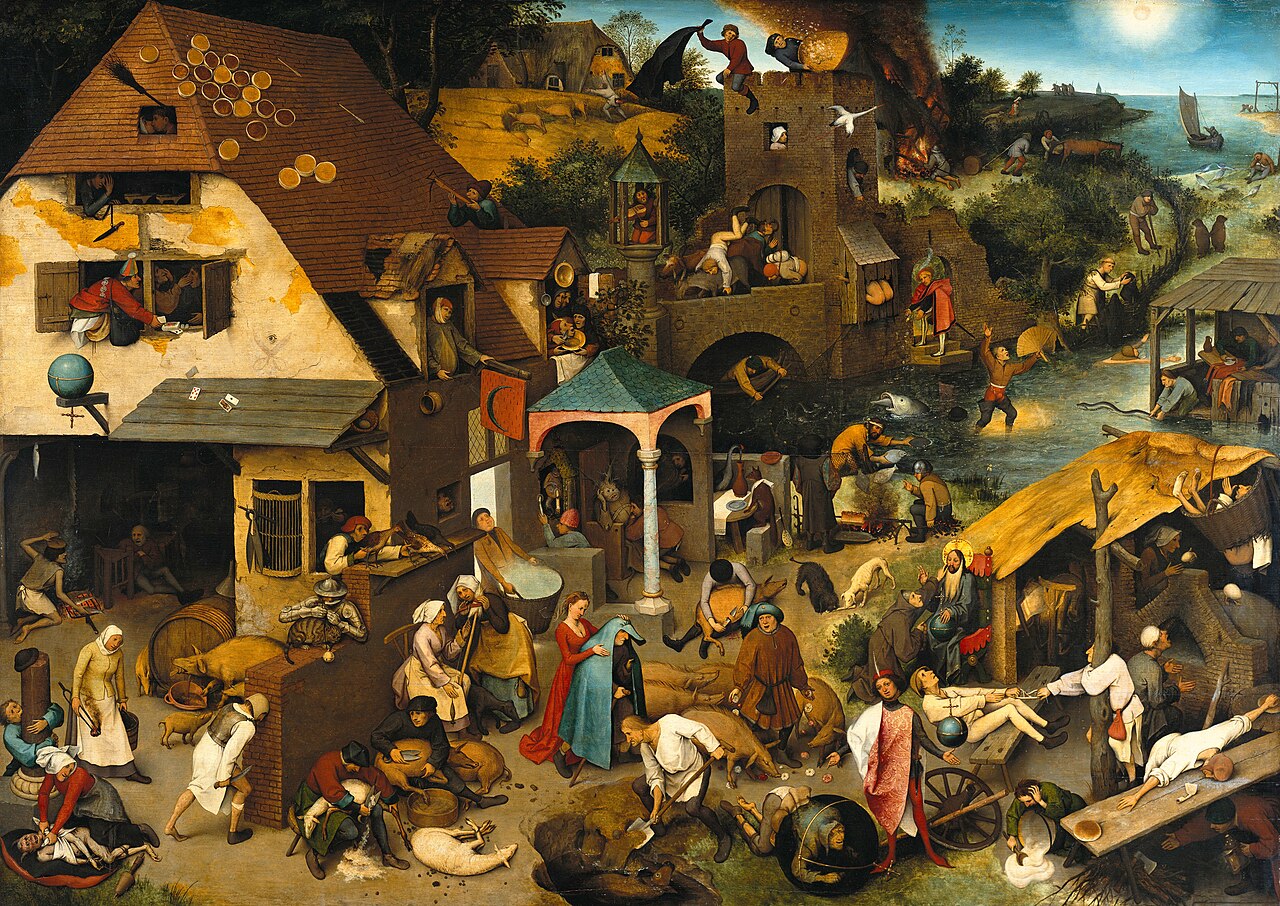
@Collaborative.lines(640,320,https://upload.wikimedia.org/wikipedia/commons/thumb/7/7e/Pieter_Brueghel_the_Elder_-_The_Dutch_Proverbs_-_Google_Art_Project.jpg/1280px-Pieter_Brueghel_the_Elder_-_The_Dutch_Proverbs_-_Google_Art_Project.jpg)
Multipliziere die Brüche und kürze soweit es geht!
 4   3    " [[ 12 ]] "" [[  3 ]] "         2   3    " [[  6 ]] "" [[  1 ]] "
-- * -  =  -----   =   -----               - * -  =  -----   =   -----
11   4    " [[ 44 ]] "" [[ 11 ]] "         6   6    " [[ 36 ]] "" [[  6 ]] "


 4   3    " [[ 12 ]] "" [[  3 ]] "         2   3    " [[  6 ]] "" [[  1 ]] "
-- * -  =  -----   =   -----               - * -  =  -----   =   -----
11   4    " [[ 44 ]] "" [[ 11 ]] "         6   6    " [[ 36 ]] "" [[  6 ]] "