Progressbar95 but in a terminal. What else did you expect? Made by BurningInfern0.
Now with save files!
Current Stable Version: 0.2.2a
Current Development Version: 0.2.2b-dev2
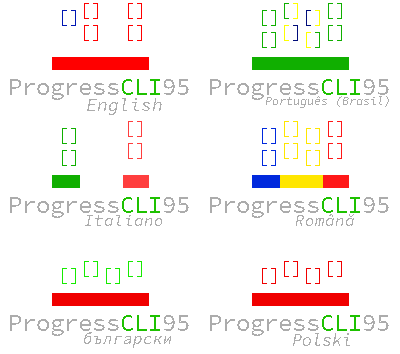
- American English (en_US) - BurningInfern0
- Brazilian Portuguese (pt_BR) - Luihum
- Romanian (ro_RO) - setapdede, AlexandruUnu
- Indonesian (id_ID) - NekoSam395
- Bulgarian (bg_BG) - markverb1
- French (fr_FR) - 5jiji, Valv0 Rainbowdash
- Turkish (tr_TR) - UstaYussuf
- Spanish (es_VE) - elThomas54
- Italian (it_IT) - Christian230102, xSalvo2001
- Polish (pl_PL) - gamingwithpivin
Built on Python 3.
Dependencies: rich
- Download the zip file and extract.
- Open your terminal/command prompt inside the extracted contents.
- Install the dependencies by running
pip install -r requirements.txt - Simply do
python boot.py
Before you create an issue, please make sure you check the following:
- Please check that the dependencies are installed.
- Did you get an error about pip not being found when you ran
pip install -r requirements.txt?- That means that pip is not installed in your PATH variable. Simply run
python -m pip install -r requirements.txt(orpy3 -m pip install -r requirements.txton Windows) to go around this issue. - If Python complains that there are no module named pip, install the package
python-piporpython3-pipwith your package manager and installrichafter.
- That means that pip is not installed in your PATH variable. Simply run
- Did you get an error about Python not being found when you launched
boot.py?- Windows: Python is either not installed, or you did not check the box in the installer to put Python into PATH.
- Linux: Make sure Python is installed and can be found within a folder in your $PATH variable.
- Did you run the game in Python 2 or Python 3?
- If you ran the game in Python 2, please run the game in Python 3.
- Did you run the game inside of the extracted contents?