The module allows to create page elements like sections, settings, components.
There are 4 types of components:
- vertical tabulation
- horizontal tabulation
- accordion
- switcher
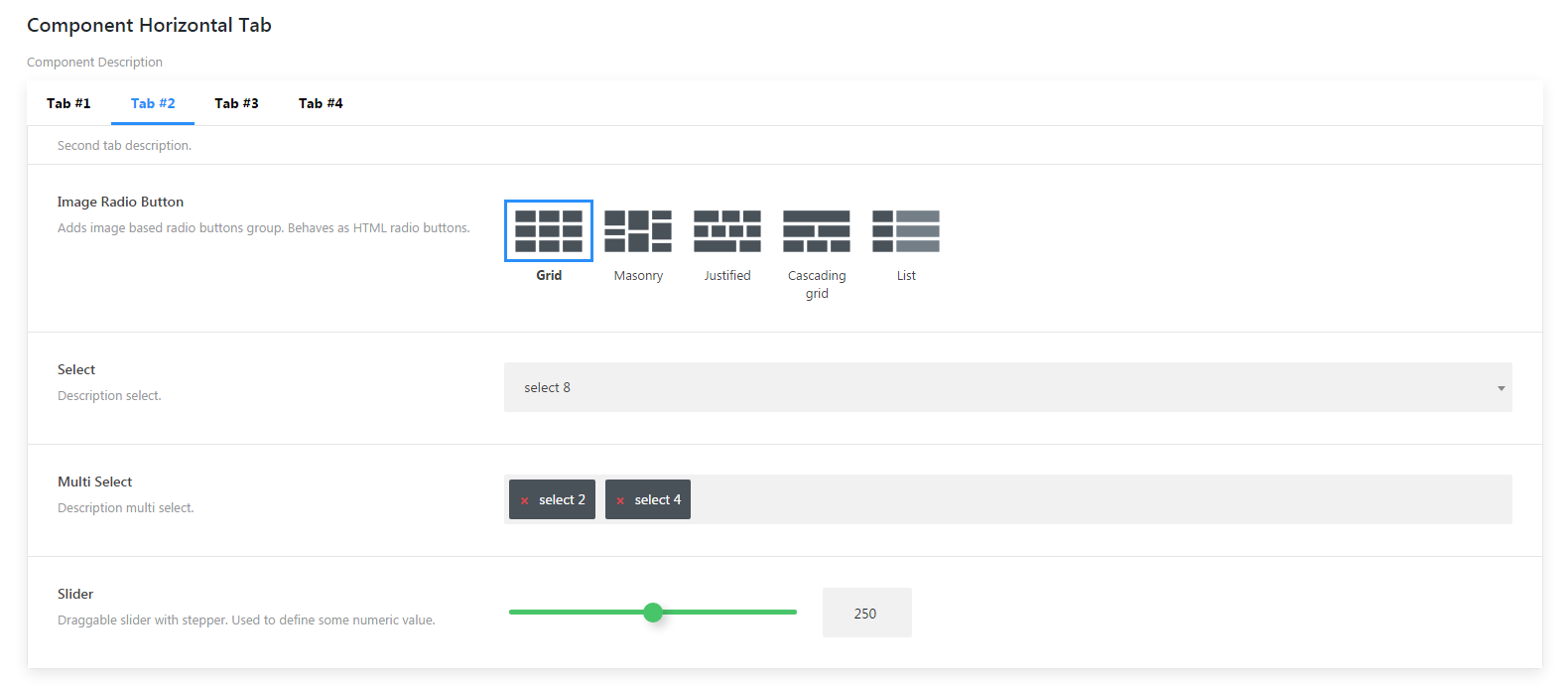
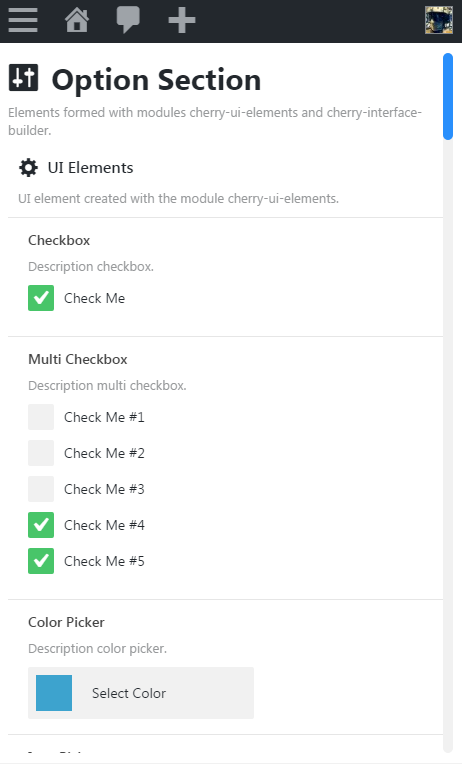
To initiate the module you need to call init_module( $name, $args ) core method.
The method can take the following parameters:
$name- string - module name$args- array - module argumentsviews- array - the array contains relative path to the templates of all interface builder elementssection- string - path to section template. By default: inc/views/section.phpcomponent-tab-vertical- string - path to the component tab vertical template. By default: inc/views/component-tab-vertical.phpcomponent-tab-horizontal- string - path to the component tab horizontal template. By default: inc/views/component-tab-horizontal.phpcomponent-toggle- string - path to the component toggle template. By default: inc/views/component-toggle.phpcomponent-accordion- string - path to the component accordion template. By default: inc/views/component-accordion.phpcomponent-repeater- string - path to the component repeater template. By default: inc/views/component-repeater.phpsettings- string - path to the settings template. By default: inc/views/settings.phpcontrol- string - path to the sections template. By default: inc/views/control.phpsettings-children-title- string - path to the sections template. By default: inc/views/settings-children-title.phptab-children-title- string - path to the sections template. By default: inc/views/tab-children-title.phptoggle-children-title- string - path to the sections template. By default: inc/views/toggle-children-title.phphtml- string - path to the sections template. By default: inc/views/html.php
Example:
$this->core->init_module( 'cherry-interface-builder', array() );
Save module sample into the variable:
$builder = $this->core->modules['cherry-interface-builder'];
Section element allows to create a wrapper around interface elements. For "section" element registration you need to use register_section( $args = array() ) method. Method register_section takes the following parameters:
$args- array - array with registrable sections- Section settings:
id- string - optional parameter, if$argsparameter is passed as a set of elements with keys. If$argsis passed as in one dimensional array, this parameter is a must. By default: ""parent- string - parent element ID. By default: ""scroll- boolean - limits element height to 750px and adds scrollbar. By default: falsetitle- string - element title. By default: ""description- string - element description. By default: ""class- string - element class. By default: ""view- string - path to new element template. By default: ""master- string - additional class for master / slave system. By default: ""
Example:
$builder->register_section(
	array(
		'option_section' => array(
		'type'			 => 'section',
		'scroll'		 => true,
		'title'			 => esc_html__( 'Title', 'text-domain' ),
		'description'	 => esc_html__( 'Description', 'text-domain' ),
	) )
);
Creates wrap around interface element with the help of form tag.
For "form" element registration you need to use register_form( $args = array() )-method
Parameters:
$args- array - array with registrable sections- Sections settings:
id- string - optional parameter, if parameter$argsis passed as a set of elements with keys. If$argsis passed as in one dimensional array, this parameter is a must. By default: ""type- string - element type (optional parameter for register_form method). By default: sectionparent- string - parent element ID. By default: ""view- string - path to new element template. By default: ""class- string - element class. By default: ""accept-charset- string - sets encoding where server can take an process data. By default: "utf-8"action- string - address of the program or document which processes form data. By default: ""autocomplete- string - enables form fields autosuggestion. By default: "on"enctype- string - form data encoding method. By default: "application/x-www-form-urlencoded"method- string - HTTP-protocol method. By default: "post"novalidate- boolean - cancels internal form data input correctness check. By default: ""target- string - window or frame name, where the developer will upload the returned result. By default: ""
Example:
$builder->register_form(
	array(
		'option_form' => array(
		'type'		  => 'form',
		'parent'	  => 'option_section',
		'action'	  => 'my_action.php',
	) )
);
Settings element allows to group interface elements.
For "settings" element registration you need to use register_settings( $args = array() )
Parameters:
$args- array - array with registrable settings- settings:
id- string - optional parameter, if parameter$argsis passed as a set of elements with keys. If$argsis passed as in one dimensional array, this parameter is a must. By default: ""type- string - element type (optional parameter forregister_settings). By default: sectionparent- string - parent element id. By default: ""scroll- boolean - limits element height to 750px and adds scrollbar. By default: falsetitle- string - element title. By default: ""description- string - element description. By default: ""class- string - element class. By default: ""view- string - path to new element template. By default: ""master- string - additional class for master / slave system. By default: ""
Example:
$builder->register_settings(
	array(
		'ui_elements' => array(
			'type'				=> 'settings',
			'parent'			=> 'option_section',
			'title'				=> esc_html__( 'Title', 'text-domain' ),
			'description'		=> esc_html__( 'Description', 'text-domain' ),
		),
		'bi_elements' => array(
			'type'				=> 'settings',
			'parent'			=> 'option_section',
			'title'				=> esc_html__( 'Title', 'text-domain' ),
			'description'		=> esc_html__( 'Description', 'text-domain' ),
		),
	)
);
Component element allows to add one of the components.
For "settings" element registration you need to use register_component( $args = array() ) method.
Parameters:
$args- array - array with registered component- settings:
id- string - optional parameter, if parameter$argsis passed as a set of elements with keys. If$argsis passed as in one dimensional array, this parameter is a must. By default: ""type- string - component type (by default -component-tab-horizontal):component-accordion- string - accordioncomponent-toggle- string - switchercomponent-tab-vertical- string - vertical tabcomponent-tab-horizontal- string - horizontal tab
parent- string - parent element id. By default: ""scroll- boolean - limits element height to 750px and adds scrollbar. By default: falsetitle- string - element title. By default: ""description- string - element description. By default: ""class- string - element class. By default: ""view- string - path to new element template. By default: ""view_wrapping- boolean - add view wrapping. By default: truemaster- string - additional class for master / slave system. By default: ""
Example:
$builder->register_component(
	array(
		'accordion' => array(
			'type'        => 'component-accordion',
			'parent'      => 'bi_elements',
			'title'       => esc_html__( 'Title', 'text-domain' ),
			'description' => esc_html__( 'Description', 'text-domain' ),
		),
		'toggle' => array(
			'type'        => 'component-toggle',
			'parent'      => 'bi_elements',
			'title'       => esc_html__( 'Title', 'text-domain' ),
			'description' => esc_html__( 'Description', 'text-domain' ),
		),
		'tab_vertical' => array(
			'type'        => 'component-tab-vertical',
			'parent'      => 'bi_elements',
			'title'       => esc_html__( 'Title', 'text-domain' ),
			'description' => esc_html__( 'Description', 'text-domain' ),
		),
		'tab_horizontal' => array(
			'type'        => 'component-tab-horizontal',
			'parent'      => 'bi_elements',
			'title'       => esc_html__( 'Title', 'text-domain' ),
			'description' => esc_html__( 'Description', 'text-domain' ),
		),
	)
);
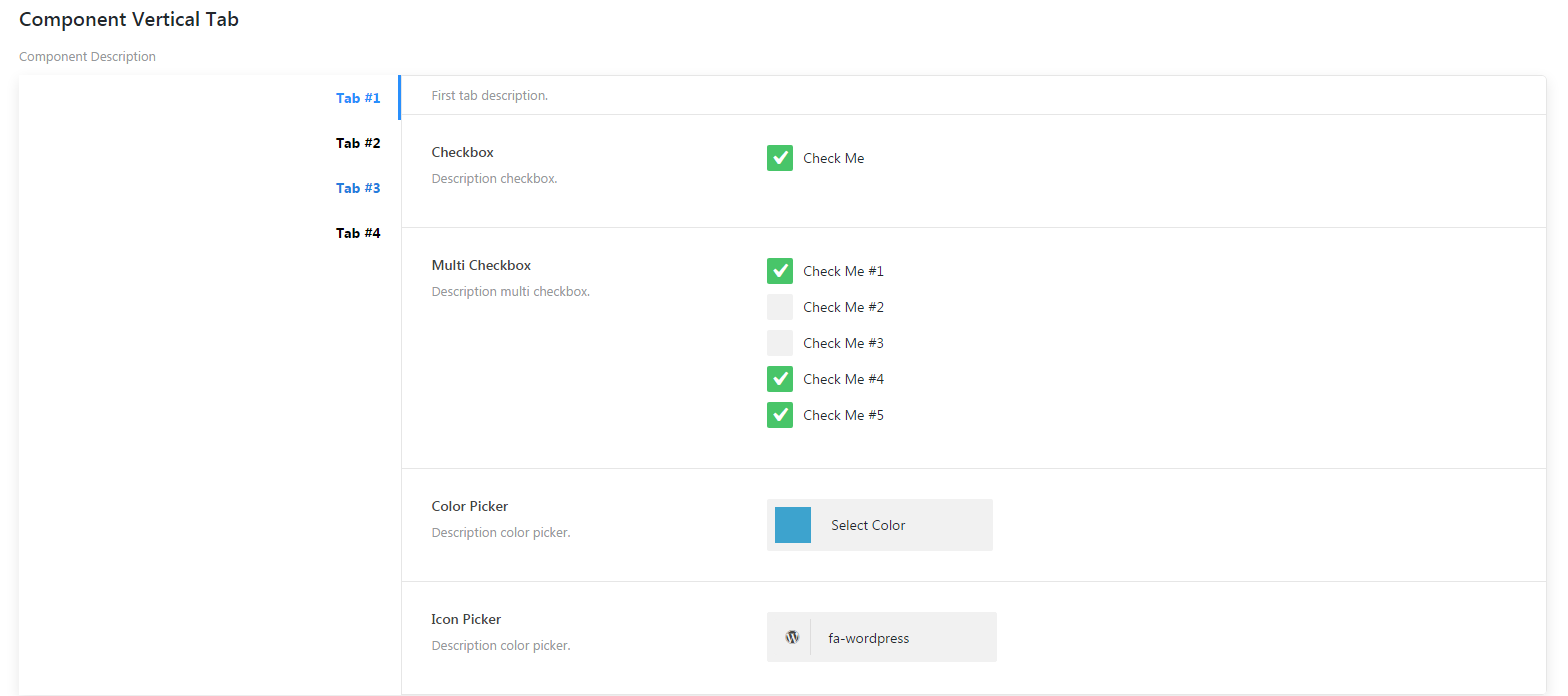
The component adds vertical tabulation. Find more details in Components elements section.
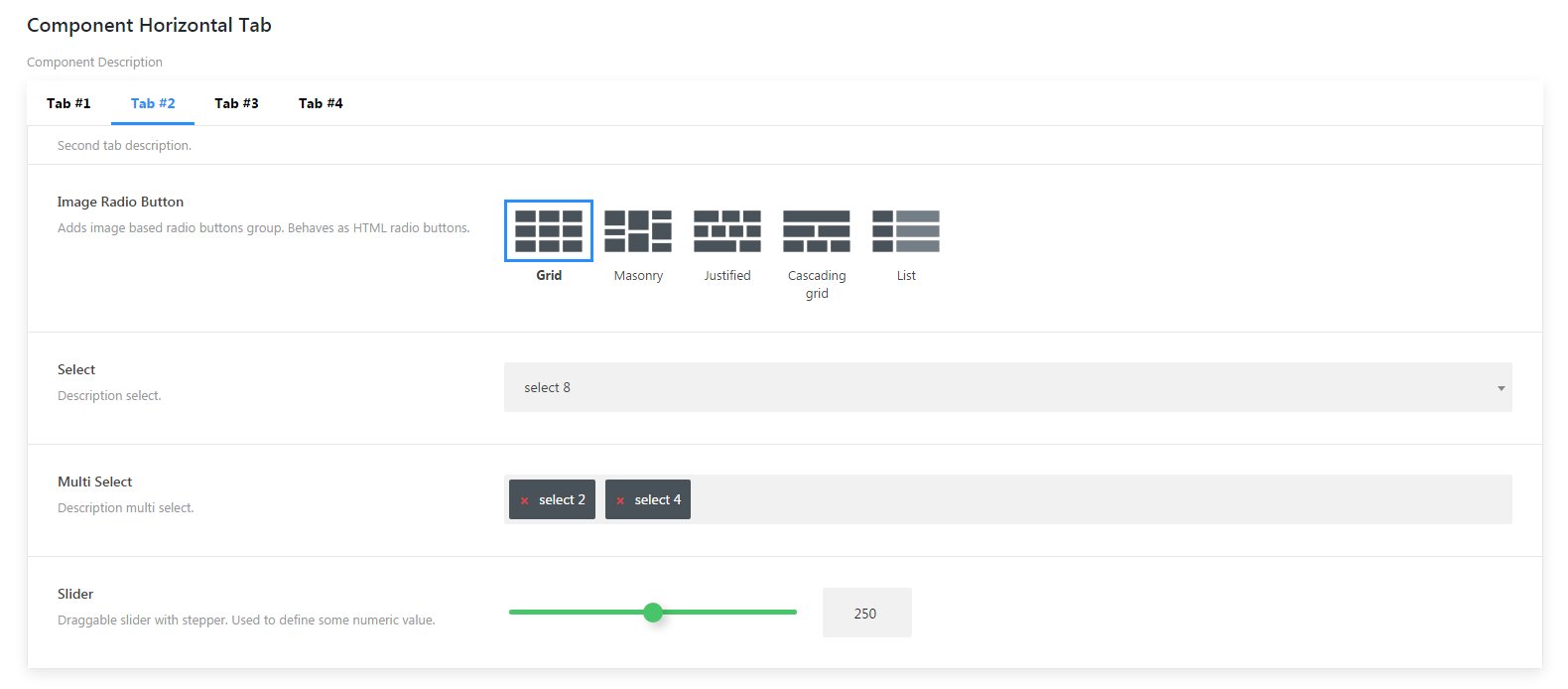
The component adds horizontal tabulation. Find more details in Components elements section.
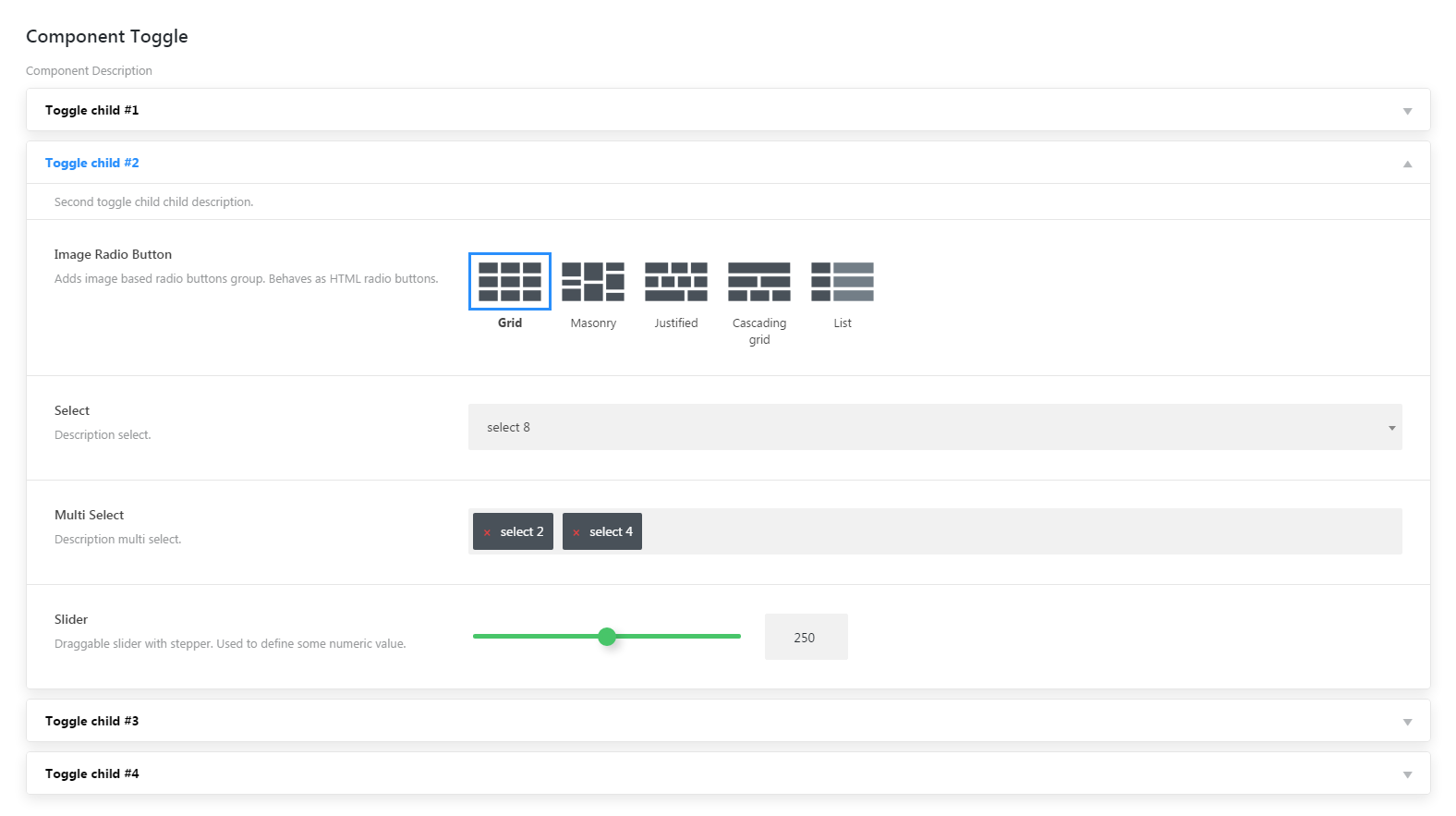
The component adds a toggle that allows to show and hide interface element. Find more details in Components elements section.
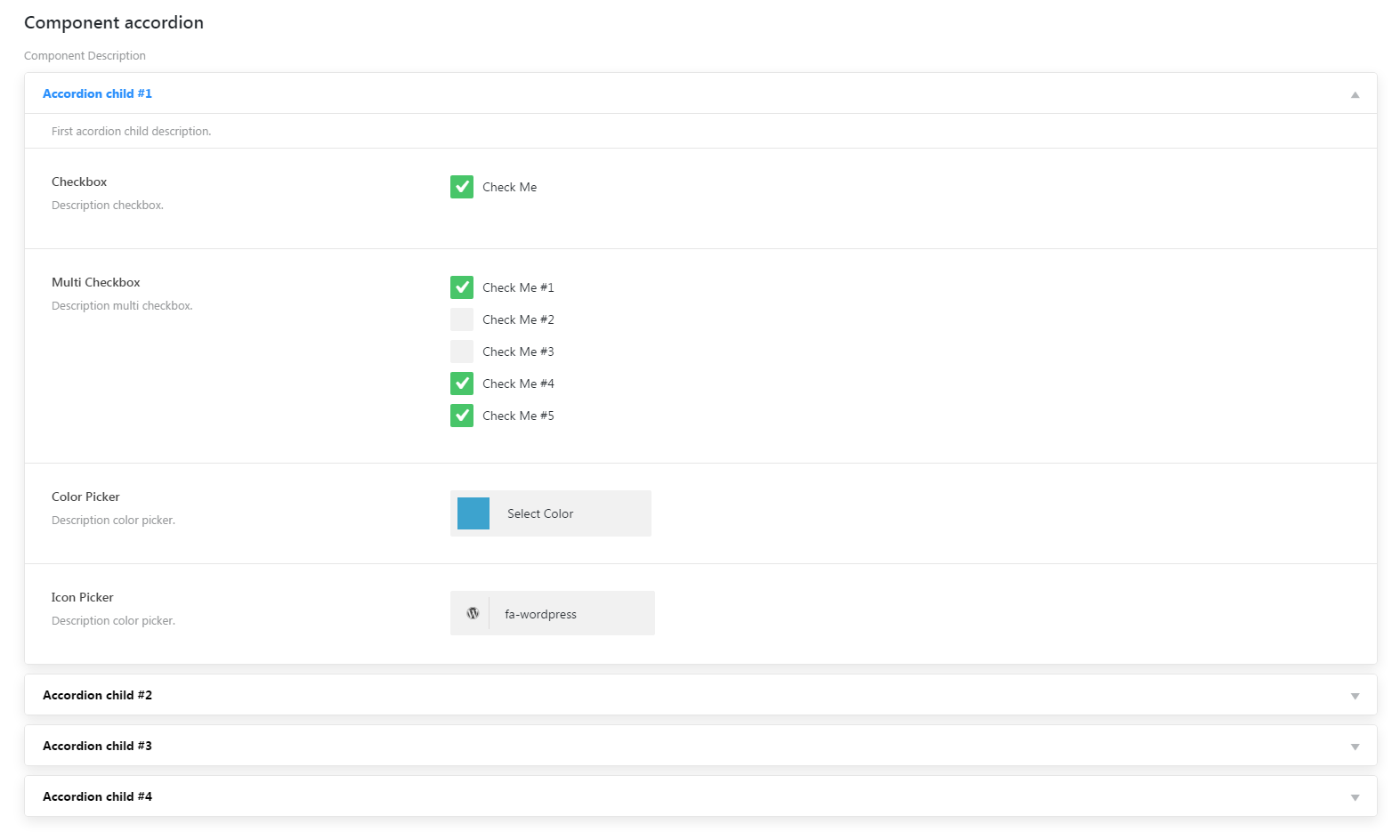
The component adds accordion with show/hide interface elements function Find more details in Components elements section.
Adds interface elements from Cherry UI-elements module, but in wrapper.
For settings element registration you need to use register_control( $args = array() ) method register_control method takes the following parameters:
- $args - array - array with interface elements
- $child_class - string - argument allows to pass CSS class for UI element
Example:
$builder->register_control(
	array(
		'checkbox' => array(
			'type'        => 'checkbox',
			'parent'      => 'ui_elements',
			'title'       => esc_html__( 'Title', 'text-domain' ),
			'description' => esc_html__( 'Description', 'text-domain' ),
			'class'       => '',
			'value'       => array(
				'checkbox' => 'true',
			),
			'options' => array(
				'checkbox' => esc_html__( 'Check Me', 'text-domain' ),
			),
		),
		'checkbox_multi' => array(
			'type'        => 'checkbox',
			'parent'      => 'ui_elements',
			'title'       => esc_html__( 'Title', 'text-domain' ),
			'description' => esc_html__( 'Description', 'text-domain' ),
			'class'       => '',
			'value'       => array(
				'checkbox-0' => 'false',
				'checkbox-1' => 'false',
				'checkbox-2' => 'false',
				'checkbox-3' => 'true',
				'checkbox-4' => 'true',
			),
			'options' => array(
				'checkbox-0' => array(
					'label' => esc_html__( 'Check Me #1', 'text-domain' ),
				),
				'checkbox-1' => esc_html__( 'Check Me #2', 'text-domain' ),
				'checkbox-2' => esc_html__( 'Check Me #3', 'text-domain' ),
				'checkbox-3' => esc_html__( 'Check Me #4', 'text-domain' ),
				'checkbox-4' => esc_html__( 'Check Me #5', 'text-domain' ),
			),
		),
....
register_html method allows to register custom HTML-markup.
The method takes the following parameters:
$args- array - array with registrable custom HTML-markup- Custom HTML-markup settings:
id- string - optional parameter, if parameter$argsis passed as a set of elements with keys. If$argsis passed as in one dimensional array, this parameter is a must. By default: ""type- string - element type (optional parameter forregister_html-method). By default: htmlparent- string - parent element id. By default: ""class- string - element class. By default: ""master- string - additional class for master / slave system. By default: ""html- string - HTML content displayed on the page. By default: ""
Render method allows to display interface elements on the page in two ways.
1-st way - use functions for elements registration like register_section, register_component etc. After that you should call the render method without parameters.
Render example:
$this->builder->render();
2-nd way - allows to pass the entire elements structure with the help of an array right to the render method.
Render example:
$builder->render( true, array(
	'ui_elements' => array(
		'type'        => 'settings',
		'parent'      => 'option_section',
		'title'       => esc_html__( 'Title', 'text-domain' ),
		'description' => esc_html__( 'Description', 'text-domain' ),
	),
	'bi_elements' => array(
		'type'        => 'settings',
		'parent'      => 'option_section',
		'title'       => esc_html__( 'Title', 'text-domain' ),
		'description' => esc_html__( 'Description', 'text-domain' ),
	),
....
render-method takes the following parameters:
$echo- boolean - data display type via echo function or via return value. By default: true$args- array - array with interface elements structure. By default: array()